88
36
AudiR Infra-Red
Controller
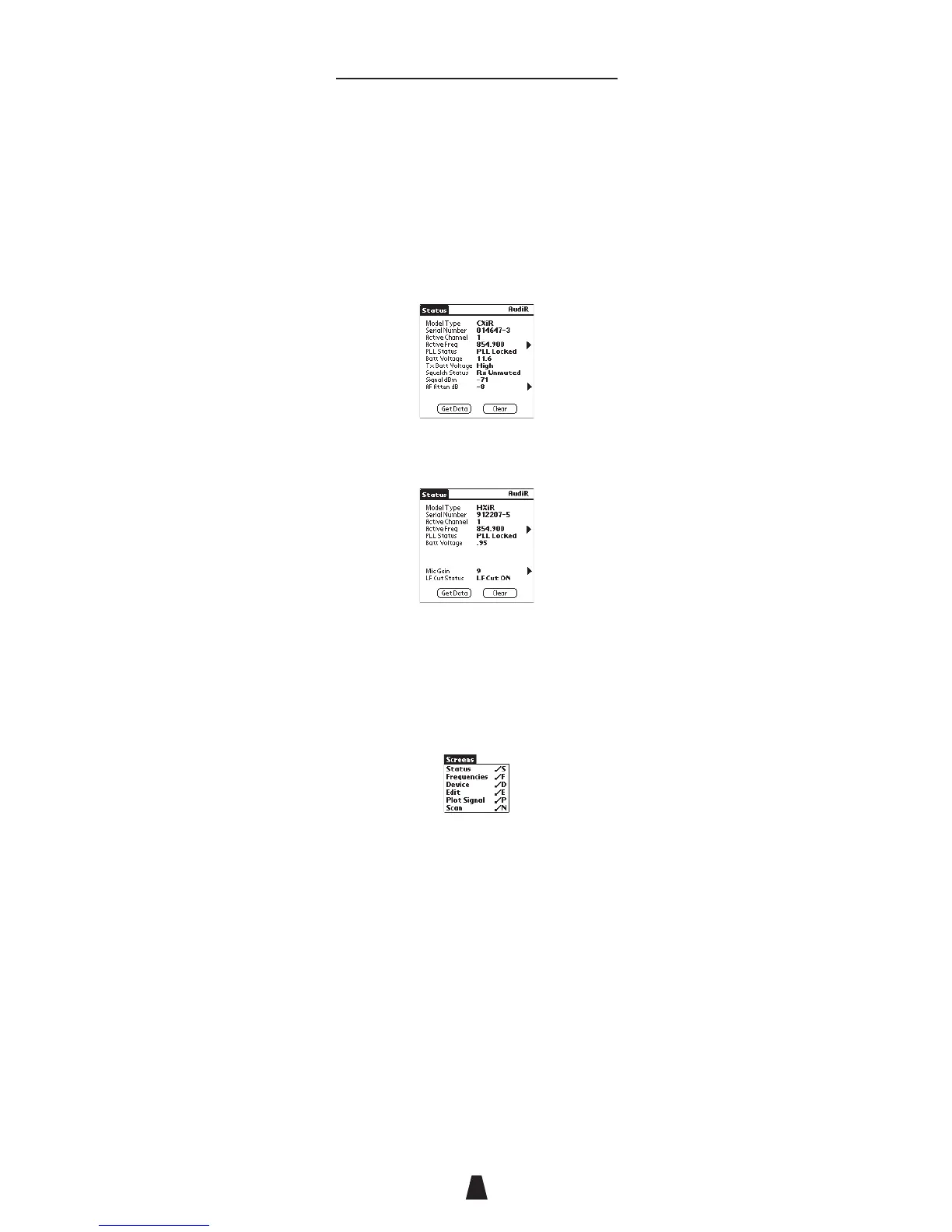
The Status screen will then show the status information.
For a receiver or transmitter this gives a model type,
serial number, active channel, active frequency, PLL
status, and battery voltage.
In addition, for a receiver it shows the transmitter
battery voltage, squelch status, signal strength, and
attenuation:
For a transmitter it also shows the microphone gain and
LF cut status:
• Tap the > to the right of the Active Freq, AF Atten, or
Mic Gain lines as a shortcut for displaying the
Frequencies or Edit screen.
To display a Aud
iR
screen
• Tap the screen on the Aud
iR
menu:
On each screen:
• Tap the Clear button to clear the data read from the
transmitter or receiver.
• Tap the Get Data button to read the settings from the
transmitter or receiver.



 To Next Page