88
35
CHAPTER
7
AudiR Infra-Red
Controller
This chapter describes Aud
iR
, an application for the
Envoy Range, designed for use with any PalmOS
compatible organiser such as the Palm Vx. In
addition to all the functions provided by the
Switch
iR
infra-red controller, Aud
iR
also provides
many advanced features, such as a frequency scan.
○○○ ○○○○○○○○○○○○○○○○○○○○○
Installing AudiR
Aud
iR
is available for free download from the Audio
Limited Web site at http://www.audioltd.com/.
After downloading and if necessary unzipping the file
audir.prc, install the file by moving it to your Files to
Install folder, and then HotSyncing your Palm organiser
in the usual way.
○○○ ○○○○○○○○○○○○○○○○○○○○○
Running AudiR
• Tap the Aud
iR
icon in the Applications Launcher:
The Aud
iR
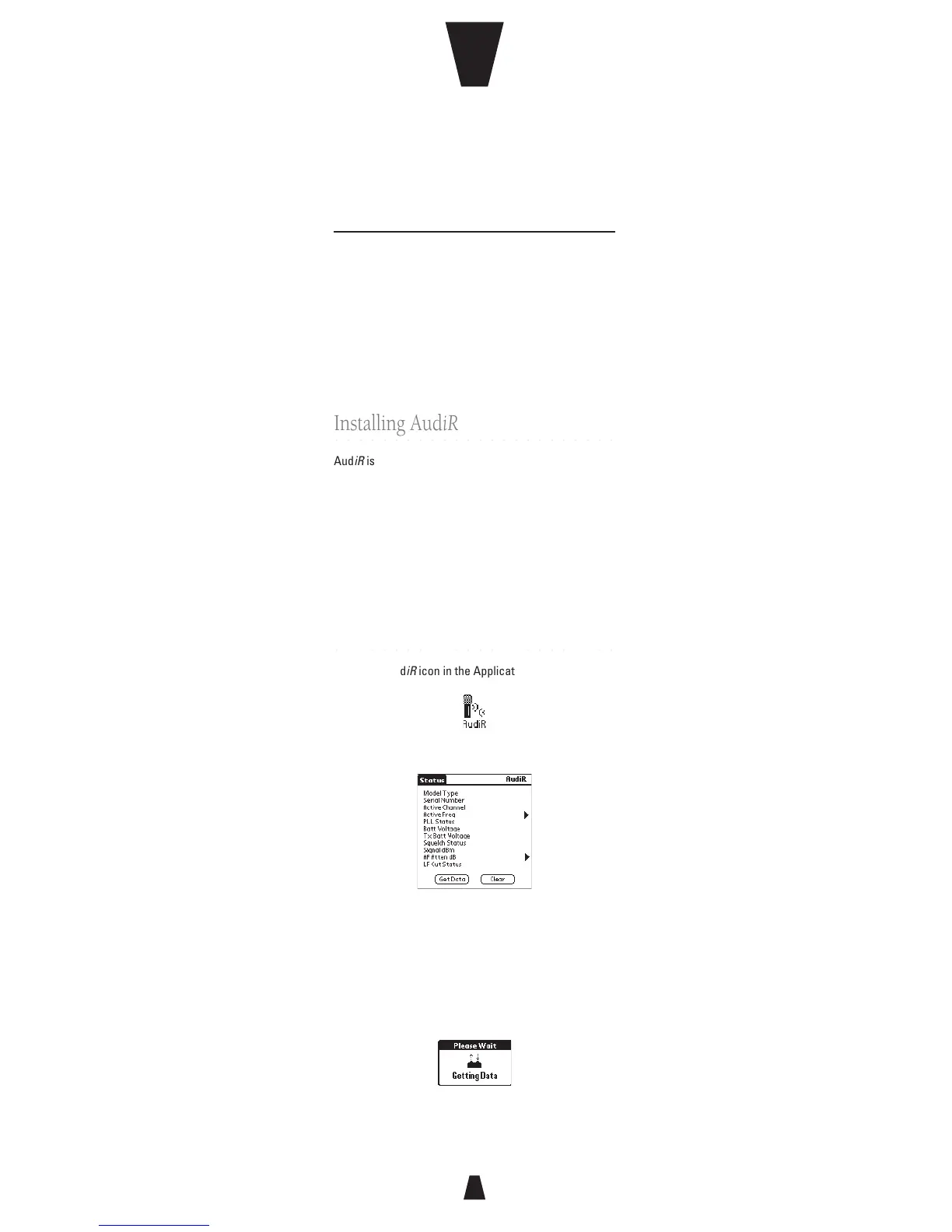
Status screen will be displayed:
• Align the infra-red port on the Palm organiser with
the infra-red port on the iR range transmitter or
receiver, and tap the Get Data button.
While the data is being received the following dialog
box is displayed:



 To Next Page