95
13 Shop Manager
The Shop Manager application helps you manage the workshop information,
customer information records, and keep test vehicle history records, which
can help in dealing with daily workshop business and improves customer
service. There are three main functions available:
Vehicle History
Workshop Information
Customer Manager
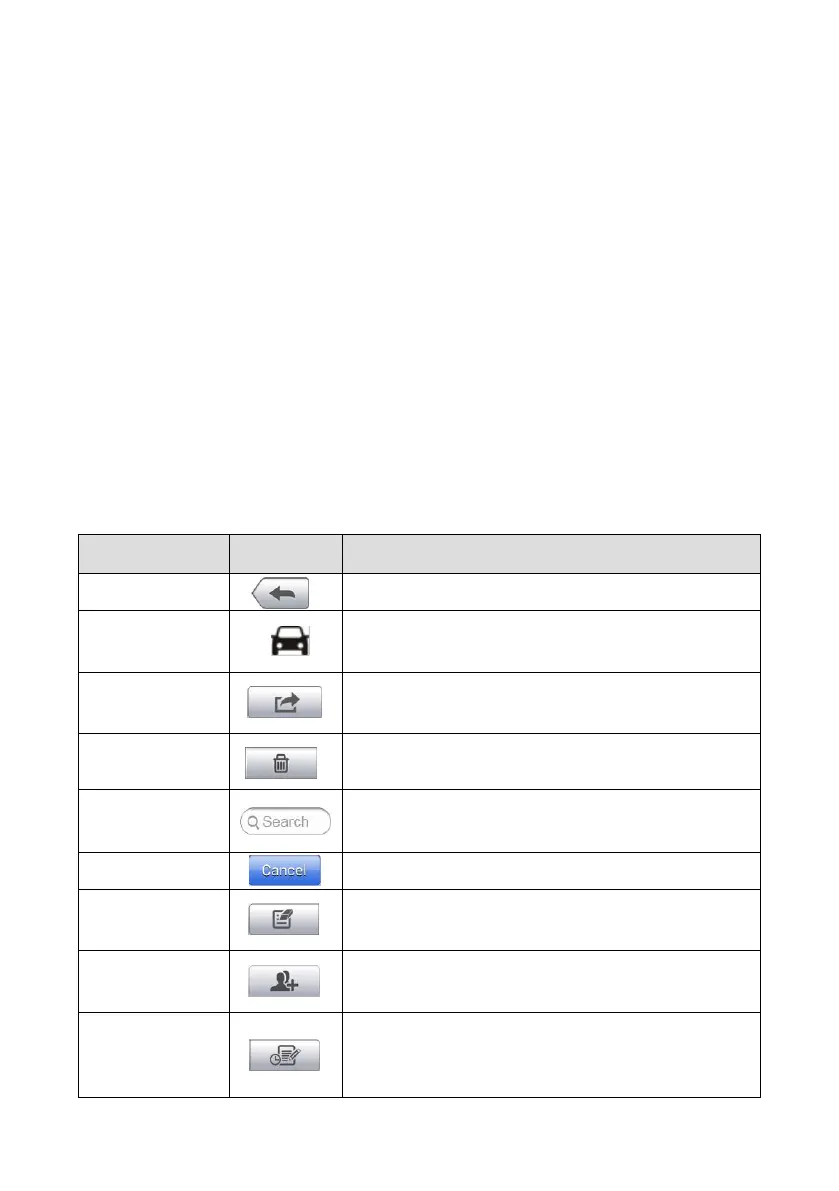
The operations of these functions of the Shop Manager application are mainly
manipulated by the toolbar buttons, which are listed and described in the table
below:
Table 13-1 Top Toolbar Buttons in Shop Manager
Return to the previous screen.
Tap to display the Diagnostics screen to
activate a direct test session.
Tap to display the editing toolbar to print
or delete the selected file.
Tap to delete the selected vehicle record
item from the list.
Quickly locates the vehicle record by
entering the vehicle name or test path.
Tap to cancel edit or file search.
Tap to edit information for the displayed
file.
Tap to create a new customer account file.
Tap to open a note form, which allows you
to create audio record, attach picture or
video, or edit text notes.














 To Next Page