86
Update Info
The Update Info section displays a detailed list of the product’s software
update history, including the product serial number, software version or name,
and the update time.
Service Info
The Service Info section displays a detailed list of the device’s service history
information. Every time the device has been sent back to Autel for repair, the
device’s serial number and the detailed repair information, such as the fault
type, changed components, or system reinstallation will be recorded and
updated to the associated online product account that will be synchronized to
the Service Info section.
User Complaint
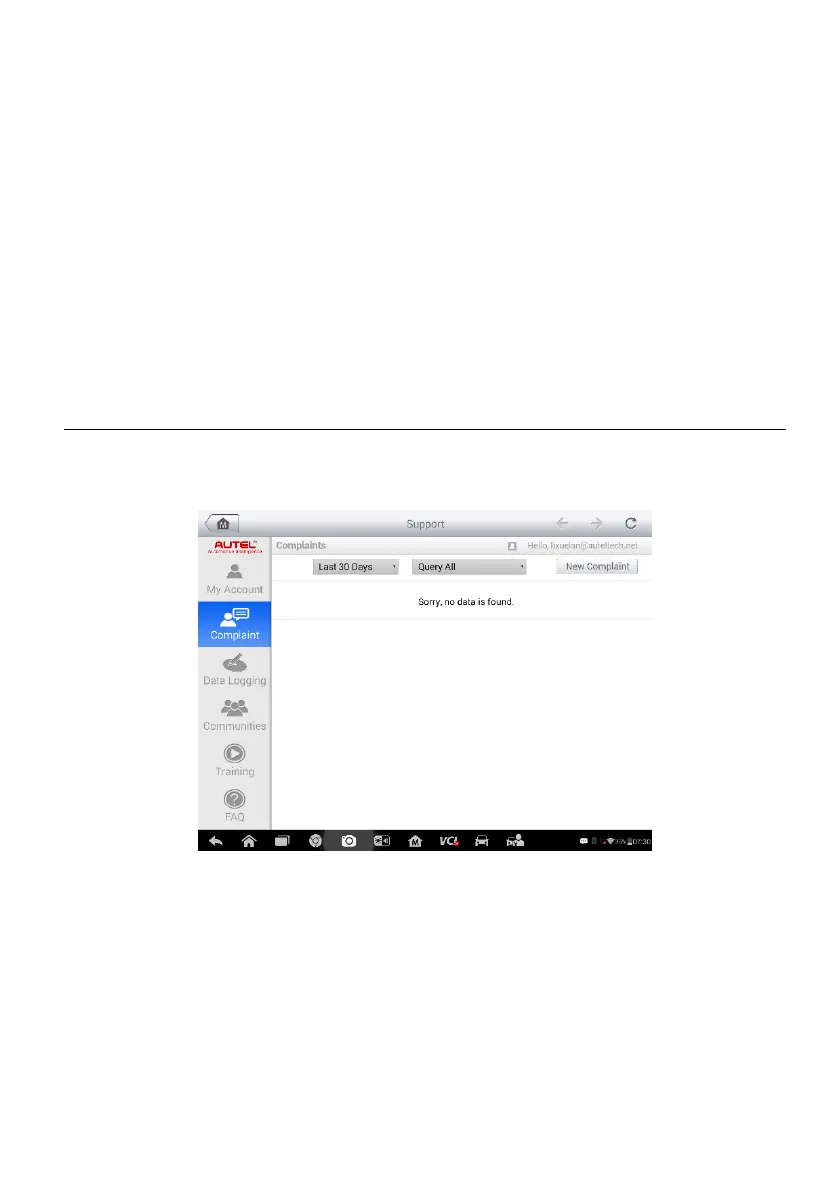
The User Complaint screen allows you to file a new complaint, as well as to
view historical complaint records.
Figure 10-2 Sample Complaint Screen
The User Complaint screen consists of two parts.
1. Option Bar
Period Filter – displays the complaint records within the defined period on
the list only
Status Filter – displays the corresponding complaint records according to
the selected case status
New Complaint Button – files a new complaint














 To Next Page