90
4. Browse through all the posts by sliding the screen up and down. Tap Go
to original post when reaching the end of the discussion to return to the
first post.
5. Tap Reply to reply to a specific post, or tap Reply to original post to join
and continue the discussion.
6. Enter your comment in the input field, and tap OK to submit your post.
User Profile
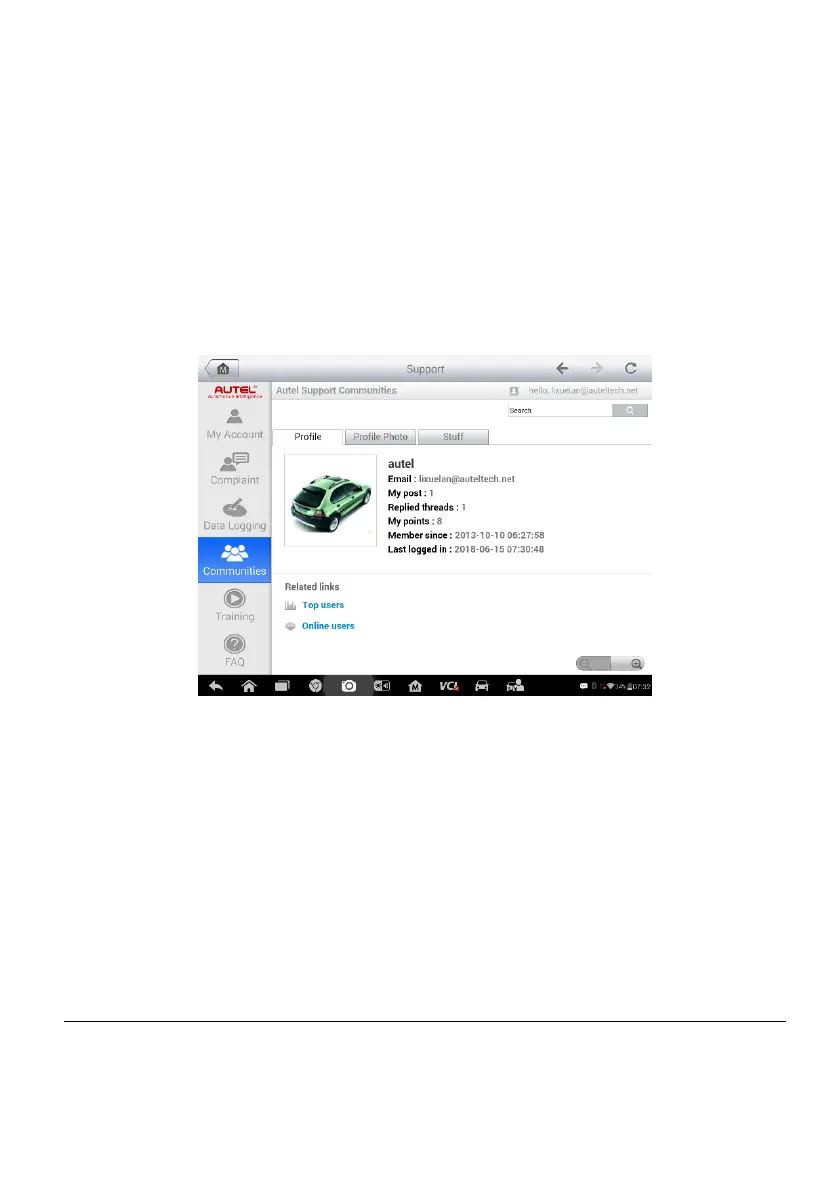
The User Profile section allows you to set a profile photo, check your member
status and other information, as well as to review your posts in the
communities.
Figure 10-5 Sample User Profile Screen
Tap the profile photo on the Communities screen to open the User Profile.
Profile – displays the user’s personal information and member status. The
Related links allow you to check the Top Users (ranked according to their
points and levels) in the communities, and to connect with other users.
Profile Photo – allows you to select an image to set as your profile photo
to be displayed in the communities.
Stuff – displays all the discussions you’ve posted on various forums.
Training Channels
The Training section provides quick links to Autel’s online video accounts.
Select a video channel by language to see all available Autel online tutorial














 To Next Page