36
requirement.
4. The last part displays the instruction of how to use the functional button at
the lower right corner of the screen to manipulate the teach-in operations.
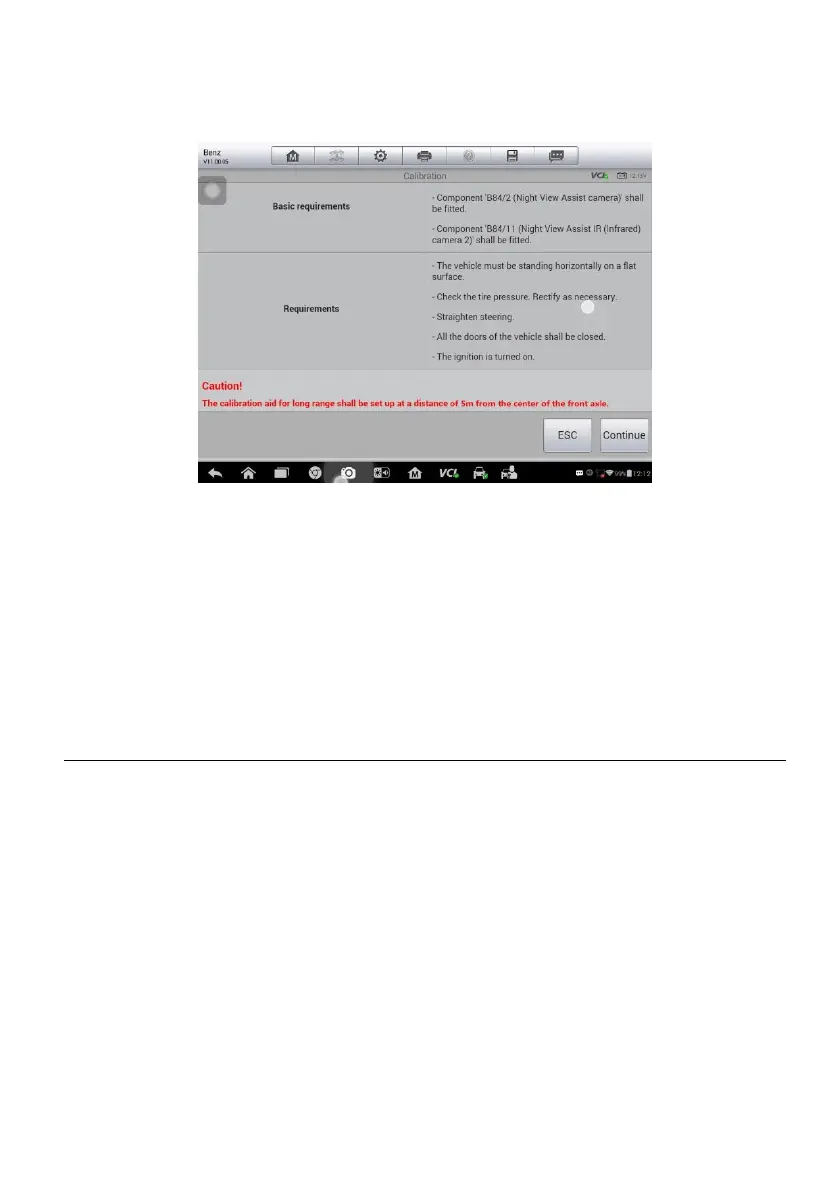
Figure 4-9 Sample Adaptation Operation Screen
Read the information carefully and check the vehicle condition accordingly,
when you are sure that the vehicle is ready to perform the adaptation, simply
follow the instruction provided to make appropriate selections. When the
operation is done, an execution status message such as Completed, Finished
or Successful, displays.
Tap the ESC button to exit the function.
ADAS
The intuitive ADAS calibration software with the new Pre-SCAN / Post-SCAN
diagnostic report directly presents the existing problems, diagnostic results
and repair suggestions. Generated from the AutoSCAN feature to check all
modules in all systems for fault codes. The MaxiSYS ADAS software
enhances the AutoScan all module feature by inserting an ADAS icon next to
the systems requiring calibration, ensuring that after repair, these essential
calibrations are performed, as well.
Besides, Frequently Update MaxiSys Software to Provide Newest Model OE
Level Coverage. The hexa-core processor and easy-to-use Android
navigation, quickly guides technicians to setup and complete calibration
procedures with step-by-step graphic illustrations.














 To Next Page