35
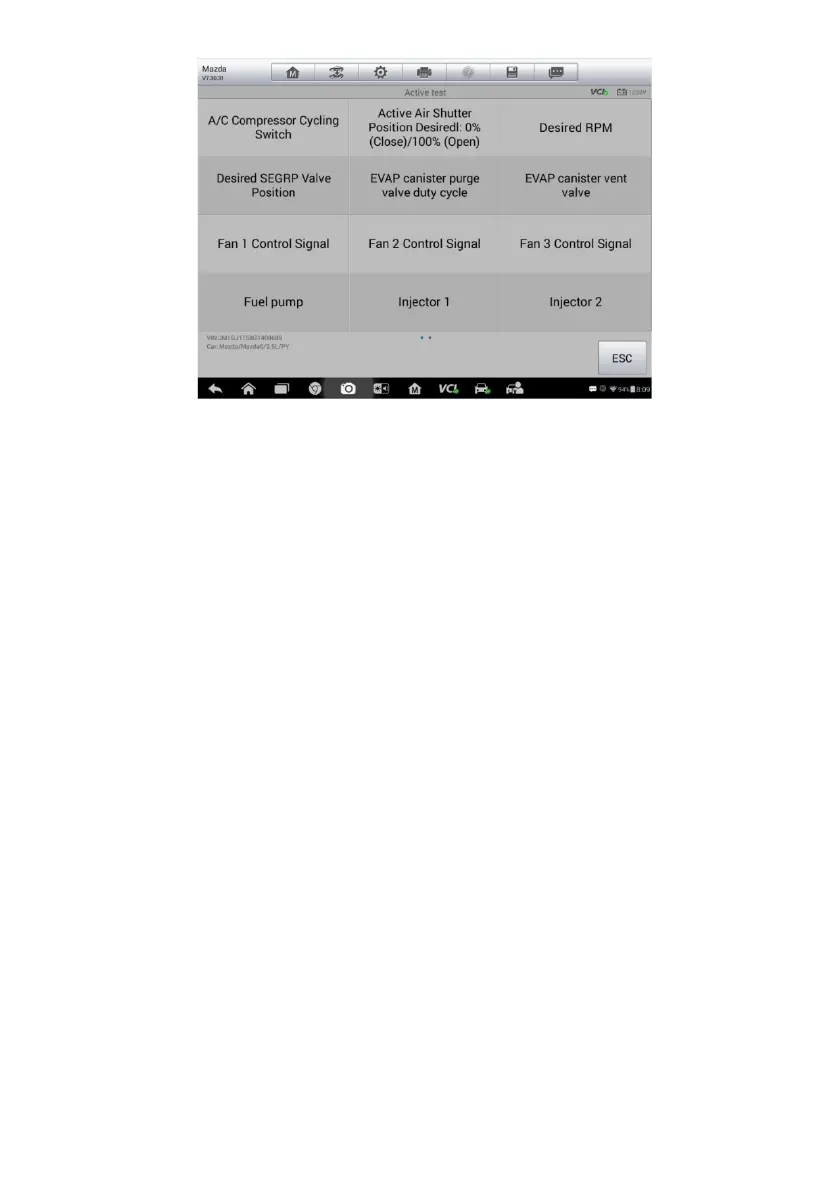
Figure 4-8 Sample Active Test Screen
The functional buttons at the lower right corner of the Active Test screen
manipulate the test signals. The operational instructions display on the main
section of the test screen. Simply follow the on-screen instructions and make
appropriate selections to complete the tests. Each time when an operation is
successfully executed, messages such as “Command Finished”, “Activation
Successful”, or something similar display.
Tap the ESC button to exit the test when finished.
Special Functions
These functions perform various component adaptations, allowing you to
recalibrate or configure certain components after making repairs or
replacement.
The main section of the Adaptation Operation screen displays a list of
operational and vehicle status information, which mainly consists of four parts:
1. The first part in the top line shows the description of the operation being
performed, and the execution status is displayed on the right, such as
Completed, or Activated.
2. The second part shows the preconditions or requirements for executing the
selected operation.
3. The third part displays the current conditions of the vehicle control module
being learned for comparison to the preconditions suggested by the
second part. If the current condition of the control module is out of the
suggested limit value, the vehicle condition should be adjusted to meet the














 To Next Page