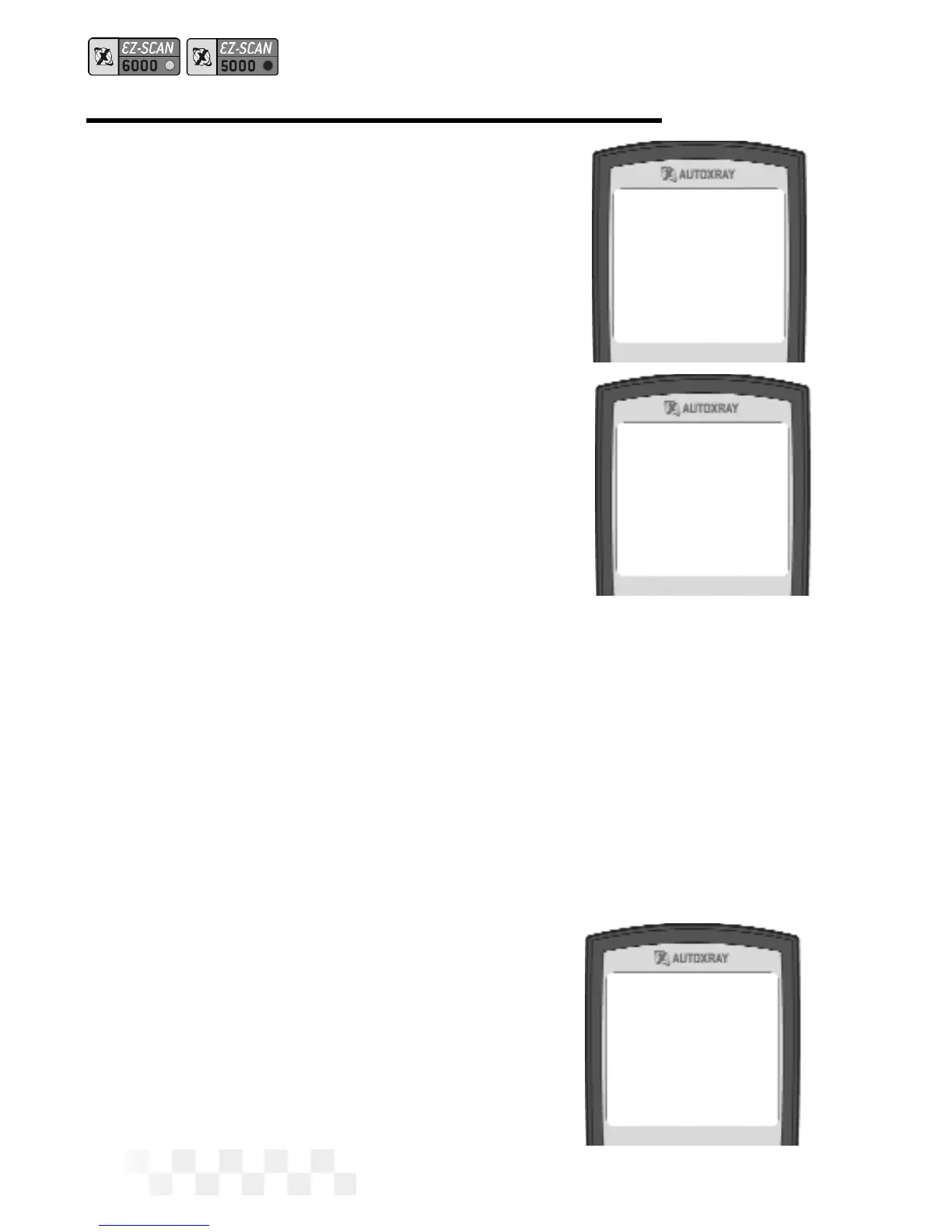
5. After the scanner has read all
the data from the vehicle, the
Scan Successful mes-
sage will be
displayed on the screen.
If the scanner could not read
all the data from the comput-
er or the vehicle sensors, an
error message will be dis-
played.
VIEW THE DATA - OBD-II, GM, CHRYSLER
Before You Start
• Your vehicle must be scanned before viewing the data. If
DATA is pressed, and the vehicle has not been scanned,
the scanner will display Press the Scan key to Scan New
Data. Refer to “Scanning the Vehicle” on page 13.
The EZ-SCAN scanner DOES NOT need to be connected to the
vehicle to view the scanned
data. The vehicle engine config-
uration and data will remain in
the scanner’s memory until a
vehicle is scanned again. This
allows you to review the data at
a later time, or to use EZ-PC to
load the data into a computer.
Page 16
! Scan !
*Successful*
Not All Scan
Data Available
AutoXray 6000
OBD-II Generic
SCAN - ALL OBD-II, GM OBD-I, CHRYSLER OBD-I (CONT.)



 To Next Page