Before You Start
• Before scanning a vehicle, the EZ-SCAN scanner must be
correctly configured for your vehicle. Refer to “Setup /
Operating Instructions” on page 8 if you need to configure
the scanner.
Key ON, Engine OFF (KOEO) Scan
The KOEO scan causes the vehicle EEC-IV computer to actuate
the sensors and test the different computer controlled functions of
the vehicle. The KOEO test will detect faults at the time of testing
(hard faults) and intermittent faults stored as Memory Codes.
1. Run the engine until it is at
normal
operating temperature.
2. Make sure ALL electrical loads
(air conditioning, radio, blower
fan, etc.) are OFF.
3. Connect the EZ-SCAN scanner
cable to the scanner and to the
vehicle EEC-IV computer con-
nector, then press
POWER to
display the EZ-SCAN scanner
opening screen.
4. Make sure the vehicle ignition
key has been OFF for at least
ten seconds after warm up.
Turn the ignition key to the
KOEO position, then press
SCAN.
• Vehicles that support
DCL will
display a Scan menu.
Make sure
1-KOEO/KOER Scan is
SCAN THE KOEO CODES - FORD
Page 33
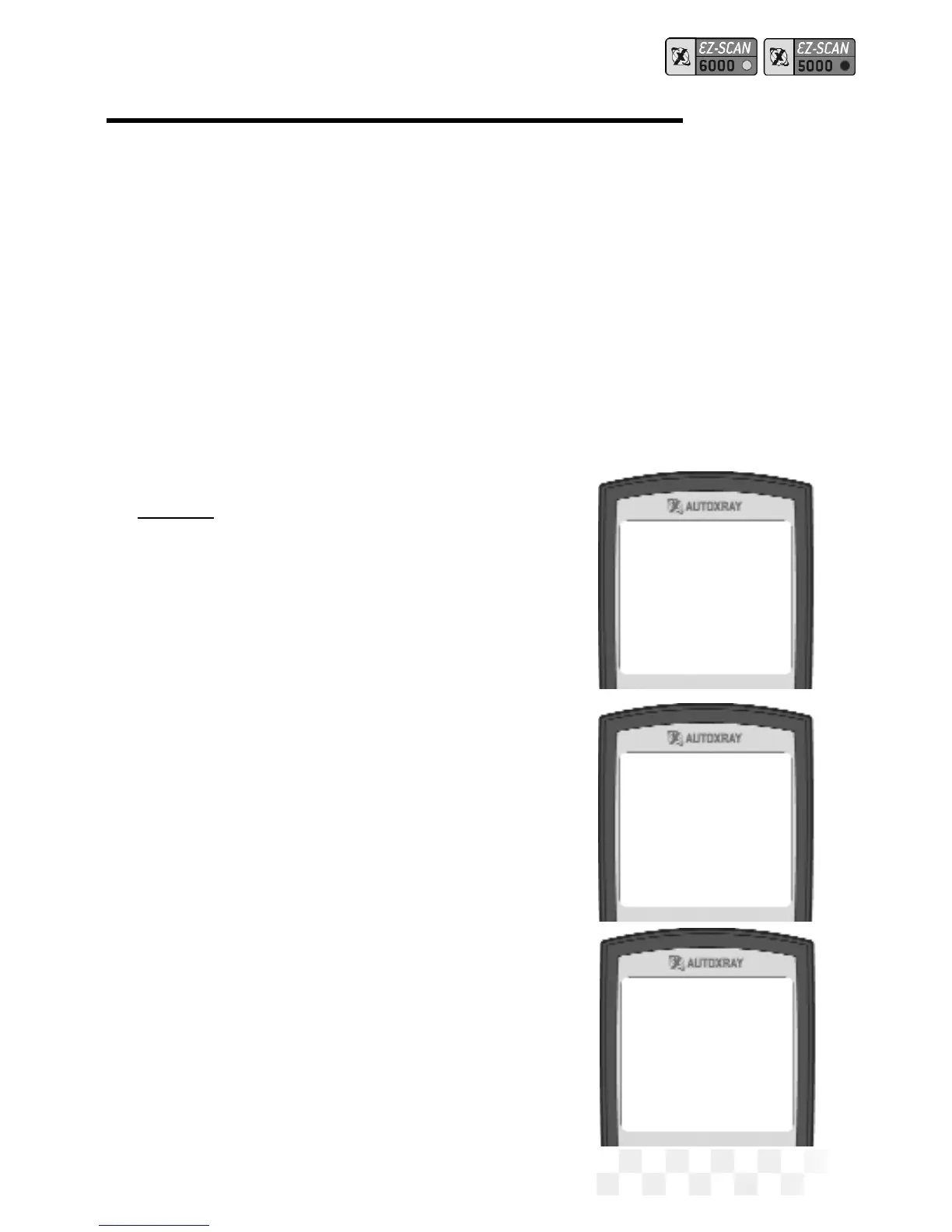
AutoXray 6000
FORD ‘90 VIN=N
1-KOEO/KOER Scan
2-DCL Data Scan
Enter to Scan
Scan to Exit



 To Next Page