highlighted, then press
ENTER.
5. When the scanner is ready to
scan the vehicle,
ENTER to
Scan
will be
displayed on the screen. Press
ENTER to start scanning the
vehicle computer/sensors.
(Pressing
SCAN again will take
the unit out of Scan mode and
display the opening screen.)
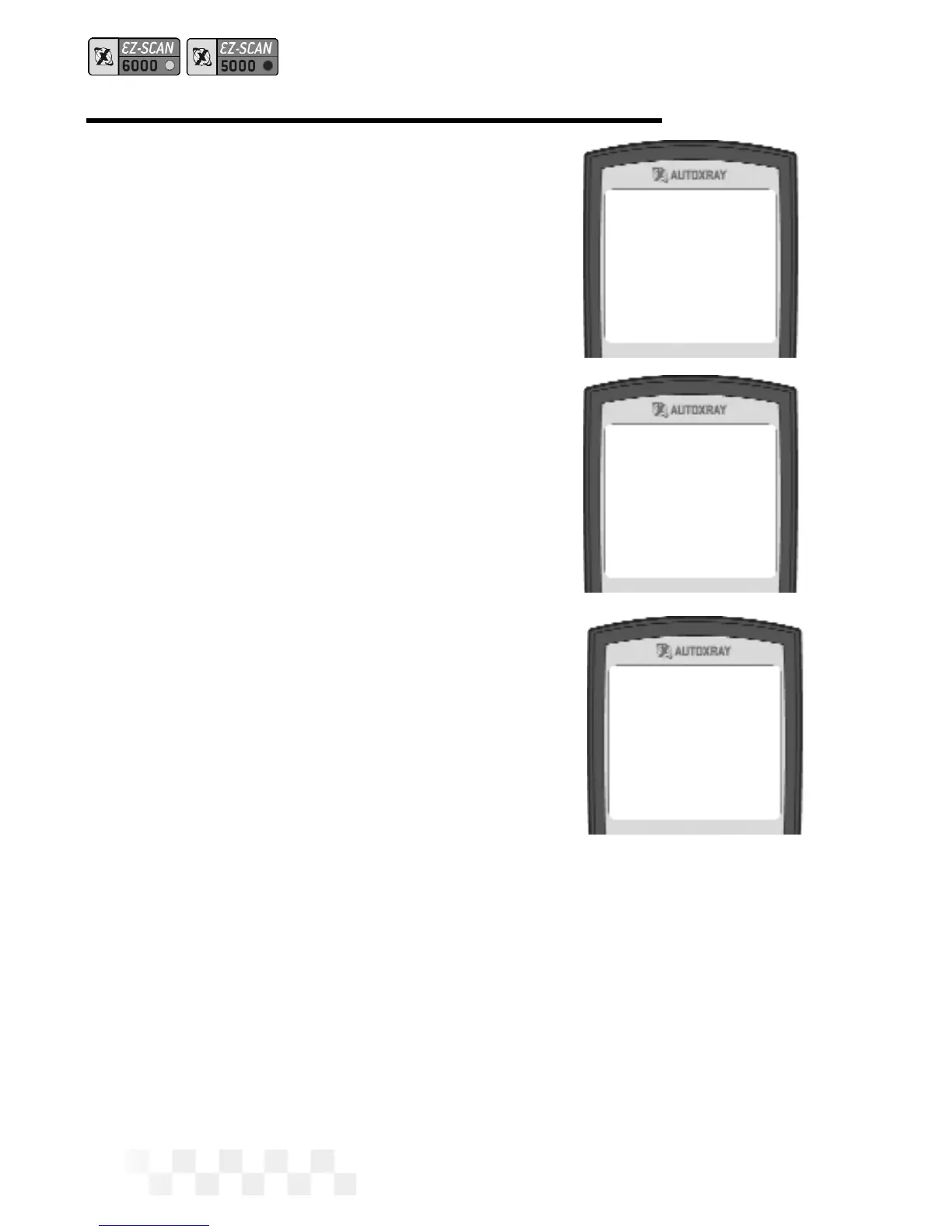
6. Scanning Data will be dis-
played while the KOEO codes
and memory codes are
retrieved from the vehicle com-
puter. A normal scan can take
up to three minutes.
• Vehicles equipped with
4.9 liter engines with a
manual transmission-
Push the clutch in during
the entire test.
• Vehicles equipped with 7.3 liter diesel engines - Press the
accelerator to the floor for the entire test.
7. After the scanner has read all the data from the vehicle, the
Scan Successful message will be displayed on the screen,
followed by the opening screen.
Page 34
*Scanning Data*
Please Wait
! Scan !
*Successful*
AutoXray 6000
FORD ‘90 VIN=N
SCAN THE KOEO CODES - FORD (CONT.)



 To Next Page