Monitor mode, the number
in the lower right corner
will stop flashing.
6. Use the tand uarrow keys to
step through the sensors (1 at a
time), and the
pand qarrow
keys to page through the sensors
(10 at a time) to view their real-
time data.
7. When you are done viewing real-
time data, press
MON. The num-
ber in the lower right corner will
stop flashing.
8. Press DATA to exit Data mode and dis-
play the opening screen.
Before You Start
• [OBD-II] Freeze Frame is only
available on certain OBD-II vehi-
cles.
• Your vehicle must be scanned
before viewing Freeze Frame
data. If
DATA is pressed, and the
vehicle has not been scanned,
the scanner will display
Press
the Scan key to Scan
New Data
. Refer to “Scanning
the Vehicle” on page 13.
REAL TIME DATA MONITORING - ALL OBD-II, GM OBD-I, CHRYSLER OBD-I
Page 19
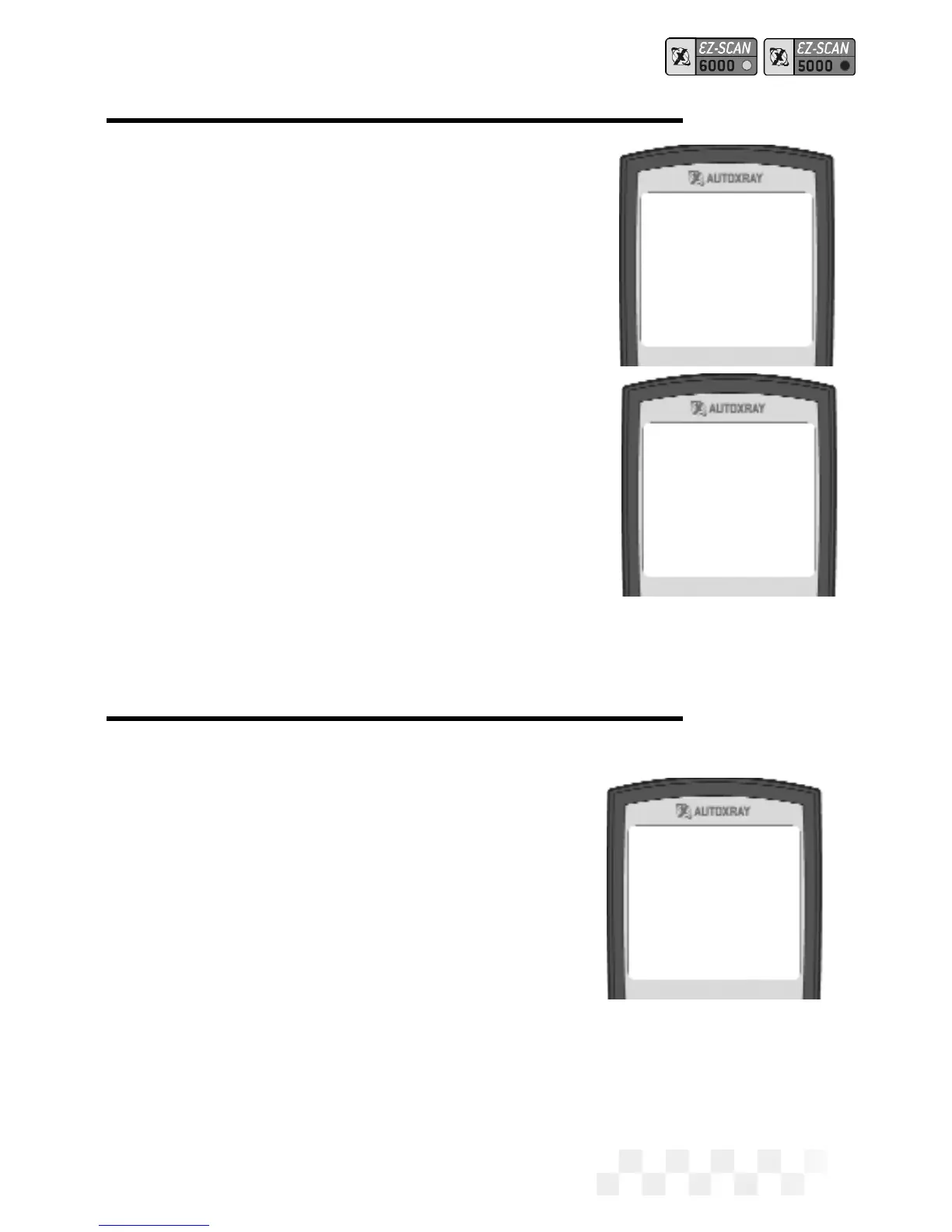
Monitor Mode
Exiting
1-Operational Data
2-Freeze Frame Data
3-Trouble Codes
4-Clear Codes
5-Customize Data
6-EZ-PC
Fuel System 1
Open Loop 01
Fuel System 2
Not Supported 02
Load Value
0.0% 03
Coolant Temp
VIEW FREEZE FRAME



 To Next Page