ENTER to clear all the codes in the vehicle’s computer. (Pressing
DATA again will abort Data mode and display the opening
screen.)
4. After the codes have been cleared, Function Successful
will be displayed. Press DATA to display the opening screen.
Before You Start
• The wiggle test, or con-
tinuous monitor test,
allows you to test sen-
sor systems for intermit-
tent faults. Activating the
wiggle test, then tap-
ping, wiggling, or mov-
ing suspect wires or
sensors may reveal an
intermittent short or
open in the circuit.
CAUTION: Do not drive the
vehicle while doing this test.
1. Make sure the EZ-SCAN
scanner cable is correctly
connected to the scanner
and to the vehicle. Turn the
vehicle ignition key OFF for
at least 10 seconds.
• For a KOEO Wiggle
Test, turn the key ON,
then press
POWER.
• For a KOER Wiggle Test, start
ACTIVATE THE WIGGLE TEST - FORD
Page 46
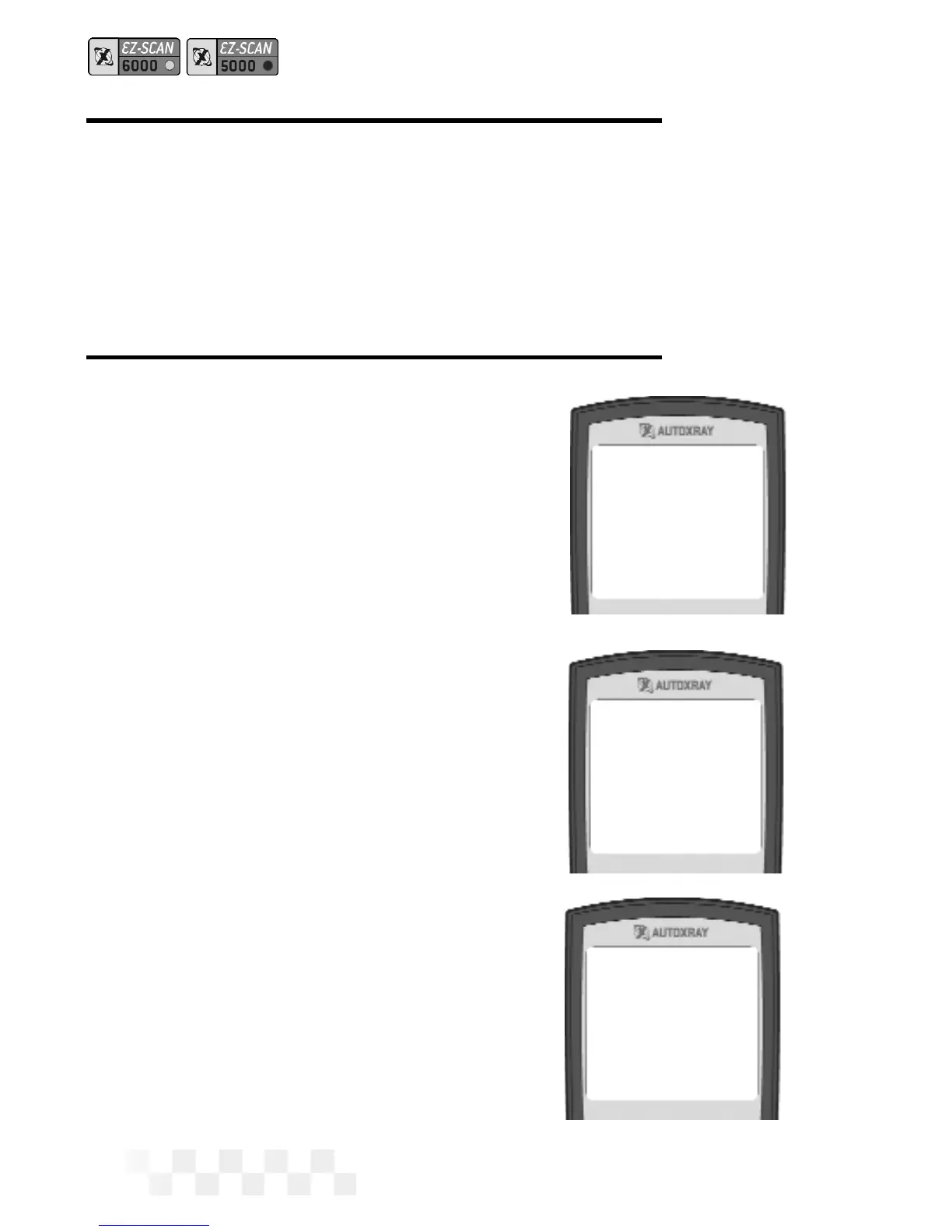
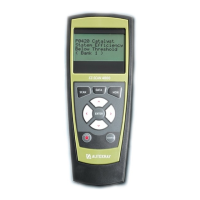
1-Wiggle Test
2-DCL Capture
ENTER to Test
MON to Exit
AutoXray 6000
FORD ‘90 VIN=N
CLEAR TROUBLE CODES - FORD (CONT.)



 To Next Page