the engine, then press
POWER.
2. Press MON to display Monitor
menu. Make sure
1-Wiggle
Test
is highlighted, then
press
ENTER.
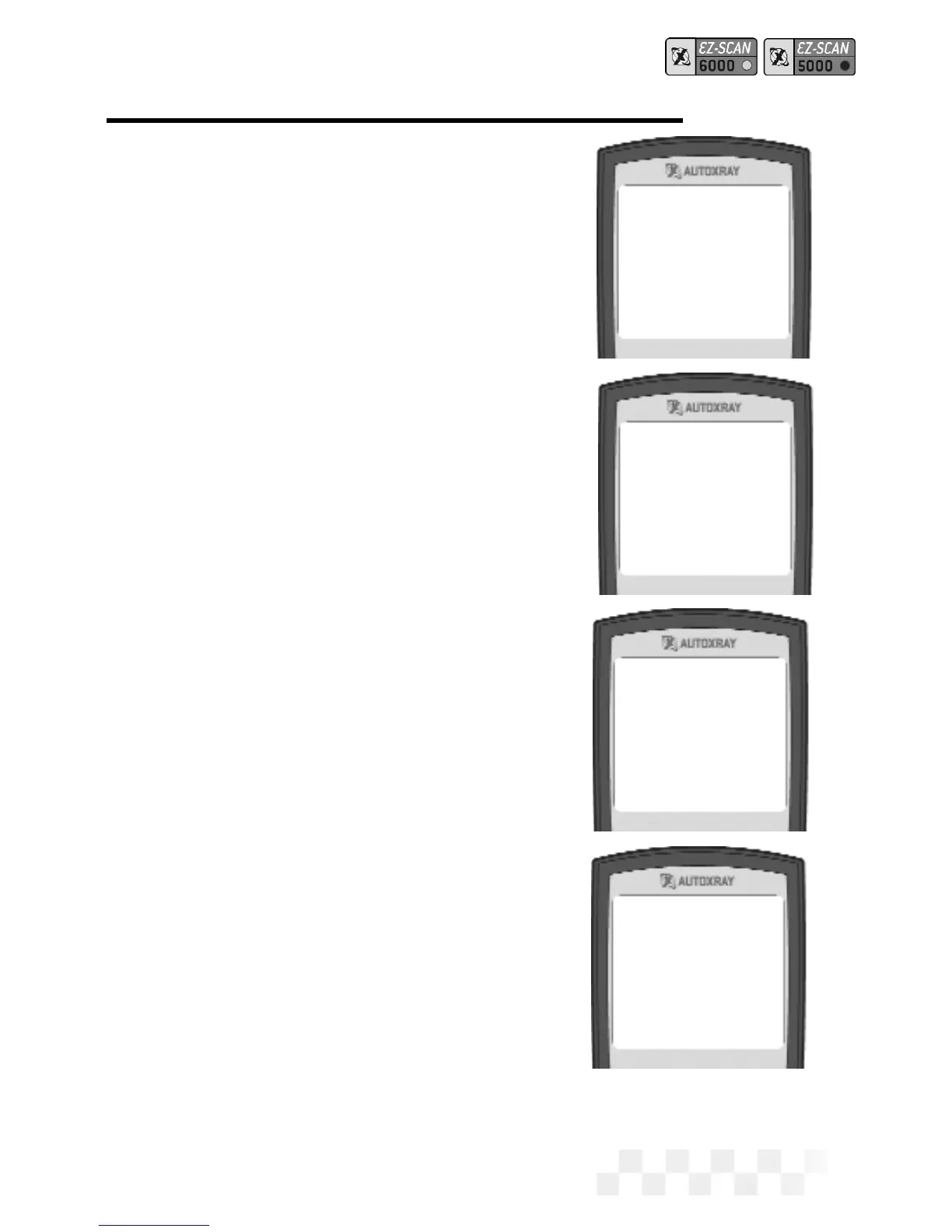
3. ENTER to Test will be
displayed on the screen.
Press
ENTER to start the wig-
gle test. (Pressing
MON again
will take the unit out of
Monitor mode and display the
opening screen.)
4. Tap, wiggle, or move wires
and sensors to detect a fault.
5. FAULT will be displayed if a
fault is detected during the
test.
NO FAULT will be displayed if
there are no faults detected
during the test.
6. Press MON to exit the Wiggle
Test and display the opening
screen.
NOTE: If a fault was detected, run a
KOEO test, then check the
Memory Codes to see the error.
ACTIVATE THE WIGGLE TEST - FORD (CONT.)
Page 47
Wiggle Test Mode
FAULT
NO FAULT
AutoXray 6000
FORD ‘90 VIN=N



 To Next Page