Viewing OBD-II Freeze Frame Data
1. If the EZ-SCAN scanner is not ON, press POWER to display the
opening screen.
2. Press DATA to display the Data menu. Press the arrow keys
until
2-Freeze Frame Data is highlighted, then press ENTER.
NOTE: If no Freeze Frame data is available, the scanner will dis-
play a
No Freeze Frame Data message, then dis-
play the Data Menu.
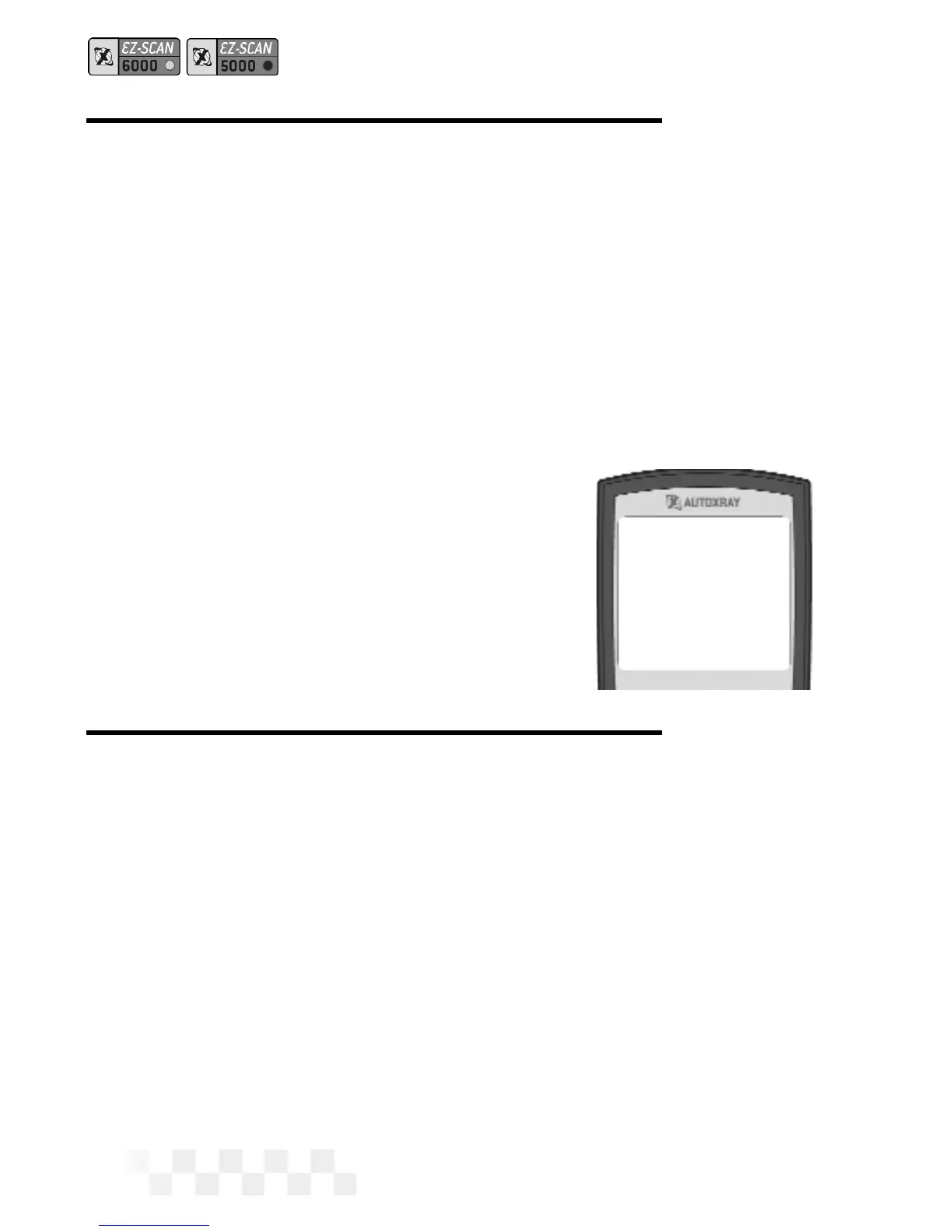
3. The Trouble Code which caused the Freeze Frame data to be
captured will be displayed on the screen.
• A down arrow on the screen
indicates more information. Use the
arrow keys to view the additional
text.
• Press
ENTER to view Freeze Frame
operation data.
VIEW TROUBLE CODES
Before You Start
• Your vehicle must be scanned before clearing trouble
codes. If
DATA is pressed, and the vehicle has not been
scanned, the scanner will display
Press the Scan
key to Scan New Data
. Refer to “Scanning the
Vehicle” on page 13.
Viewing Trouble Codes
1. If the scanner is not ON, press POWER to display the opening
screen.
2. Press DATA to display the Data menu. [GM, Chrysler] Use the
arrow keys until
2-Trouble Codes is highlighted, then press
ENTER.
Page 20
VIEW FREEZE FRAME - ALL OBD-II, GM OBD-I, CHRYSLER OBD-I
P0760 Shift
Solenoid C
Malfunction



 To Next Page