25 “Customizing Data Items - OBD-II”.
•
[ALL] Your vehicle must be scanned before using Capture
Mode. If
ENTER is pressed to select 1-Capture Mode,
and the vehicle has not been scanned, the scanner will dis-
play
Press the Scan key to Scan New Data.
Refer to “Scanning the Vehicle” on page 13.
CAUTION: AutoXray recommends that the person operating the
vehicle does not use/view the scanner. Always use an assistant to
operate the scanner while driving the vehicle.
Capturing the Problem
1. Make sure the EZ-SCAN
scanner cable is out of the
driver’s way, and is correctly
connected to the scanner and
to the vehicle, then press
POWER.
2. Press MON to display
Monitor menu.
[OBD-II] Make
sure
1-Capture Mode is
highlighted, then press
ENTER.
[All] Make sure 1-Start
Capture
is highlighted, then
press
ENTER.
3. The screen will display
Capture Mode and then up to
seven ‘>’ symbols. Each ‘>’
symbol represents a user
defined length of time.
NOTE: When CaptureMode is start-
Page 26
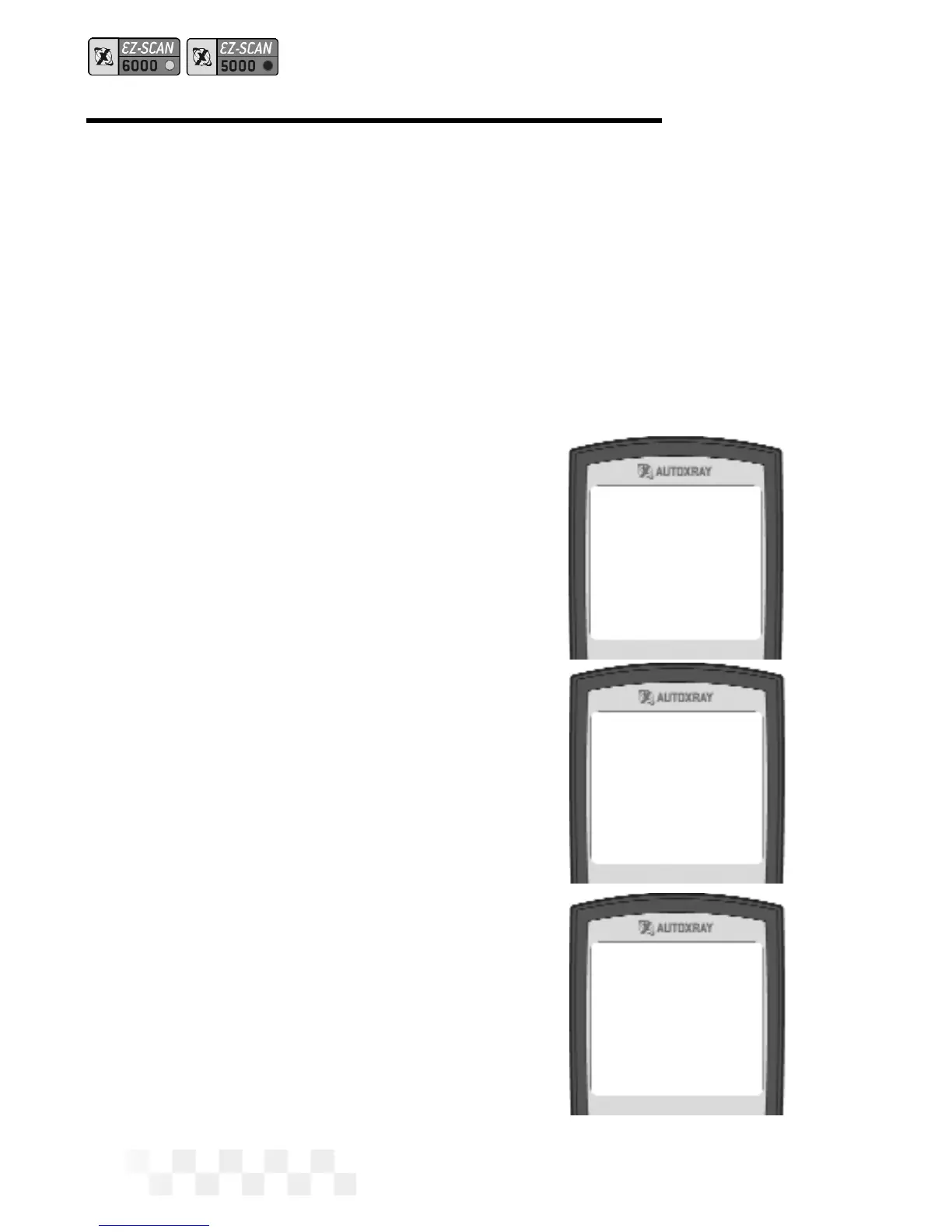
1-Capture Mode
2-O2 Sensor Tests
3-Readiness Tests
4-Test Results
5-Veh. Information
1-Start Capture
2-View Data
[Capture Mode]
>>>>>>
CAPTURE MODE - OBD-II, GM, CHRYSLER (CONT.)



 To Next Page