menu. [OBD-II] Make sure
1-Capture Mode is
highlighted, then press
ENTER.
[All] Use the arrow keys
until
2-View Data is
highlighted, then press
ENTER.
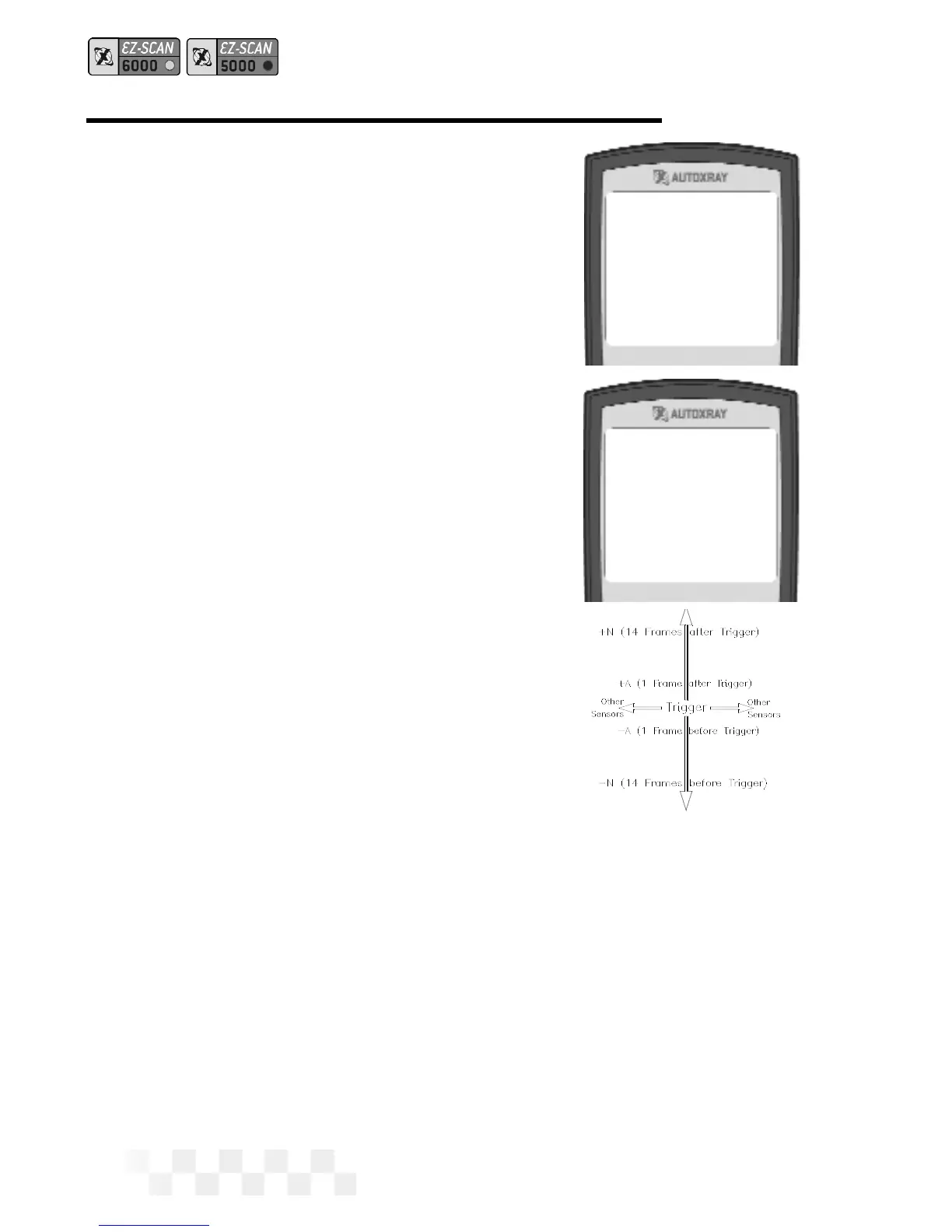
3. Data from each sensor will
be displayed on the
screen. Use the arrow
keys to view data changes
as you move up and down
the capture time line. The
(-) indicates time intervals
before the trigger point,
and (+) indicates time
intervals after the trigger
point.
• Use the
tand u
arrow keys to view
other sensors.
4. Press MON to exit Capture Mode and display the opening
screen.
Page 28
1-Start Capture
2-View Data
Fuel System 1
Open Loop 01
Fuel System 2
Not Supported 02
Load Value
0.0% 03
Coolant Temp
CAPTURE MODE - OBD-II, GM, CHRYSLER (CONT.)


 To Next Page
 Loading...