played on the scanner screen. A ref-
erence number is displayed in the
lower right corner of the screen. (The
total number of sensors and sensor
types will vary with each type of
vehicle.)
NOTE: The tand uarrow keys will
step through the sensors
(1 at a time), and the
pand q
arrow keys will page through the
sensors (10 at a time).
4. After viewing the scanned DCL data,
press
DATA to exit Data mode and
display the opening screen.
Monitoring Real Time Data
1. Make sure the EZ-SCAN scanner
cable is correctly connected to the
scanner and to the vehicle, then
press
POWER.
2. Press DATA to display the Data menu.
Use the arrow keys until
5-DCL
Data
is highlighted, then press
ENTER.
3. To toggle real-time monitoring ON
and OFF, press
MON.
4. An Initializing screen will be
displayed while the scanner establishes a
connection to the computer/sensor.
5. When the connection has been made, the
reference number in the lower right corner
will begin to flash.
VIEW THE DCL DATA - FORD (CONT.)
Page 44
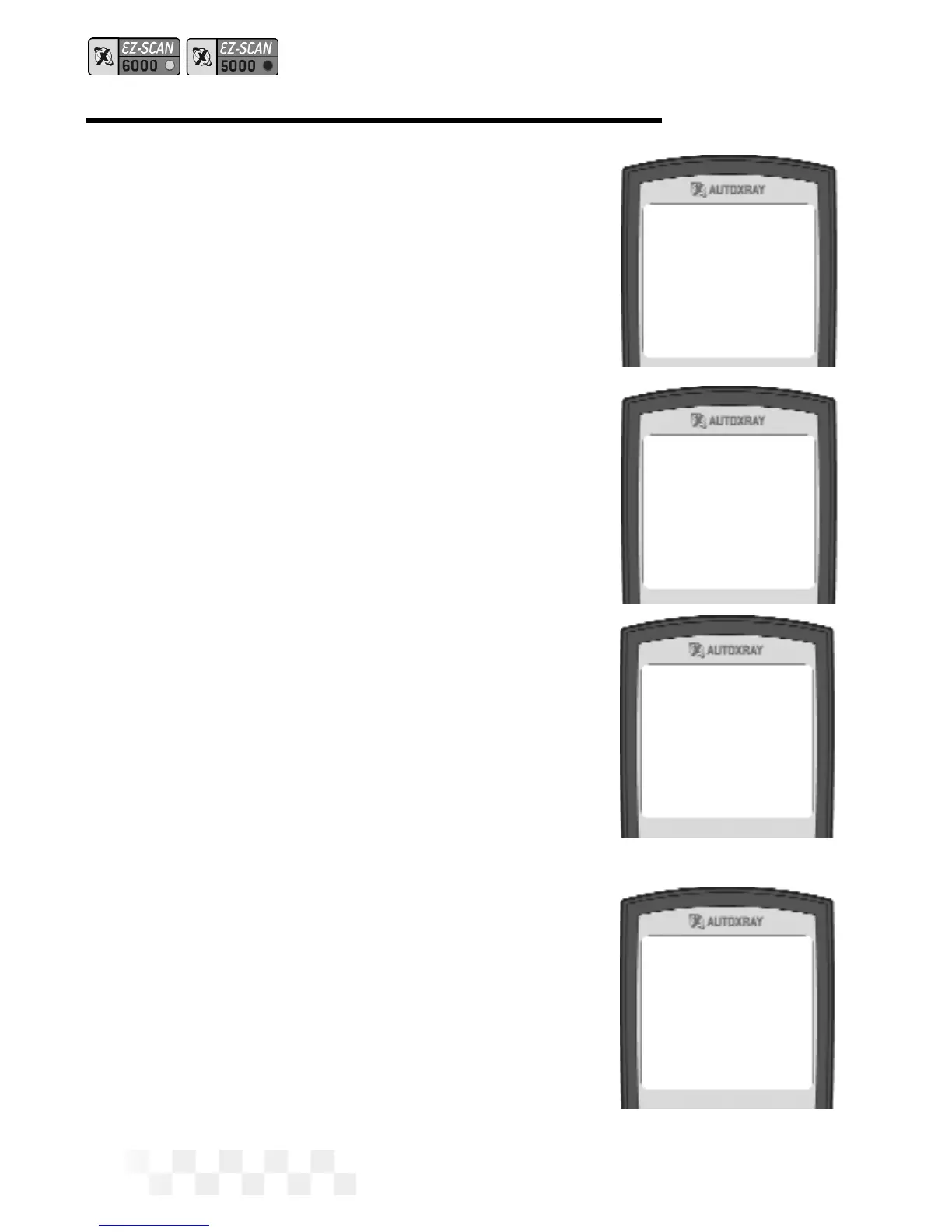
Initializing
Please wait...
Engine Speed
643 RPM 01
Spark Advance
10.0
o02
Throttle Posn
3.8 VOLTS 03
Engine Speed
643 RPM 01
Spark Advance
10.0
o02
Throttle Posn
3.8 VOLTS
03
Engine Speed
643 RPM 01
Spark Advance
10.0
o02
Throttle Posn
3.8 VOLTS 03



 To Next Page