2. Press MON to display Monitor menu. Use the arrow keys until
2-DCL Capture is highlighted,
then press
ENTER.
3. Use the arrow keys until 2-View
Data
is highlighted, then press
ENTER.
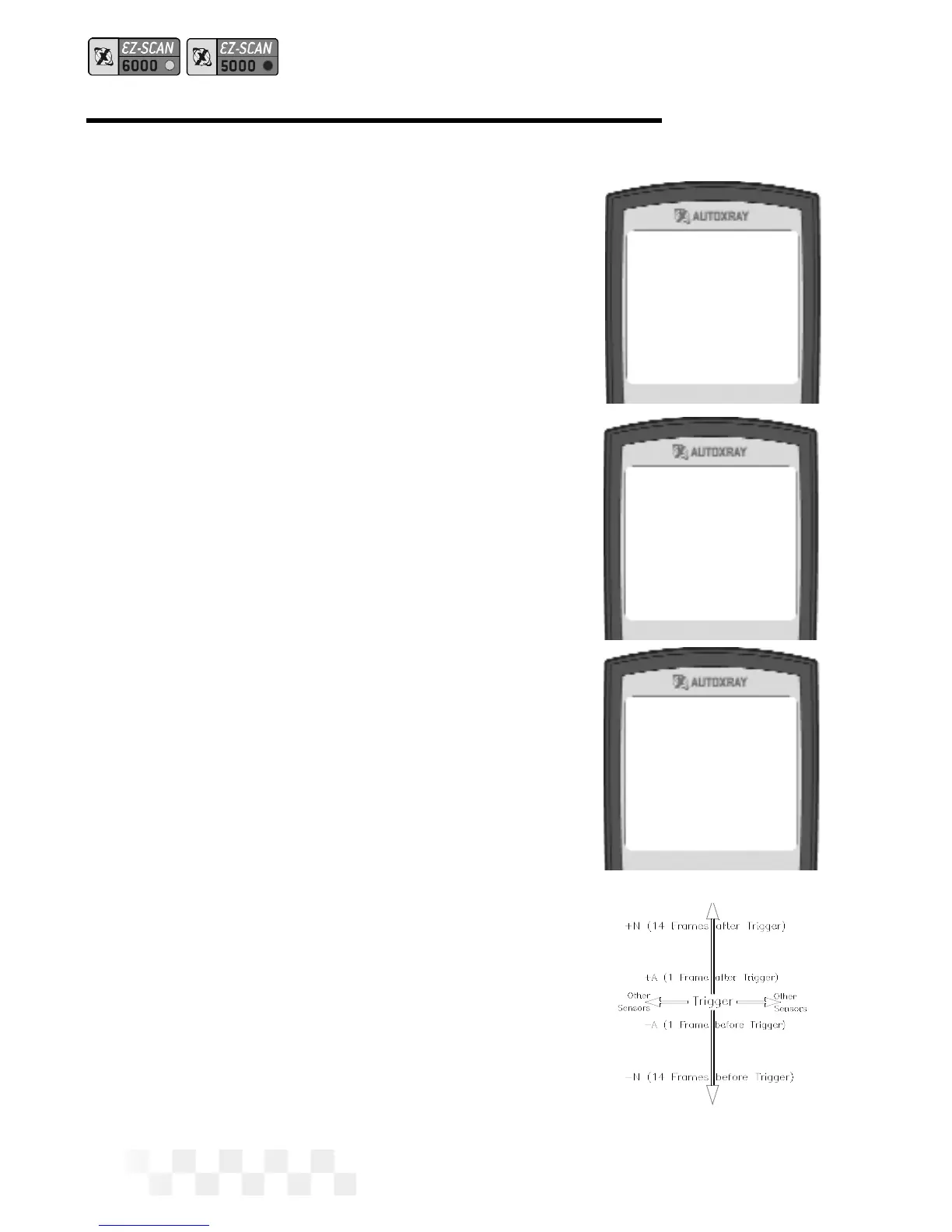
4. Data from each sensor will be dis-
played on the screen. Use the
arrow keys to view data changes
as you move up and down the
capture time line. The (-) indicates
time intervals before the
trigger point, and (+) indicates
time intervals after the trigger
point.
• Use the
tand uarrow keys
to view other sensors.
5. Press MON to exit Capture Mode
and display the opening screen.
Page 50
1-Wiggle Test
2-DCL Capture
1-Start Capture
2-View Data
Engine Speed
643 RPM 01
Spark Advance
10.0
o02
Throttle Posn
3.8 VOLTS 03
DCL DATA CAPTURE - FORD (CONT.)



 To Next Page