Install terminal server
Issue 10 June 2005 299
Cabling diagram
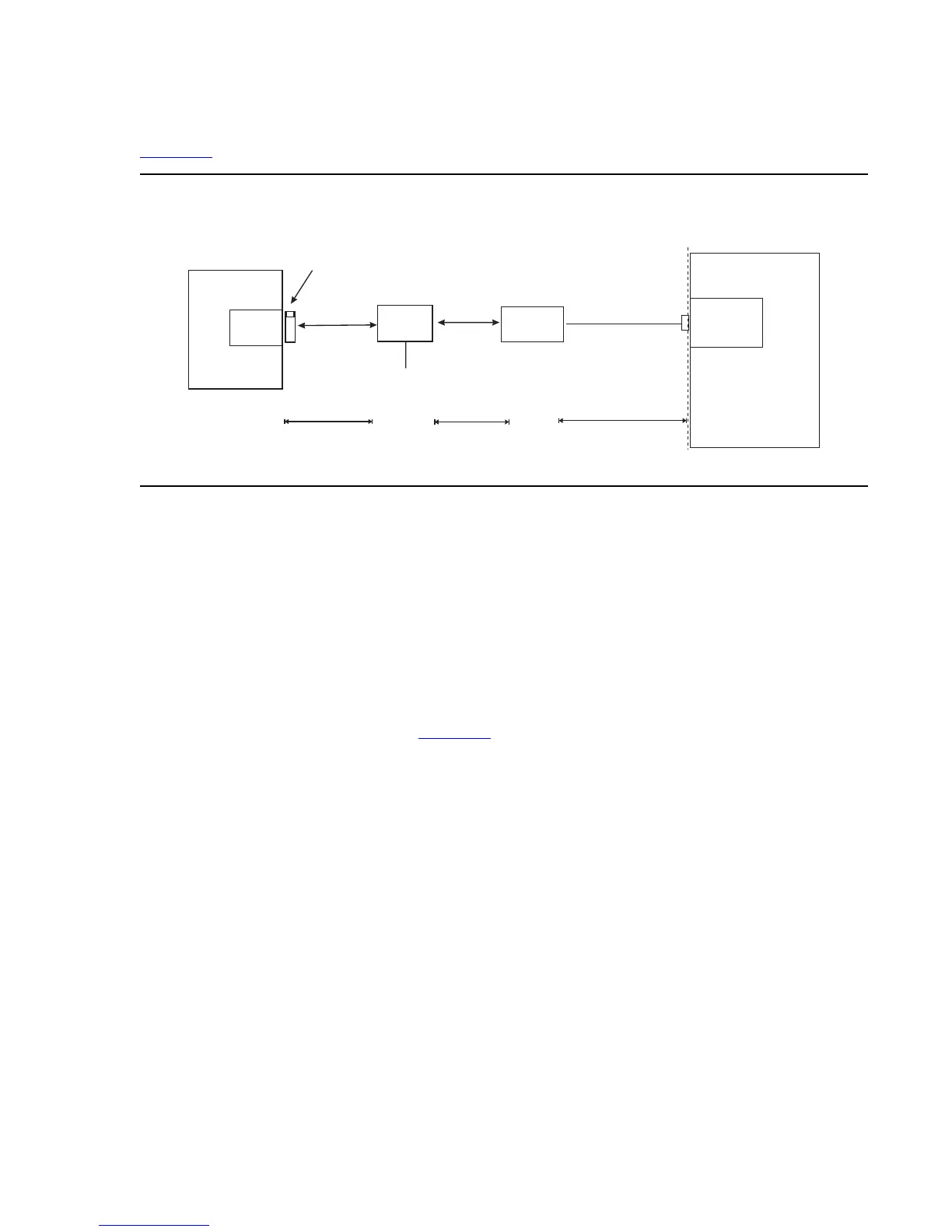
Figure 95 shows the connection between the terminal server port and a call accounting system.
Figure 95: Stand-alone call accounting system link using a terminal server
Note: You can connect the C-LAN circuit pack directly to the terminal server with a data
crossover cable. This connection eliminates the need for a hub or router in the
middle, but the connection also allows the C-LAN circuit pack and the terminal
server to communicate only with each other. With this connection, the C-LAN
circuit pack and the terminal server should be configured with the same subnet.
Making the connections
Connect the adjunct to the IOLAN+, using the RJ45-to-DB25 cable and the null modem. You
can use a male/female adapter. See Figure 96
.
clan2gca.cdr
50 Ft. Maximum
Standalone
Call Accounting
Call
Accounting
Port
Demarcation
Point
M25A or M25B
RS232 Cable
«
C-LAN
Switch
Hub or
Router
328 ft max
(100 m)
328 ft max
(100 m)
AC Power
Terminal Server
RJ45 Cat 5
Modular Cord
RJ45 Cat 5
Modular Cord
259A Adapter,
356AAdapter (Jack #1), or
258B Adapter (Jack #1)



 To Next Page