Installing and Cabling the Cabinets
76 Installation, Upgrades and Additions for Avaya CMC1 Media Gateways
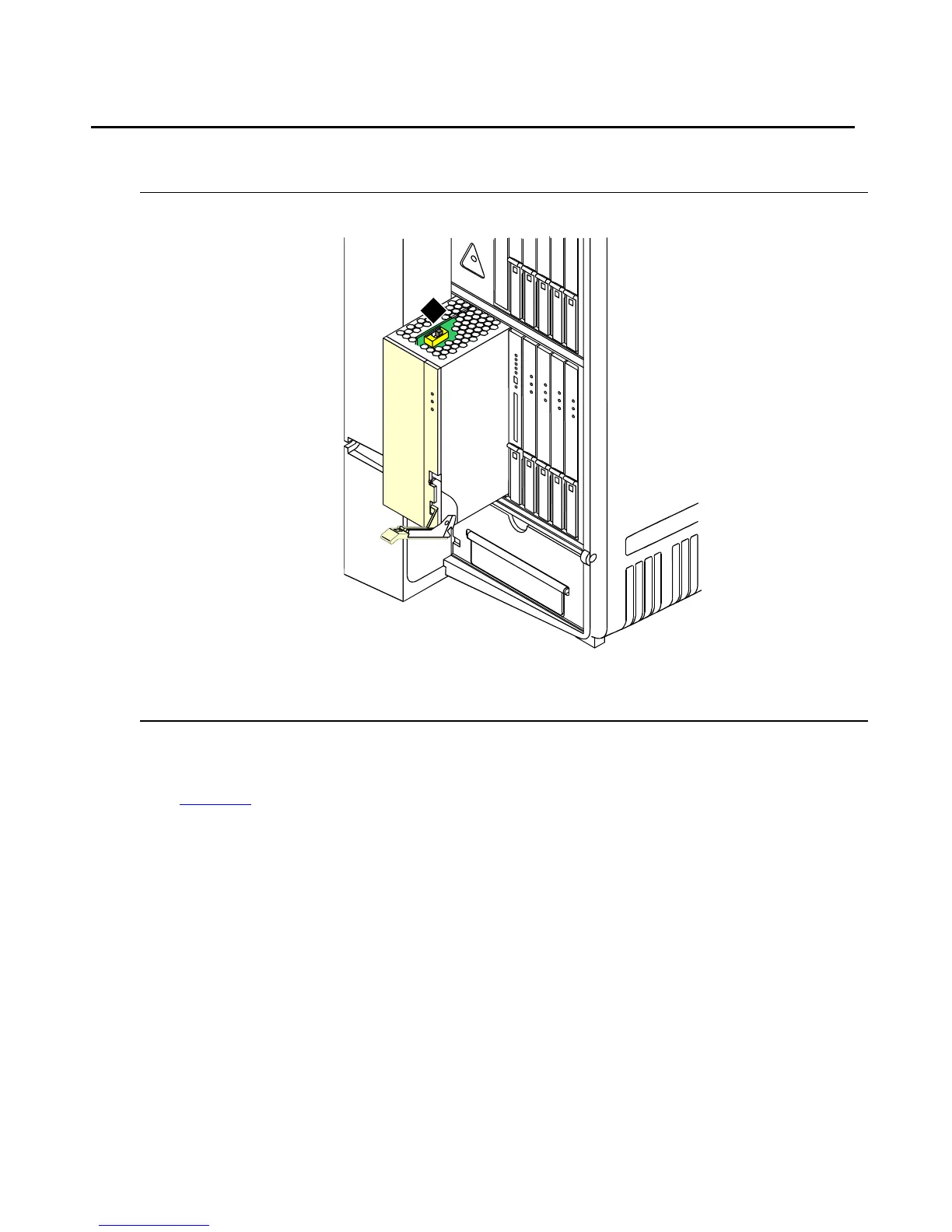
Set Ringing Option
Figure 27: Ringing Option Selection
To set the ringing option:
1. Check the ringing option for the country of installation (20 Hz, 25 Hz, or 50 Hz). See
Figure 27
.
2. Set the slide switch to the proper setting. Refer to the label on the side of the power unit.
Figure notes:
1. Ringing option switch
evdmring LJK 06249
1



 To Next Page