Installing and Cabling the Cabinets
38 Installation, Upgrades and Additions for Avaya CMC1 Media Gateways
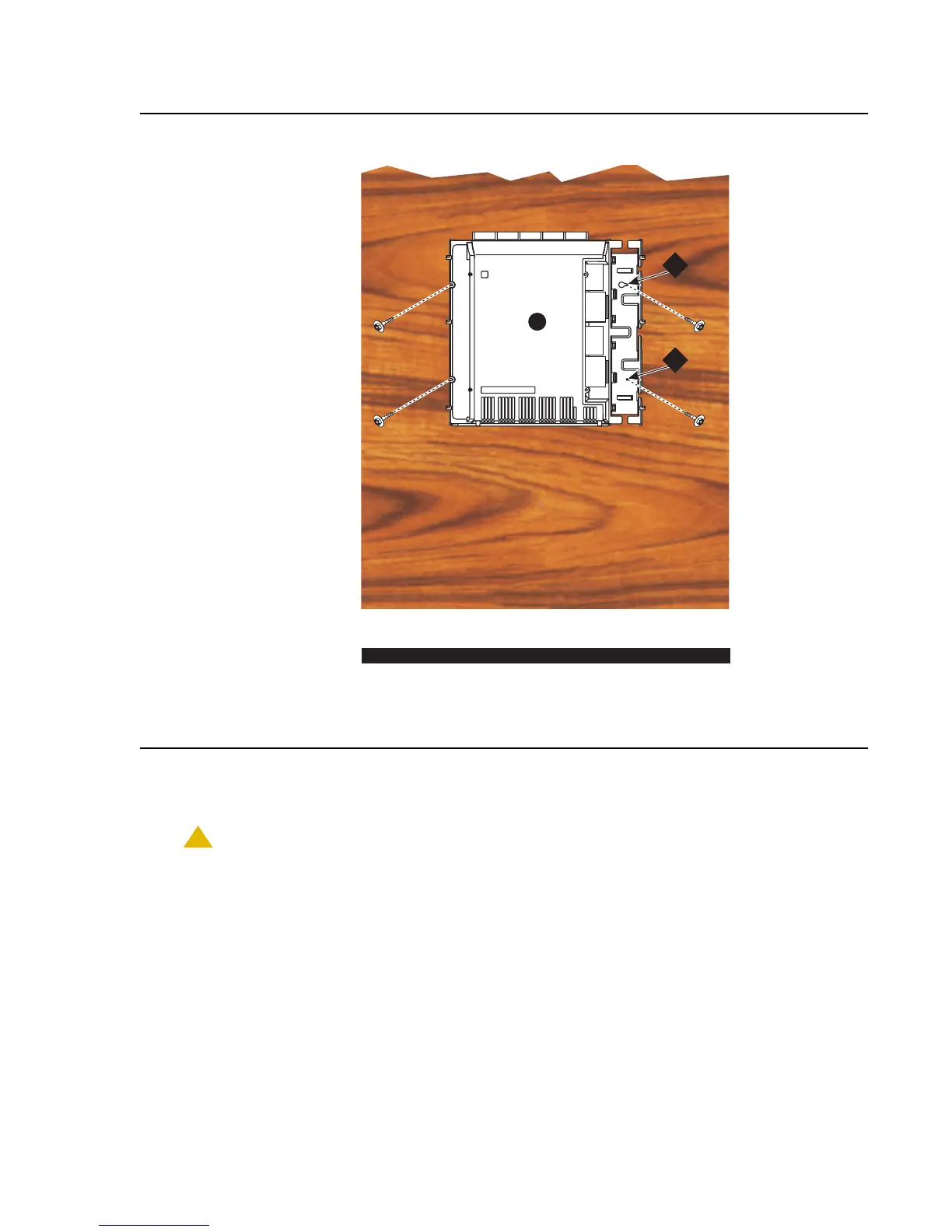
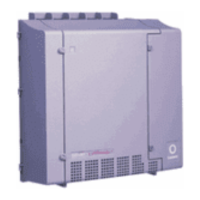
Figure 5: Typical Wall-Mount Installation
7. Drill two lower mounting holes using the cabinet as a template.
8. Thread the 2 lower screws and tighten.
CAUTION:
CAUTION: Be sure the right bottom safety screw is in place and tight.
Figure notes:
1. #12 x 1-in. shoulder screws 2. #12 x 1-inch safety screw
indmins1 KLC 110397
FLOOR
A
2
1


 To Next Page