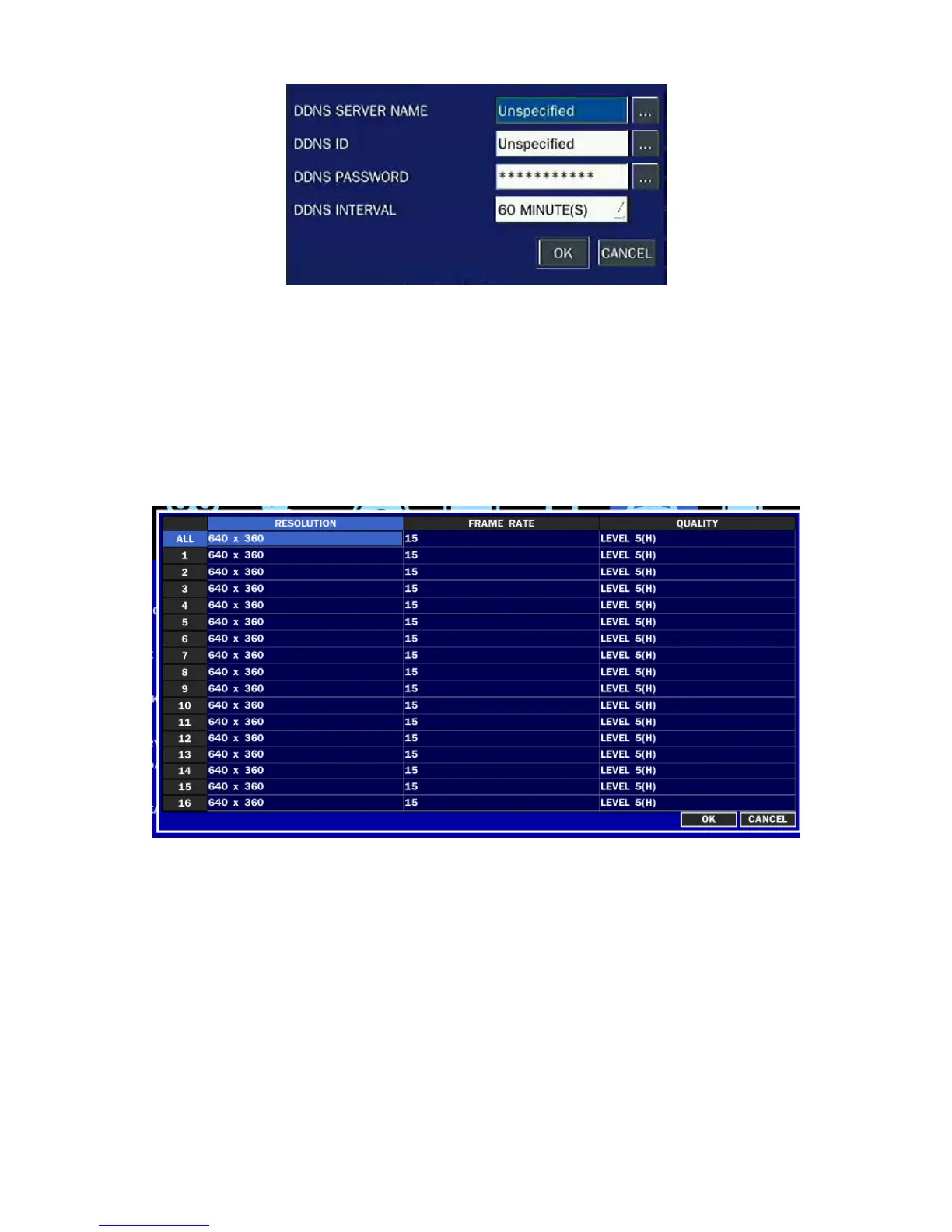
Figure 2.8.3. Network setup screen – DDNS Server 2
If user wants to use other general-purpose DDNS Server, select a Sever 2. Then, user has to input the
server name, ID and password using a virtual keyboard.
2-8-4. NETWORK STREAM
User can set the Resolution, the frame rate and the quality for a network stream classified by channel.
It is recommended that user should adjust each item to proper level to get the network service smoothly.
Figure 2.8.4. Network setup screen – Network Stream
2-9. Setup - CONFIG Mode
Press the SETUP button and enter the password. The setup menu is displayed as picture below. Select
CONFIG icon and press SEL button to enter the setup menu item. Navigate through the menu items using
the control button (
◀ ▲ ▶ ▼
) and change the value of the menu item using the control button (
◀ ▲ ▶
▼
). To return to setup menu screen, press the ESC button



 To Next Page