Before installing the program, check the PC specifications. The DVR remote software may not perform
correctly if the PC does not meet the minimum requirements.
9-3. Installing the program
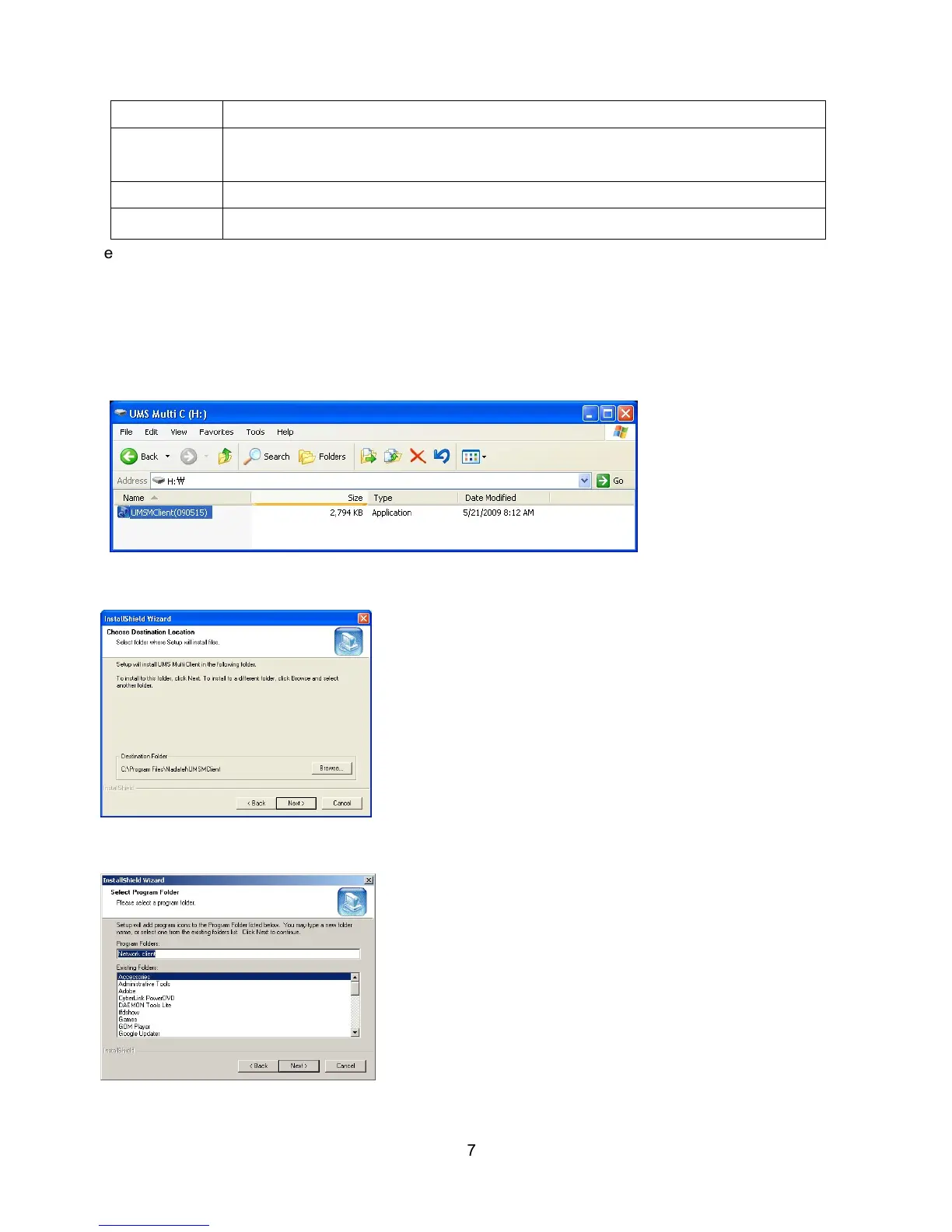
1. Insert the provided CD in the CD drive and double-click “UMSMultiClient (XXXX).exe”
2. Select a destination folder and click “Next”.
3. Select the program folder and click “Next”.
Disk space 1GB
OS Windows 2000, XP Professional, XP Home, Vista (Some versions of Vista has
problem in installation. Please contact your vendor for more information.)
Network 10/100Base T
Others Direct X 8.1 or Higher



 To Next Page