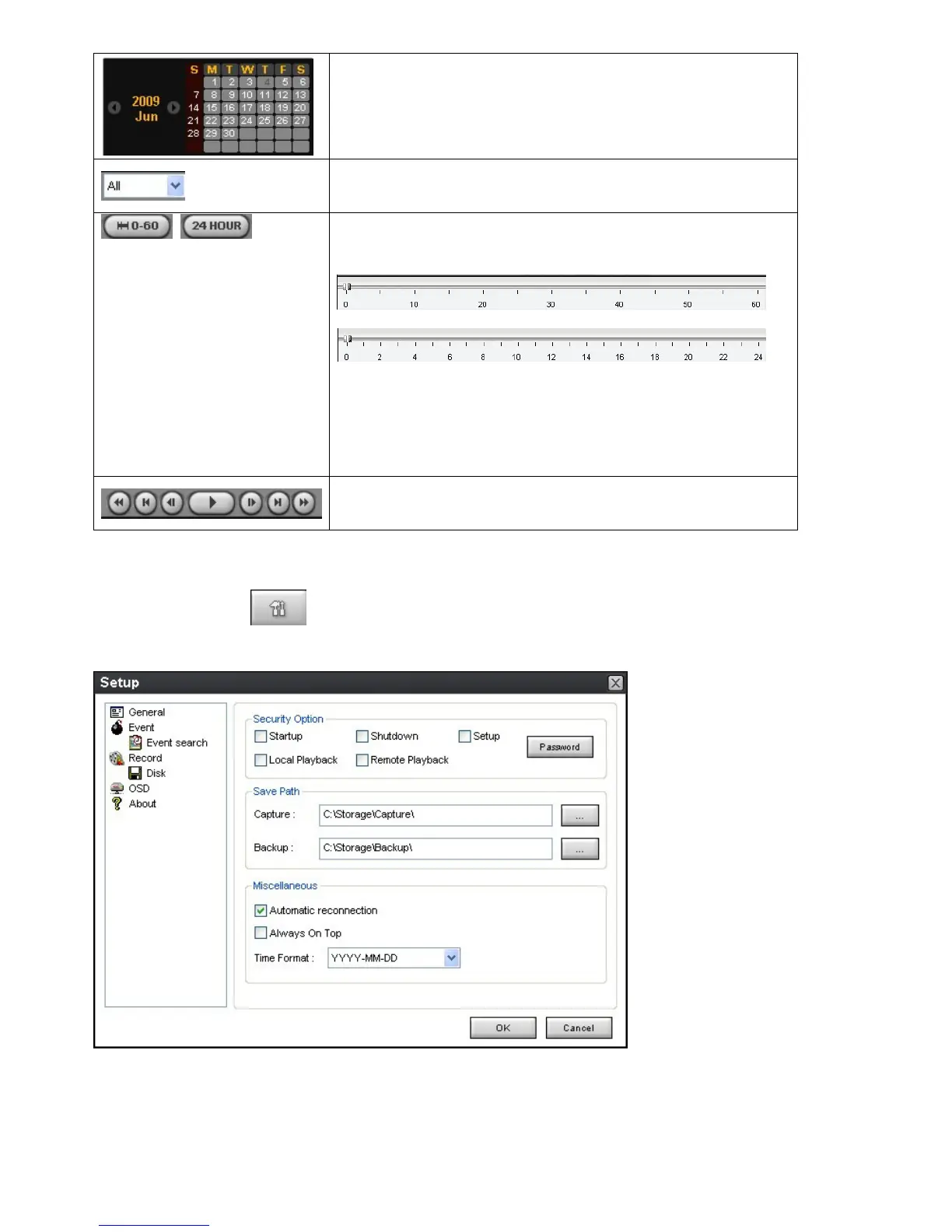
The calendar shows dates with recorded video in color.
To display the recorded data of selected channel or all
channels on a time line scale.
To change a time line scale from 24 hours to 60 minutes or vise
versa.
The timeline shows recorded data in color on the bar. You can
adjust the time line scale and move it to the time you wish to
playback. Then click the play icon to display the recorded
video.
Playback buttons.
9-6. Setup of UMS Multi Client
Click the setup icon to setup the configuration of UMS Multi Client software. The Setup window
displays.



 To Next Page