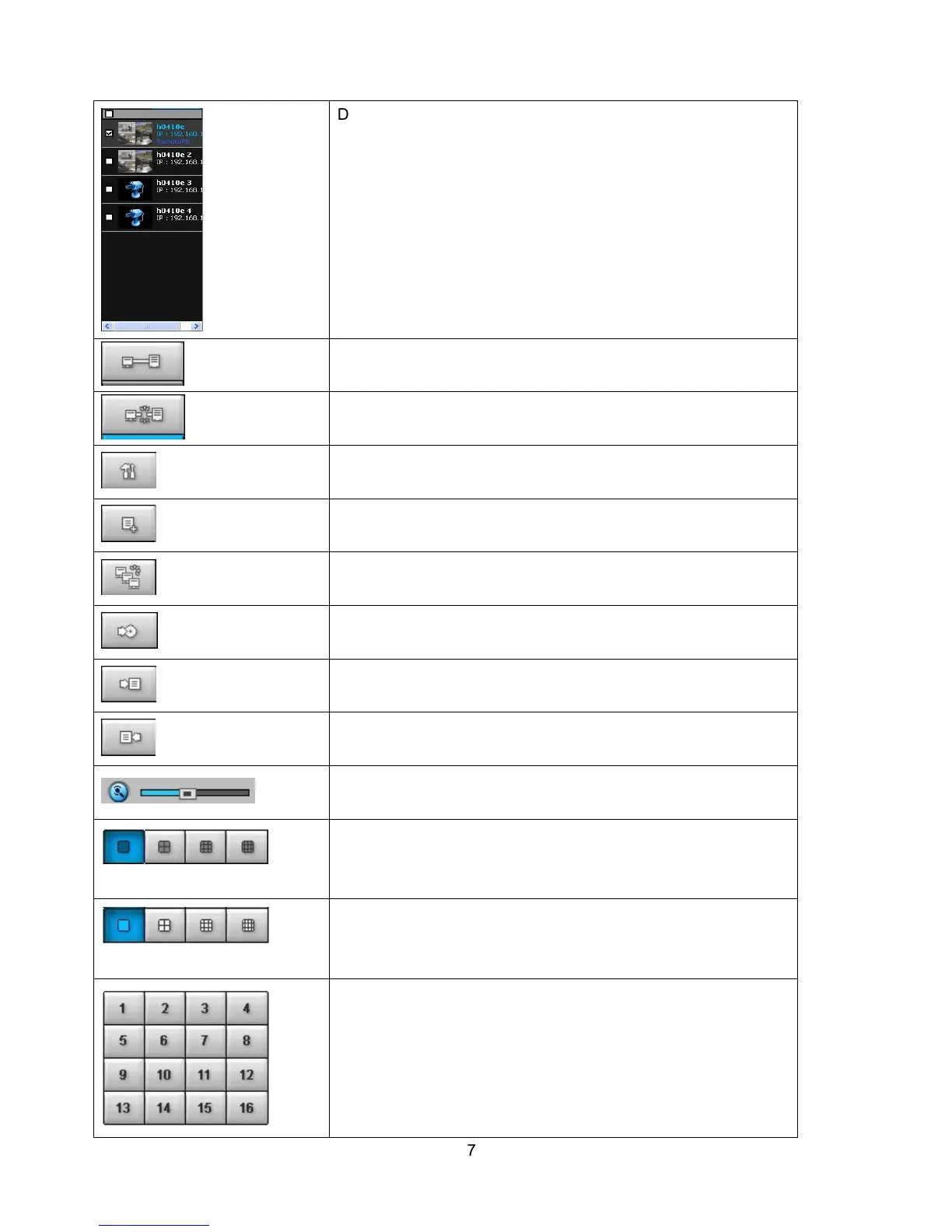
Directory window shows site/sites that are pre-registered.
CONNECT
Click this icon to connect the selected site/sites.
DISCONNECT
Click this icon to disconnect the selected site/sites.
SETUP
Click this icon to setup configuration of UMS MULTI CLIENT.
CAPTURE
Click this icon to capture a still image.
EVENT LIST
MARK IN
Click this icon to set the beginning time for backup of the
recorded video in AVI format.
MARK OUT
Click this icon to set the ending time for backup of the recorded
video in AVI format.
BACKUP
Click this icon to backup the recorded video in AVI format.
AUDIO
Use the volume control bar to set the audio level.
DVR SITE SPLIT
To select the numbers of DVR/DVRs (1 DVR, 4 DVRs, 9 DVRs,
16 DVRs) on main display screen.
CHANNEL SPLIT
To select the numbers of display channel/channels (Single,
quad, 9 channels, and 16 channels) of highlighted site.
To select the channel to playback.



 To Next Page