press NEXT button. Then user can see all log data. Press SAVE button to save the data and then the data
is saved to text file format.
4-3. Play mode
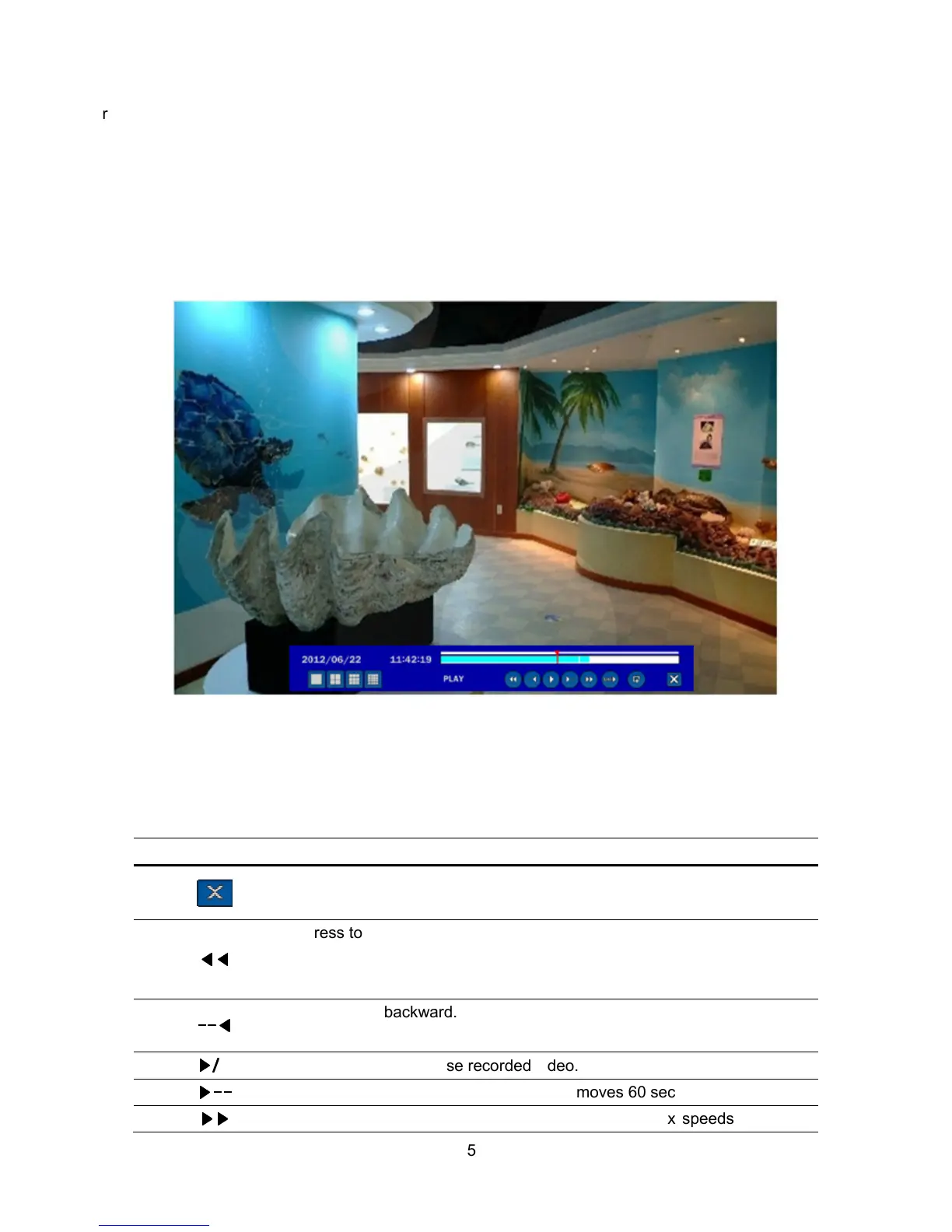
During playback of a recorded event, the mode changes from SEARCH to PLAY. While in PLAY mode, you
may return to the SEARCH screen by pressing the X button on the status bar or the ESC button of a
remote control.
Figure 4.3.1. PLAY Mode Screen
The following status bar hides automatically and appears again when putting a mouse pointer to the bar.
Table 4.3.1. Button functions in PLAY Mode
Button Description
Return to the previous menu screen, search window, or exit from the
Menu
◀◀
◀◀◀◀
◀◀
Press to rewind the footage at 1x, 2x and 4x speeds. Reverse playback
speed is shown as -1x(normal), -2x (2 times normal) and -4x (4 times
normal) at the bottom right of the screen.
--
----
--◀
◀◀
◀
Jump/Step backward.
The playback position moves 60 seconds backward.
▶
▶▶
▶/
/ /
/
II
Press to play or pause recorded video.
▶
▶▶
▶--
----
--
Jump/Step forward. Playback position moves 60 seconds forward.
▶▶
▶▶▶▶
▶▶
Press to fast forward the footage at 1x, 2x and 4x speeds. Playback



 To Next Page