PLAYBACK
BUTTON
The playback buttons.
DISPLAY MODE
Select a channel and screen display mode.
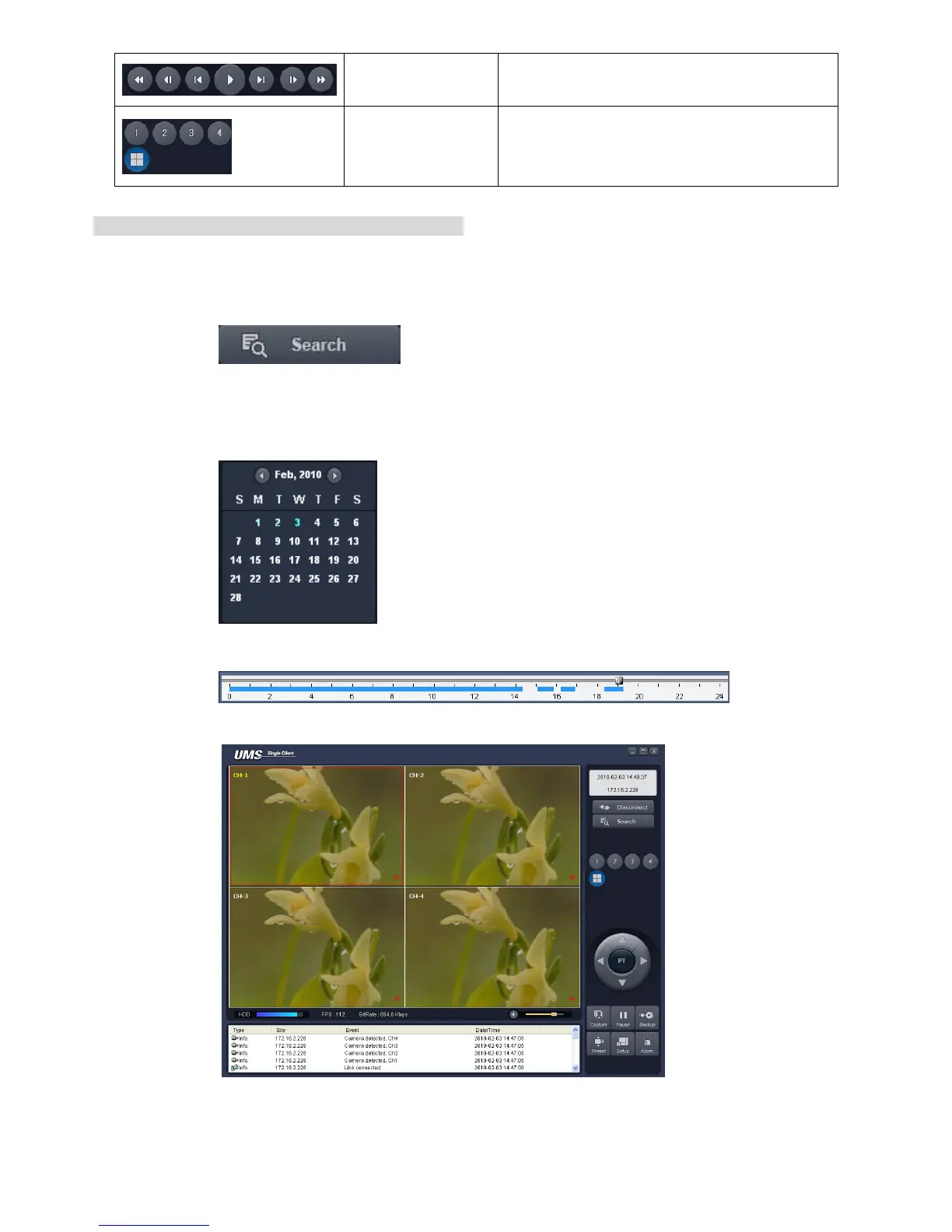
Searching and playing video in the remote DVR
Video recorded in the remote DVR or Video recorded on the PC can be searched and played back.
1. Connect the network to the remote DVR and press SEARCH button. Then the mode is changed
from the live mode to the search mode.
Searching the video recorded in the remote DVR: Connect the network to the DVR..
Searching the video recorded in the PC: Do not connect the network to the DVR.
2. Select the date to search the video.
3. Drag the slid on the time scale and drop it between 0 to 24.
4. Press the PLAY button. Then the video recorded in the remote DVR is played back.



 To Next Page