ID: Input ID of DVR.
Password: Input network password of DVR.
(The number is set on SETUP>SYSTEM>NETWORK PASSWORD.)
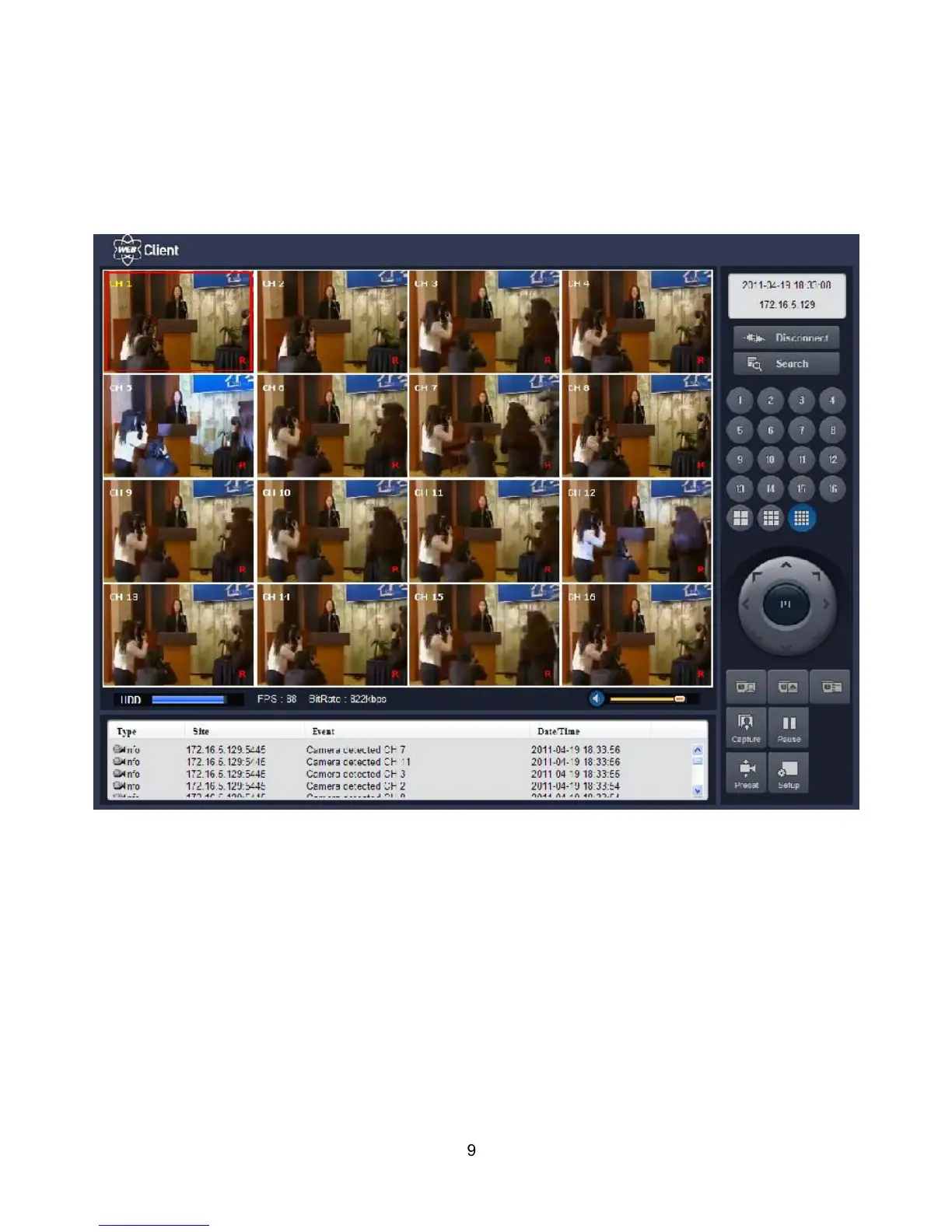
7. Then the cameras connected to the DVR are displayed on the screen.
9. SETUP: The menu settings for the DVR unit can be set from a PC, via network. Refer to the detail of
Remote Setup description of UMS Multi Client. Please check the detail to the page 77, Remote Setup.



 To Next Page