10 XR Series Installation Instructions
2 Introduction
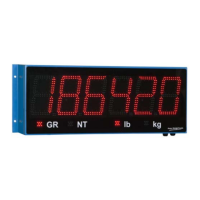
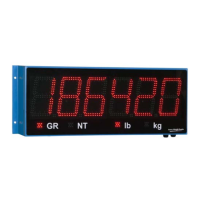
The units have four annunciators under the display with bright LED markers:
l GR = Gross Weighing Mode
l NT = Net Weighing Mode
l lb = Pounds
l kg = Kilograms
2.2 Keypad
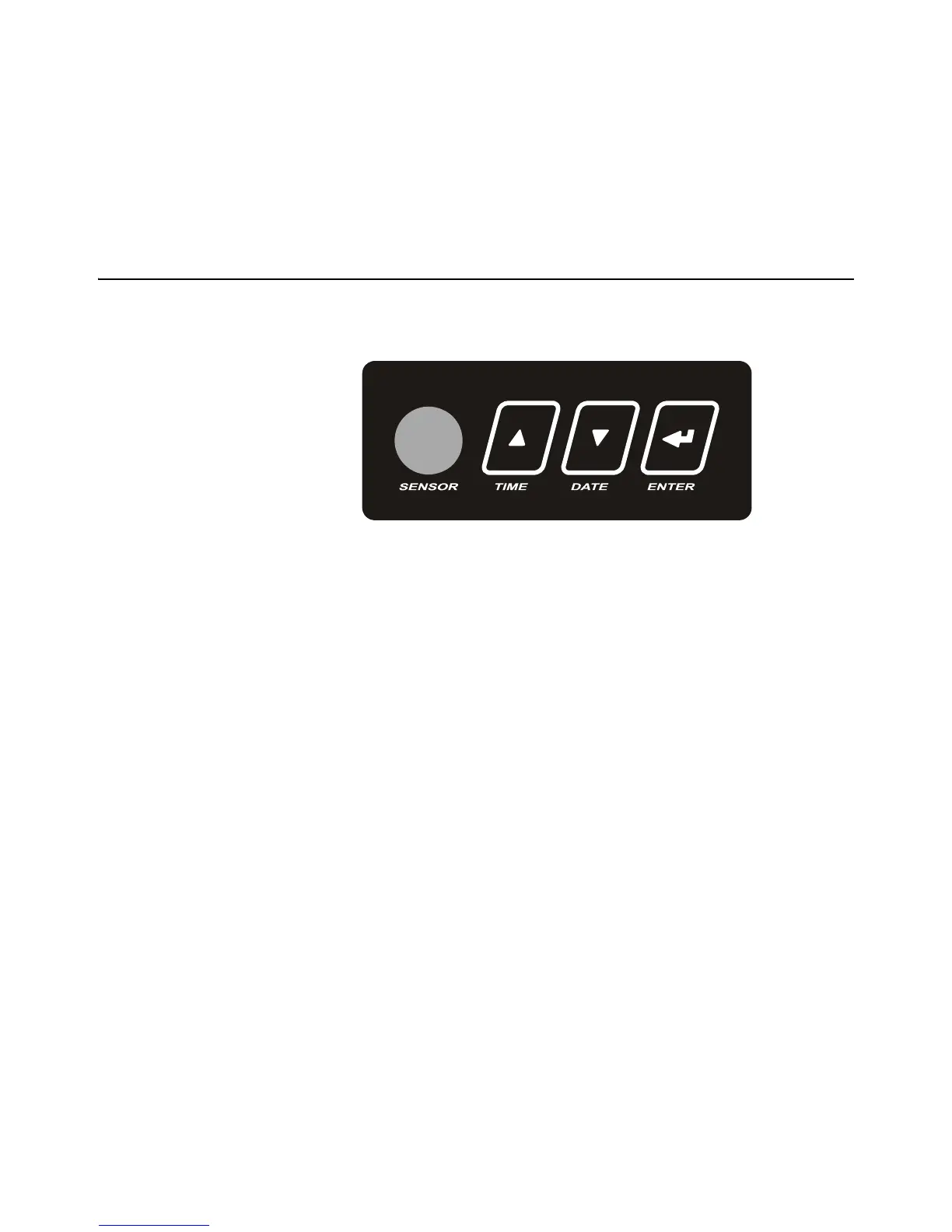
All models of the XR, except the XR 2000, have a keypad on the bottom of the unit. See
illustration of the keypad in Figure 2.2.
Figure 2.2 Keypad
The keypad has three pushbuttons or keys and a light sensor window. Use the keys to
set time and date and to access the configuration mode. The light sensor controls the
brightness of the LEDs based on ambient light levels.


 To Next Page
 Loading...