Note:
z After scanning and uploading your documents to Google
docs, the Google web site will not automatically displayed
on your computer screen. Please follow these steps to
open or view your documents:
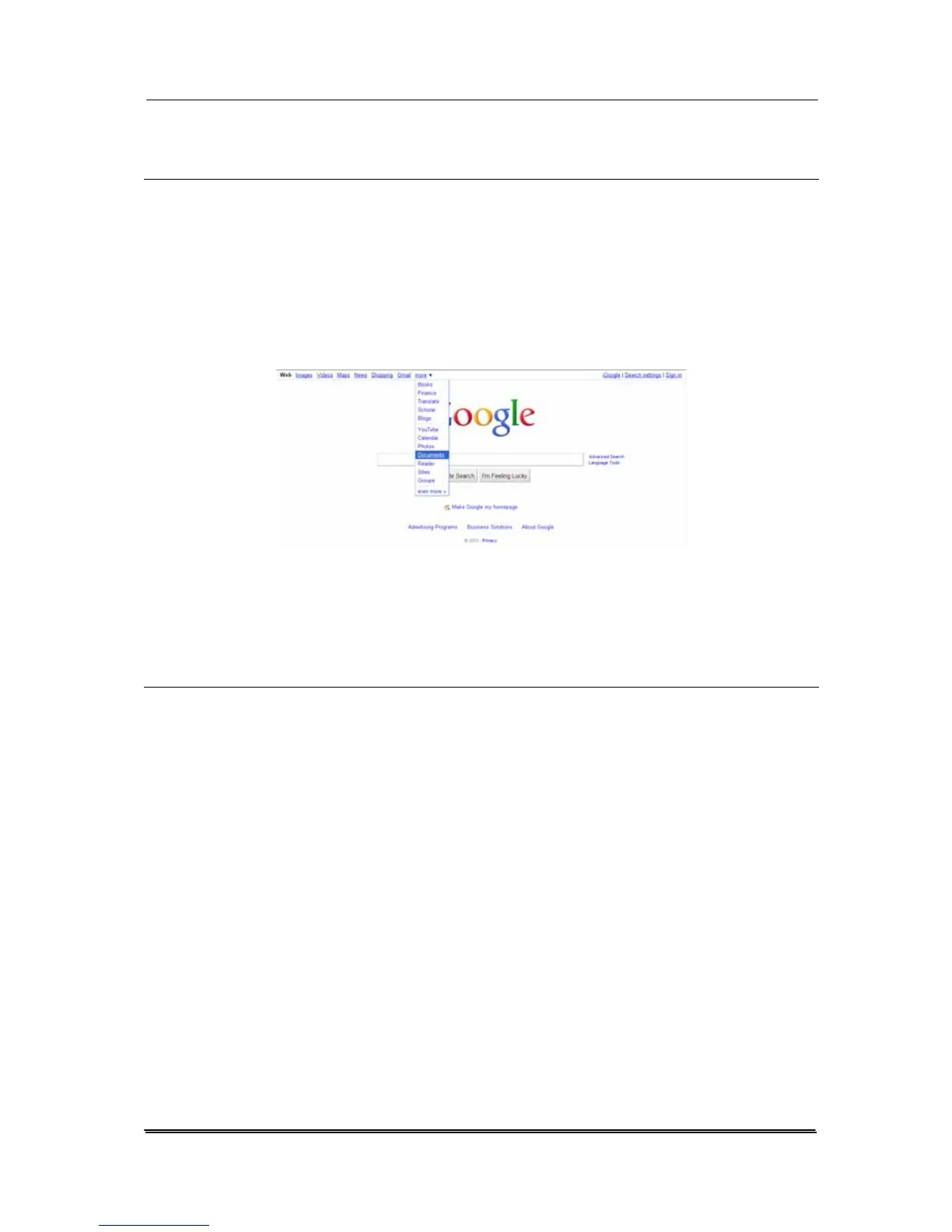
1. Start your browser and go to the web site of Google.
2. Choose Documents from the More option.
3. Sign in with your Google account.
4. View your document.
z Follow the similar steps to upload your scanned image to
other network servers such as FTP, or Microsoft
SharePoint.
7-12



 To Next Page