17
PRELIMINARIES
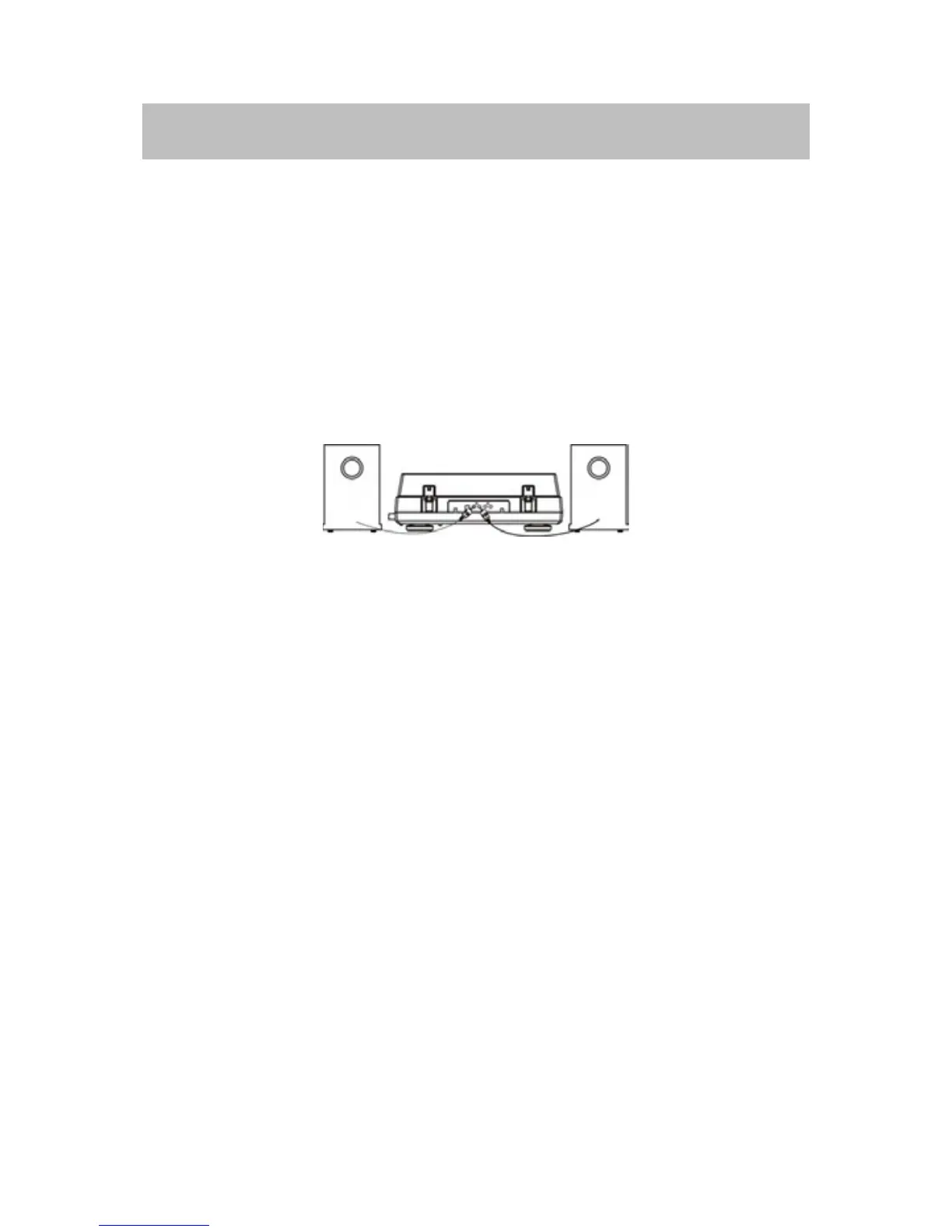
CONNECTINGTOTHELOUDSPEAKERS
Theplayerhasnoloudspeakers.Youneedtoconnecttheplayertoanexternal
appliancebeforeuse.
CONNECTINGTOTHEEXTERNALSPEAKERS
1. Plug the SPEAKER OUT cable located at the rear of the speakers into the
SPEAKER OUT socket at rear of the player, making sure that the RCA cables'
colorsmatchtheSPEAKEROUTjacks.
2.PressthePOWERbuttontoturnontheplayer.
3.PressVOLorVOL+
but
tontoadjustthevolume.
NOTE: If you mute the player, no signals will output tothe external speakers.
Checkthevolumelevelandthemutekeyifyouhearnosound.
CONNECTINGTOOTHERDEVICE
Youcanconnecttheplayertoexternalappliancethathasloudspeakers.
1.PlugtheLineOutcablelocatedattherearoftheunitintotheauxiliaryinput
(AUX) on yourTV, home entertainment receiveror other music system,again
beingsurethatthecorrectcolorcodedjacksareused.
2. Pr
ess the POWER button to turn on the player. Turn the volume to the
minimumlevel.
3.TurnonyourTVorhomeentertainmentreceiverandadjustthevolume.
IfconnectedtoaTVset,alsoneedtoswitchtoAUXorAVmode.
4.Ifnecessaryadjustthevolume
onthepla
yer.
NOTE:Ifyoumutetheplayer,nosignalswilloutputtotheconnectedexternal
device.Checkthevolumelevelandthemutekeyifyouhearnosound.
CONNECTINGTHECOMPOSITETERMINALFORVIDEOPLAY
InserttheCompositeplugintothecompositesocketlocatedatthesideofthe
unit.Thenconnecttheotherendoftheplugintotherespectivesocketonyour
TV.



 To Next Page