28
RECORDFROMiPOD/iPHONETOACD
1.DocktheiPod/iPhonetothecradle.
2.Loadarecordablediscinthedisctray.
3.PressiPODbuttontoselectiPod/iPhonefunction.
4.PressAUTOMANUALbuttontoactivatethefunction.
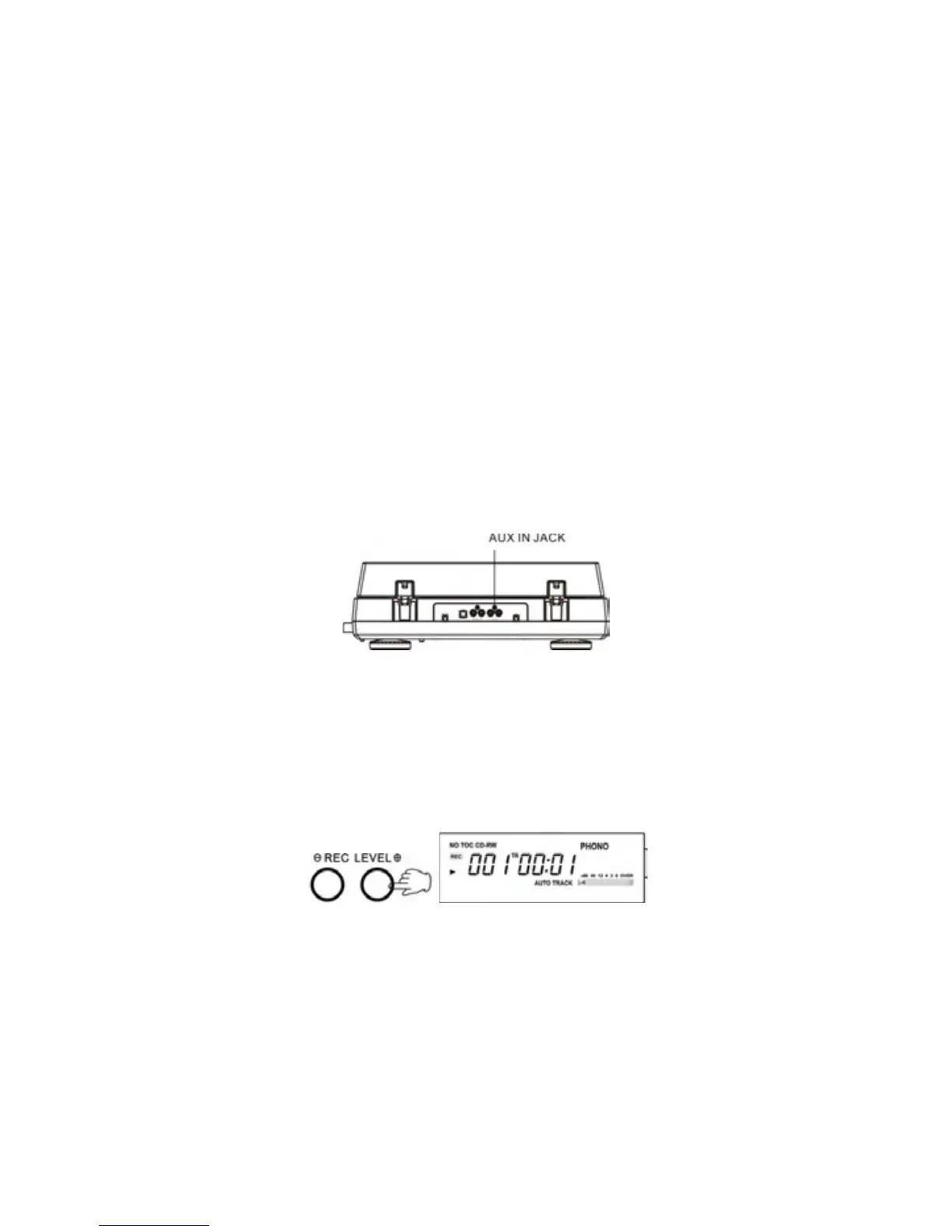
5.PressRECORDbuttontoactivaterecording.RECwillappearondisplay.
6.AdjusttheRECLEVELand
theVO
LUME.
7.Whenmusicisready,pressPLAYbuttontostartrecording.
8.FinalizetheCDwhenyoufinishrecording.
RECORDFROMEXTERNALAUDIOSOURCE
1.Loadarecordablediscinthedisctray.
2.PresstheAUXbuttontoselecttheAUXfunction.
3.Plugoneendofcable(included)intotheAUXINjackatrearoftheunit.
4.Plug the other end ofthe cable intothe headphoneorLINE OUTsocketof
theex
ternalsource.
5.Turntheaudiosourceonandadjustvolumelevel.
6.PressRECbuttontoactivaterecording.
7.PressPLAYbuttonontheaudiosource.
8.PressPLAYbuttonontherecordplayertostartrecording.
No button will work while “BUSY” is displayed. Wait a few seconds until
“BUSY”disappearsfromthedisplay.
9. It’s necessary to adjust the re
cording level when you select Auto Manual
FunctionusingtheRECLEVELknobs.Thedisplaywillshowfrom70to00to+7.
Adjustthevolumelevel.
10.FinalizetheCDwhenyoufinishrecording.



 To Next Page