47
TODOWNLOADMUSICFROMAUXTOCOMPUTER
1.PressthePOWERswitchtoturntheunitonandpressAUXbutton.
2.PlugoneendoftheAUXcable(included)intotheAUXINsocketontherear
oftheunit.
3.PlugtheotherendofthecableintotheheadphoneorLineOutsocketofthe
ex
ternalsource.
4.Turnontheexternaldevice,adjustthevolumelevelandpressPLAYtostart
playingthemusic.
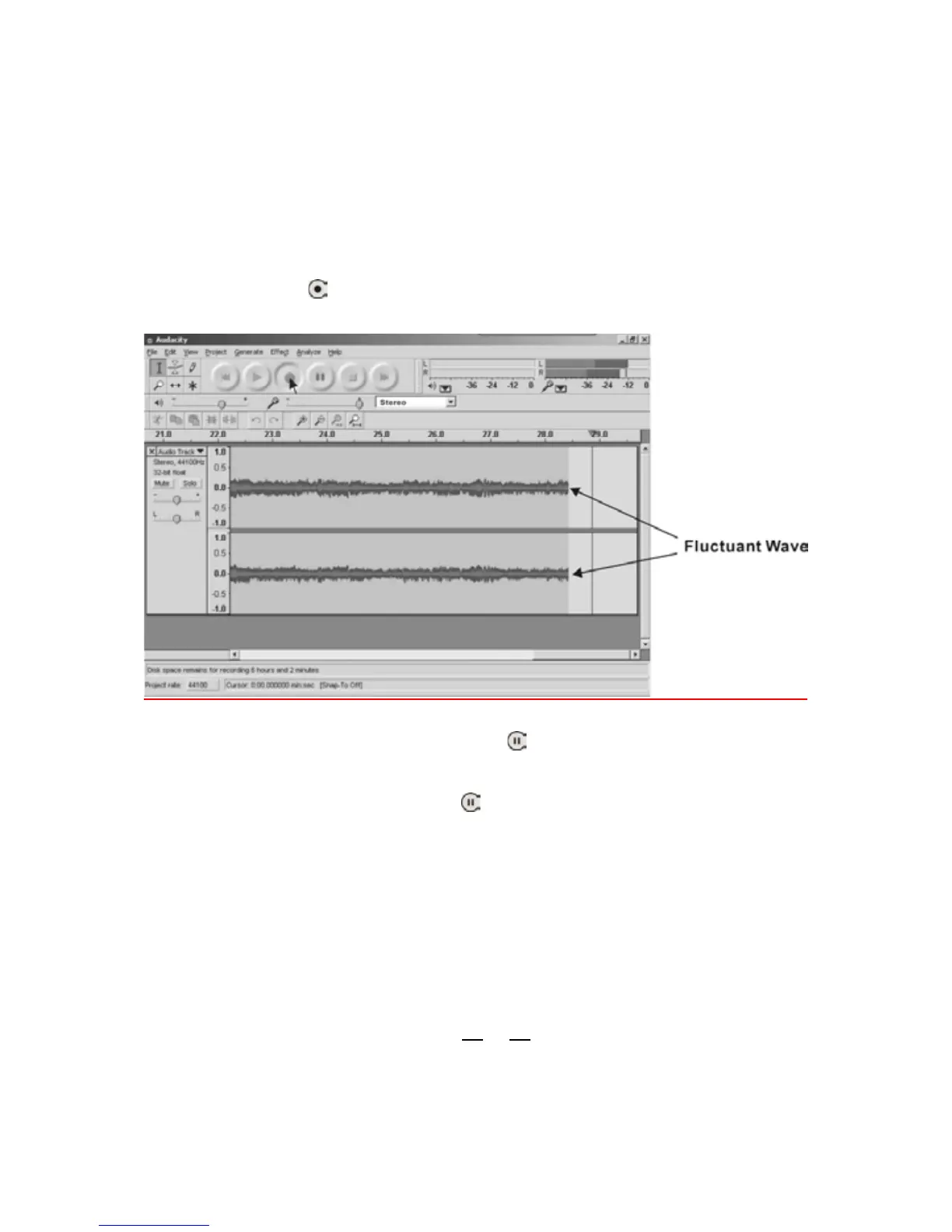
5.ClicktheRecord(
)buttontostartrecording.
Thewaves(leftandrighttracks)willshowontheinterface.
6. To skip to another song, click ‘pause’ (
) button on computer and press
STOPbuttononexternaldevice.Pressskipbuttononexternaldevicetoselect
anotherdesiredsong.PressPLAYbuttononexternaldevicetostartplayingthe
nextsong.Immediatelypress‘pause’(
)buttononcomputeranddownloading
willcontinue.
7.Repeatsteps5and6untilyouhavefinisheddownloading.
NOTE:Donotclick‘STOP’buttononcomputerwhilecontinuouslydownloading
songs.Remembertoclick‘PAUSE’buttoninbetweenyourdesiredsongs.Press
‘STOP’ button on computer only when all your
desired songs have been
downloaded.
Todivide,exportandsavetherecordedmusic
ToMP3,WAVorOggreferfrompages40
to45.



 To Next Page