22
1. Be sure the composite terminal on the player is connected to the TV set.
(
Referto“CONNECTINGTHECOMPOSITETERMINALFORVIDEOPLAY”section.)
2.TurnontheTVsetandswitchtothecorrectchannel(AVchannel).
3.SetthevolumeontheTVsettotheminimumlevel.
4.Pr
esstheiPODbutton.Scrollandselectavideoandsetitplay.
5.ReadjustthevolumeontheTVset.
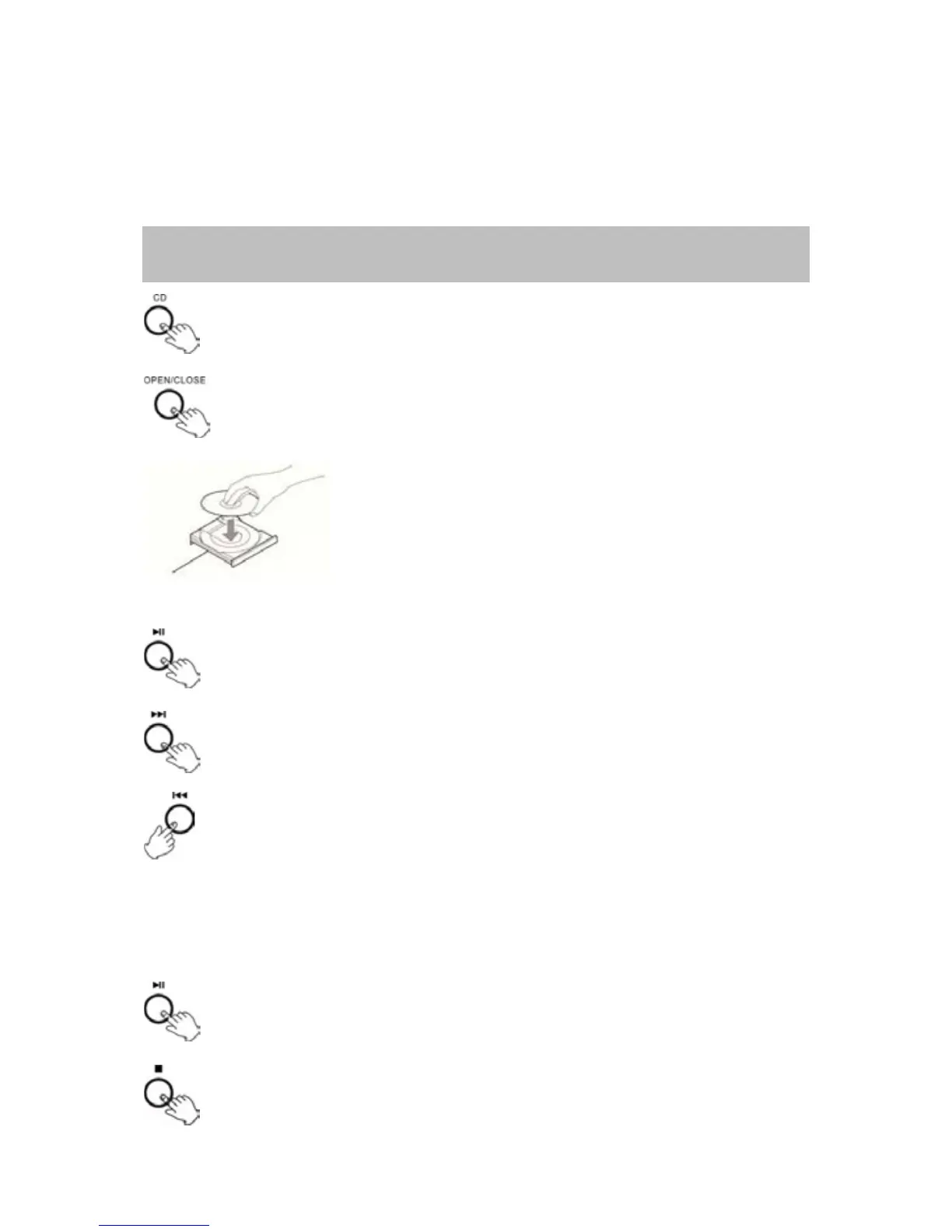
LISTENINGTOACD
1.PresstheCDbutton.
2.PresstheOPEN/CLOSEbuttontoopenthetray.
3.Placeadisconthetraywiththeprintedlabelfacing
up.
4.PresstheOPEN/CLOSEbuttontoclosethetray.
5.PressthePlay/PausebuttontoplayCD.
TheCDdiscwillstartplayingfromthefirsttrack.
6.Pressthebuttononcetoskiptothenexttrack.
7.Pressthebuttontoskiptotheprevioustrack.
SEARCHFORAPORTIONOFATRACK:
Press eitherthe orbutton,thetrackwilltracking athigh speed.When
thedesiredportionisreached,releasethebuttonandthetrackwillresumea
normalplay.
NOTE:Donotpushbothbuttonstogetherasthismaydamagetheunit.
8.TopauseCDpressPLAY/PAUSEbutton.
Press PLAY/PAUSE button again to continue the
playing.
9.PressSTOPbuttontostoptheCD.



 To Next Page