50
CONFIGURINGAUDACITYFORMAC
AUDACITYINTERFECEFORMAC
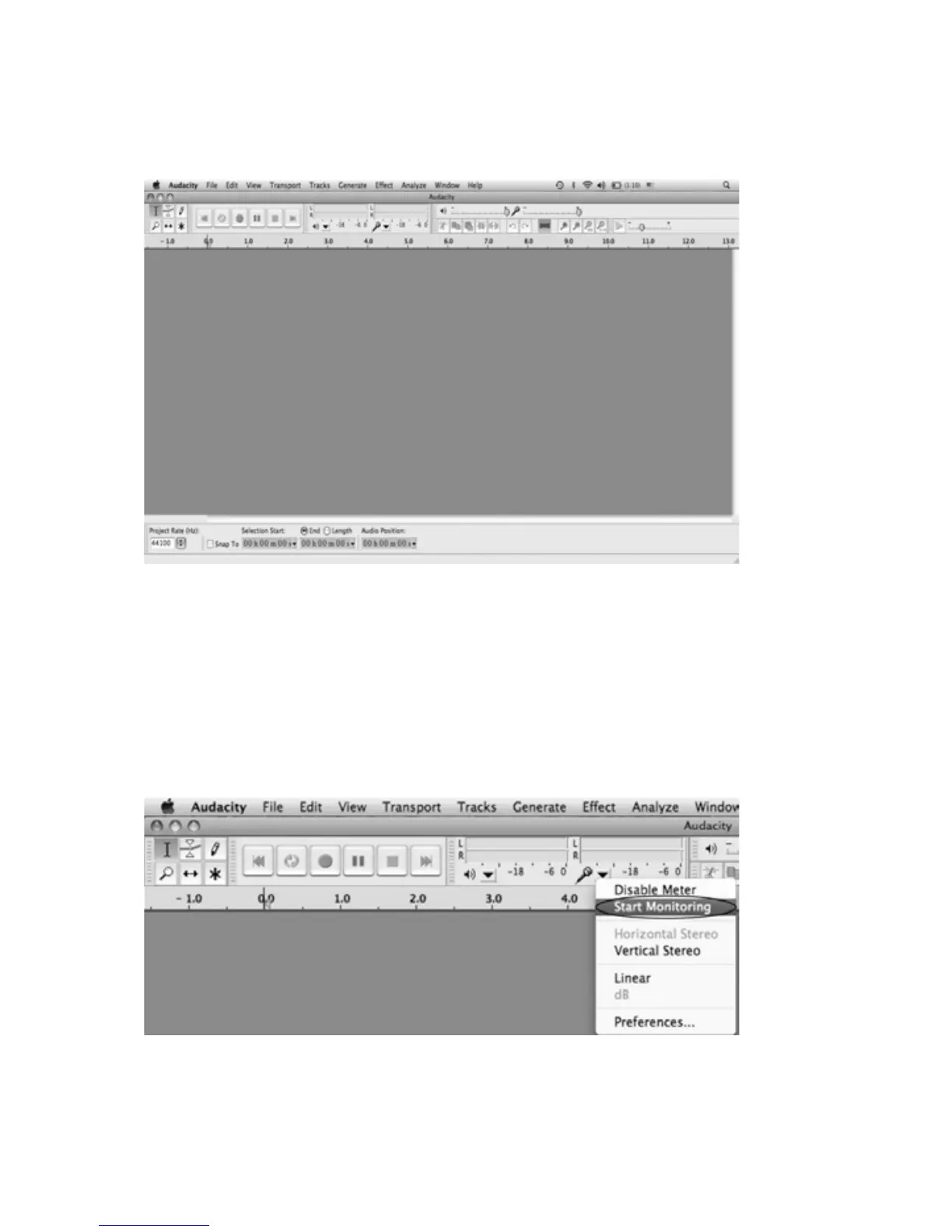
AudacityInterfaceSettingsandcontrols.
AtthetopofthemainAudacitywindow,totherightoftheplaycontrolbuttons,
youwillseetheinputandoutputlevelmeters(labeledLandR).Underthe
outputlevelmeter,is
aniconthatlookslikeamicrophone.Nexttothe
microphoneisablackarrowthatpointsdown.ClickthisarrowandselectStart
Monitor.(Ifyoudon'tseetheinputandoutputlevelmeters,openyour
Preferencesagainasdescribedabove.)



 To Next Page