48
TODOWNLOADMUSICFROMIPOD/IPHONETOCOMPUTER
1.PressthePOWERswitchtoturntheuniton.
2.DocktheiPod/iPhoneonthecradlethenpresstheiPODbutton.Playbackwill
automaticallybegin.
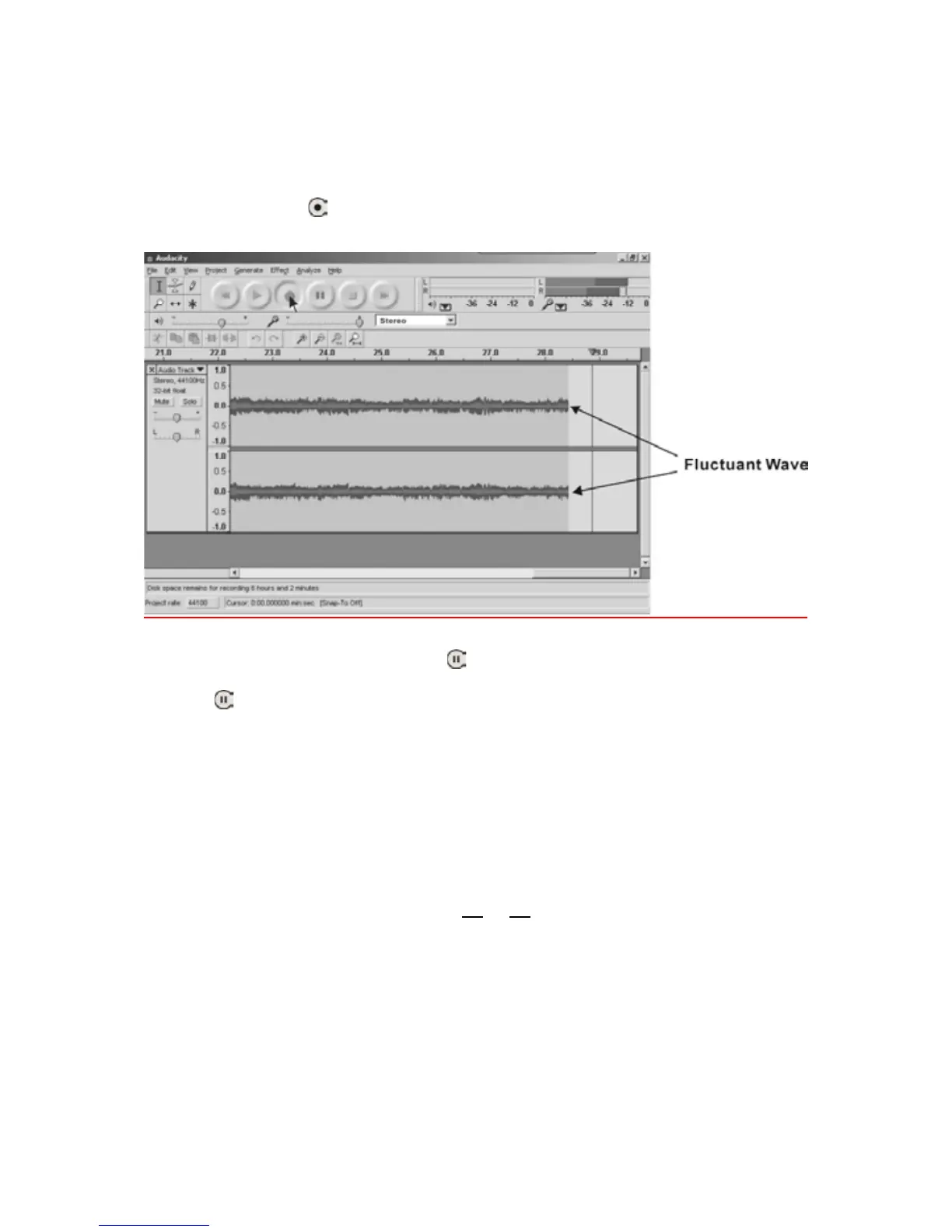
3.ClicktheRecord(
)buttontostartrecording.
Thewaves(leftandrighttracks)willshowontheinterface.
4. At end of a song, click ‘pause’ (
) button on computer and press PAUSE
button on the iPod/iPhone. When a next song is ready, immediately press
‘pause’(
)buttononcomputeranddownloadingwillcontinue.
5.Repeatsteps3and4untilyouhavefinisheddownloading.
NOTE:Donotclick‘STOP’buttononcomputerwhilecontinuouslydownloading
songs.Remembertoclick‘PAUSE’buttoninbetweenyourdesiredsongs.Press
‘STOP’ button on computer only when all your
desired songs have been
downloade
d.
Todivide,exportandsavetherecordedmusic
ToMP3,WAVorOggreferfrompages40
to45.



 To Next Page