39
RECORDINGOPERATION
TODOWNLOADMUSICFROMPHONOTOCOMPUTER
1.Placetherecordontheturntable.
2.Movethetonearmovertotherecordtostartplaying.
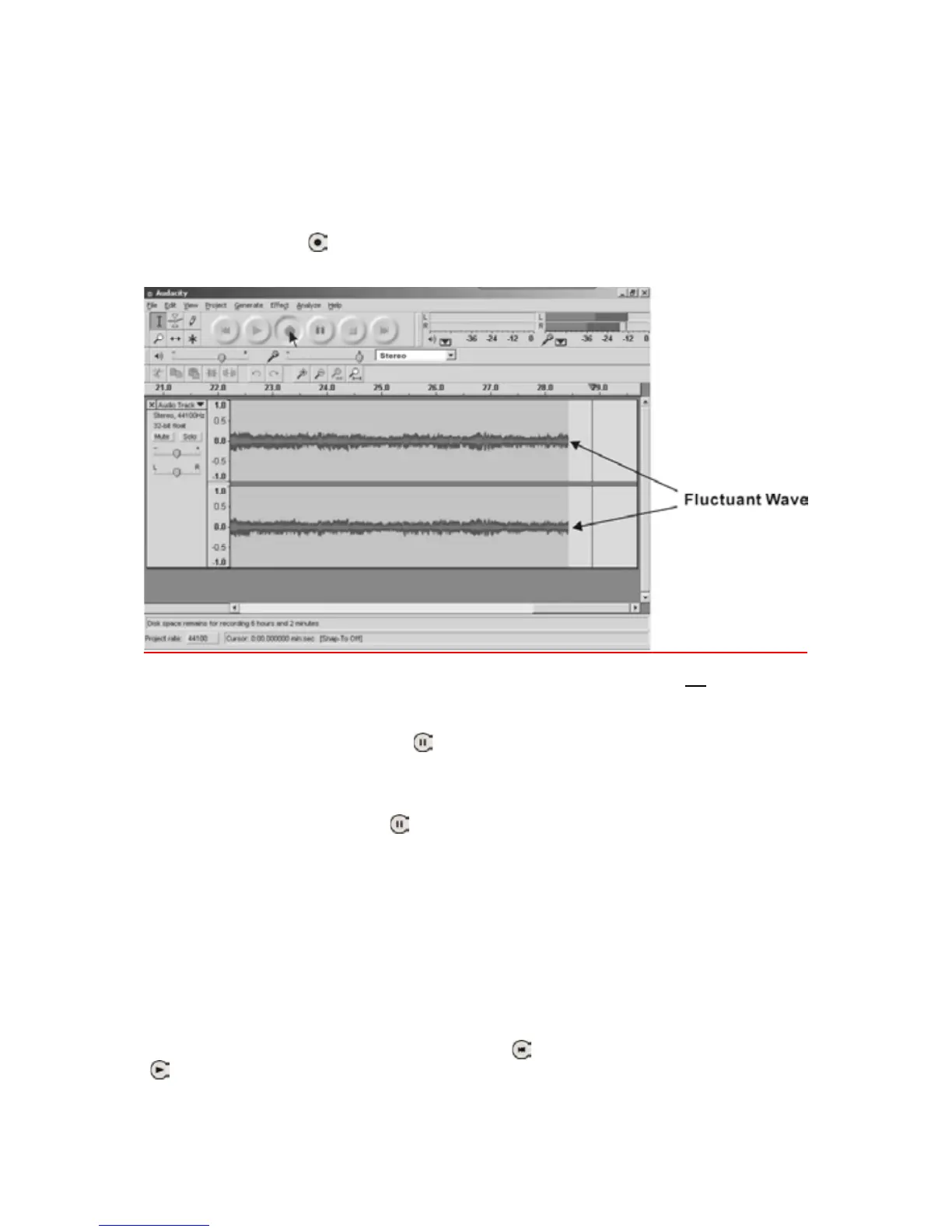
3.ClicktheRecord(
)buttontostartrecording.
Thewaves(leftandrighttracks)willshowontheinterface.
NOTE: If you do not have the fluctuant waves, see page 80
todothe
adjustments.
4.Atendofsong,click‘pause’(
)buttononcomputerandpressPLAY/PAUSE
buttononturntable.
Forthenextsong,replacethealbumormovetonearmtoanotherdesiredsong.
Press PLAY/PAUSE button on turntable to start playing the next song.
Immediately press ‘pause’ (
) button on computer and downloading will
continue.
5.Repeatsteps3and4untilyouhavefinisheddownloading.
NOTE:Donotclick‘STOP’buttononcomputerwhilecontinuouslydownloading
songs.Remembertoclick‘PAUSE’buttoninbetweenyourdesiredsongs.Press
‘STOP’ button on computer only when all your
desired songs have been
downloade
d.
After your have finished downloading, you may play back the songs through
yourcomputer.Instopmode,simplyclick(
)SKIPTOSTARTbuttonthenthe
(
)PLAYbutton.



 To Next Page