26
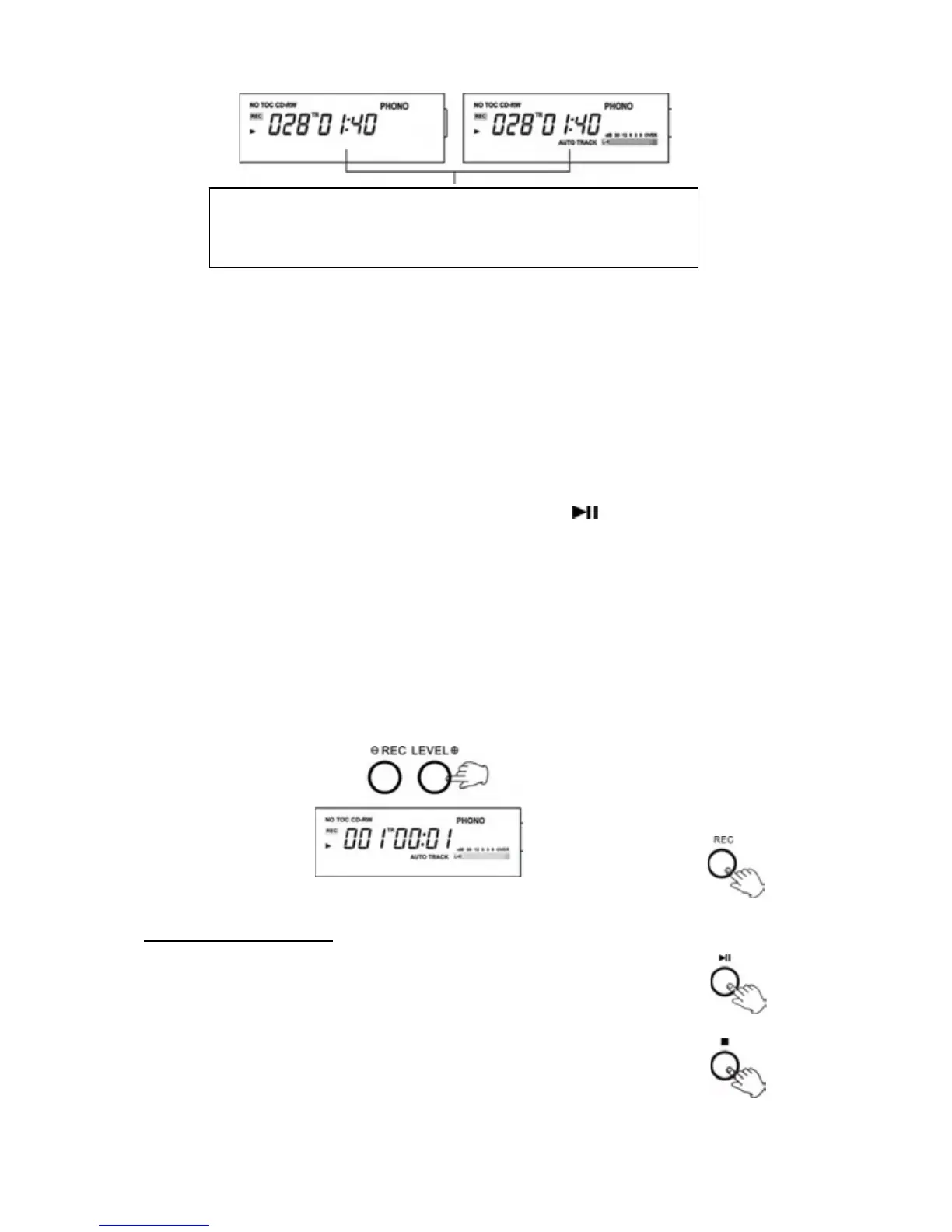
Please note: Be sure “AUTO TRACK” shows on the
displaywhenAutoManualisselected(asinillustration
ontheright).
*Forbestsoundeffects,useMANUALmodeforclassicalmusicrecording,orany
otherstyleofmusicwherethedivisionofsongsmaynotbedefinite.
3.Selectrecordingsource.
xTore
cordfromarecord,pressPHONObutton.
x To record from an externalsource,press the AUX buttonand connect the
cabletotheAUXINsocketatrearoftheunitandtheotherendintoLINEOUT
orheadphonesocketoftheexternalsource.
xTo
re
cordfromthedockediPod/iPhone,presstheiPODbuttonanddockthe
deviceontheiPodcradle.
NOTE: For recording, you must use PLAY/PAUSE (
) button on the front of
cabinetNOTthebuttonontop.
TORECORDFROMARECORDTOCD
1.PressthePHONObutton.
2.PresstheRECORDbutton.RECwillappearonthedisplay.
Nobuttonwillworkwhile“BUSY”isdisplayed.Waitafewsecondsuntil“BUSY”
disappearsfromthedisplay.
3.AdjusttherecordinglevelusingtheRECLEVELbuttons.Thedisplaywillshow
from70to
00to+7.
4.Movethetonearmovertotherecordtostartplaying.
TOSTOPRECORDING
5.PressthePLAY/PAUSEbuttontostartrecording.
6.Whenyoufinishrecording,presstheSTOPbuttontostop
recording.



 To Next Page