41
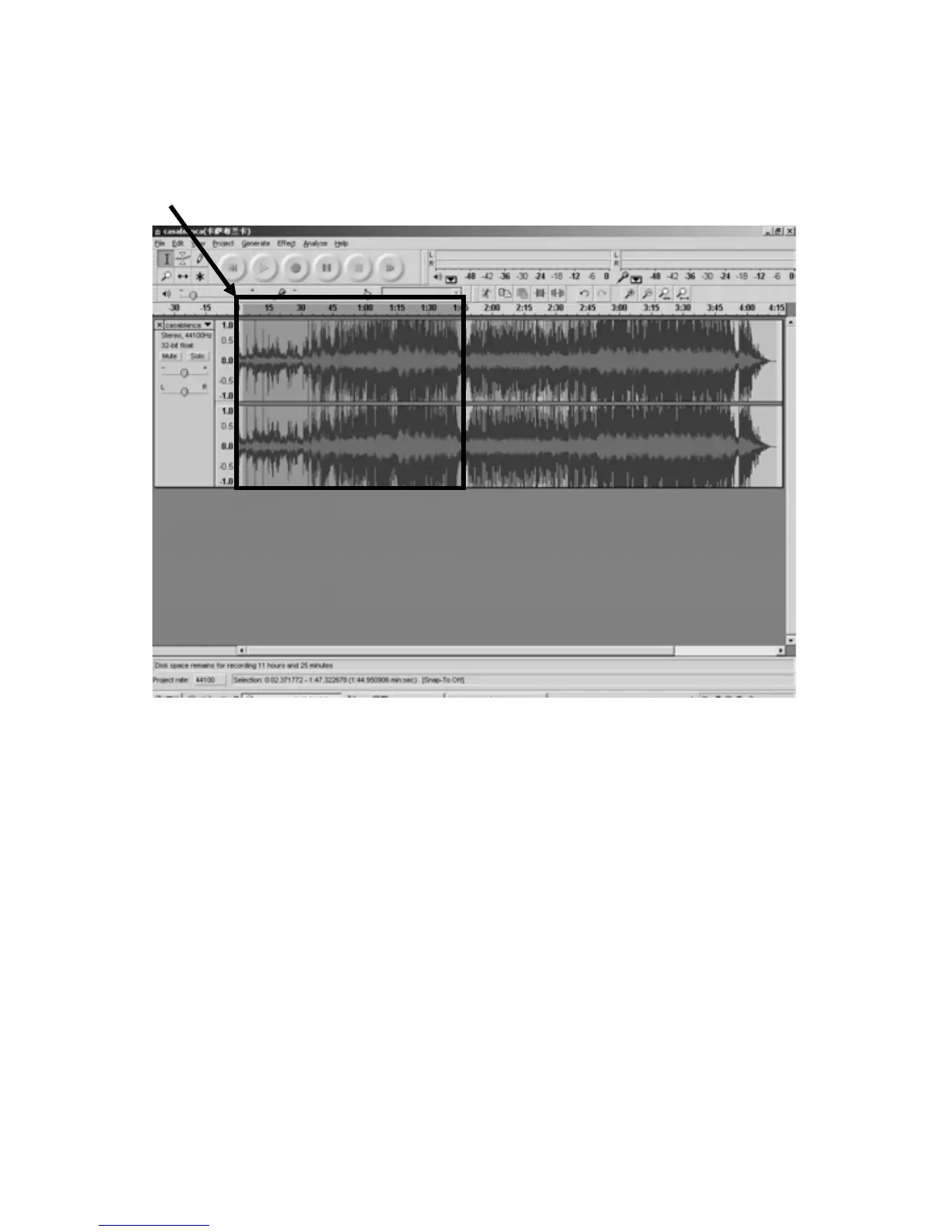
2.Move cursor to thewavegraphic area,leftclickmouseandholdthendrag
fromlefttoright.Youcanseethetimebarcolorchangingtogray(highlighted).
Releasethemousewhenthehighlightedtimebarhasreached1:45(endoffirst
song).
Highlighted
3.Click"File"tabthenselectEXPORTSELECTIONASOgg,orMP3.
4. The window will pop up a dialog box for you to put the song title (“File
name”),whereyouwanttosaveit(“Savein”),andfileformat(“Saveastype”).
5.Click“Save”
andthefir
stsongfrom0:001:45issavedonthecomputer.See
“save”interfaceonthenextpage.



 To Next Page