88
UNSATISFIEDSOUNDQUALITY:
•Checkyourstylus(needle)tomakesureitissecuredtothetonearm.The
stylusmustbeconnectedtothetonearmwheneverusingtheturntable.
•MakesurethatyourRCAplugsarepluggedintoasourceandarenottouching
baremetal. If
youareexperiencingnoisethroughtheUSB,youmayhave
interferencefromtheRCAplugs.BesurethattheUSBcableisnottouchingor
nearanyothercables.
•Ifyouexperiencesoundisfadingoutduringtherecording,tryreconnectthe
USBcableandrerunthe
Audacity.
•Ifyo
uexperienceanyoddsoundscomingfromtherecording,tryclosingall
applications,restartingthecomputer,andonlyrunAudacitywhilerecording.
•Makesurethatyouhaveproperlyinstalledandcalibratedthetonearmofthe
turntable.
UNSATISFIEDRECORDINGSOUNDQUALITY:
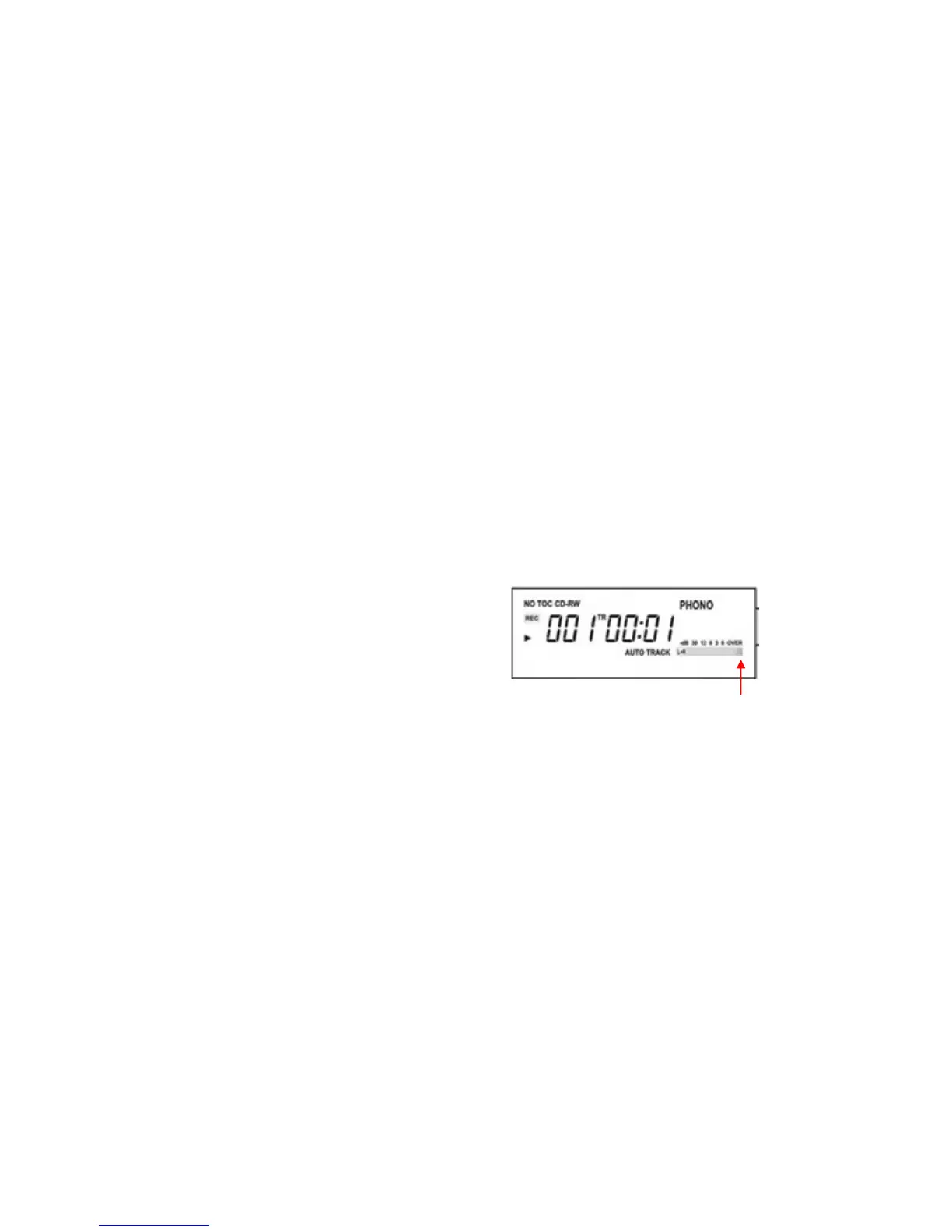
•Settherecordlevel
to00pos
itionto
makesuretheL+Rindicatordoesnot
exceed“OVER”.
•Settherecordlevelto00position,then
adjustthevolumelevelontheauxsource
tomakesuretheL+Rindicatordoesnot
exceed“OVER.
•DuetothevariousbrandsofCDRW,certain
br
andsofnewCDRWsmaynot
fullycompatibleonthismachine.TrytouseCDRs/CDRWsinsuchlowerspeed
(1x~4xspeed)forrecording.
DONOT
EXCEED
“OVER”



 To Next Page