30 USER MANUAL
__________________________________________________________________________________________________________________
14.13 Anti-disturbance filter function (FILtEr)
This function allows using digital
filter with selected intensivity during
weighing. Filter reduces the influence
of mechanical vibrations (air blasts,
base vibrations) on measurement
result.
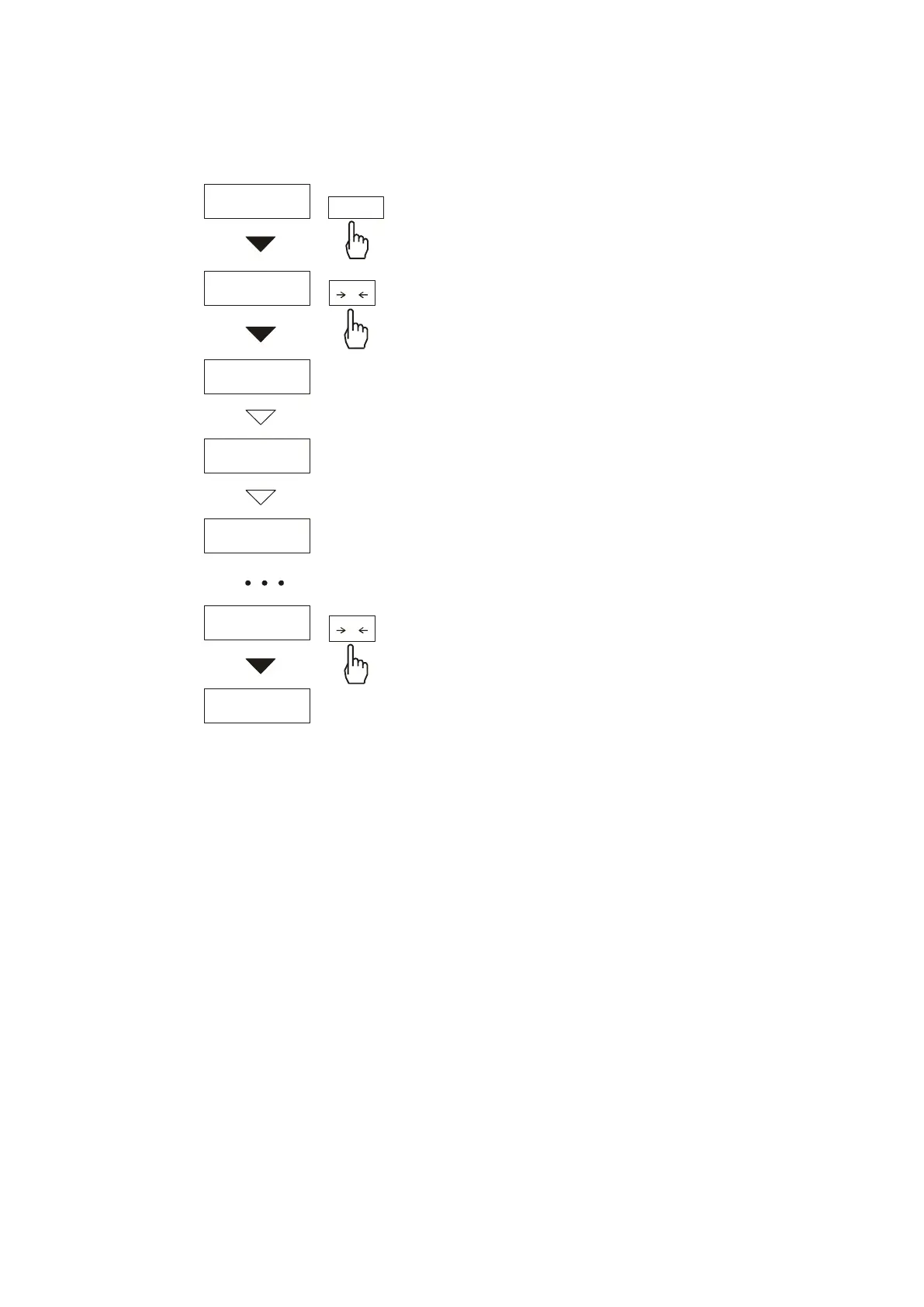
Press MENU key and select FILtEr
by pressing
T
key.
The following options will be shown
successively on display:
- FIL OFF – filter off
- FIL-1 - filter I (weak)
- FIL-2 - filter II (medium)
- FIL-3 - filter III (sharp)
- FIL-4 - filter IV (very sharp)
Select on of four filters. This will
cause starting weighing with selected
filter.
In order to go back to normal
weighing use MENU key once more
and choose FILtEr and FIL-0.
0 g
0 g
FILtEr
FIL oFF
FIL- 1
FIL- 2
FIL- 4
MENU
T
T
Filter



 To Next Page