48 USER MANUAL
__________________________________________________________________________________________________________________
15. Maintenance and repairs of small defects
1. A balance should be kept clean.
2. Take care that no dirt gets between a casing and a pan. If found any, remove
a pan (lift it up), remove dirt and then replace a pan.
3. In case of improper operation caused by short-lasting power supply decay,
unplug a balance from the mains and then plug it again after few seconds.
4. To calibrate a balance contact your nearest service (it is necessary to make
legal verification again)
5. It is forbidden to make any repairs by unauthorised persons.
6. To repair a balance, please contact our nearest service. Balances can be sent
for repair as messenger delivery only in original package, if not, there is a risk
of damaging the balance and loosing guarantee.
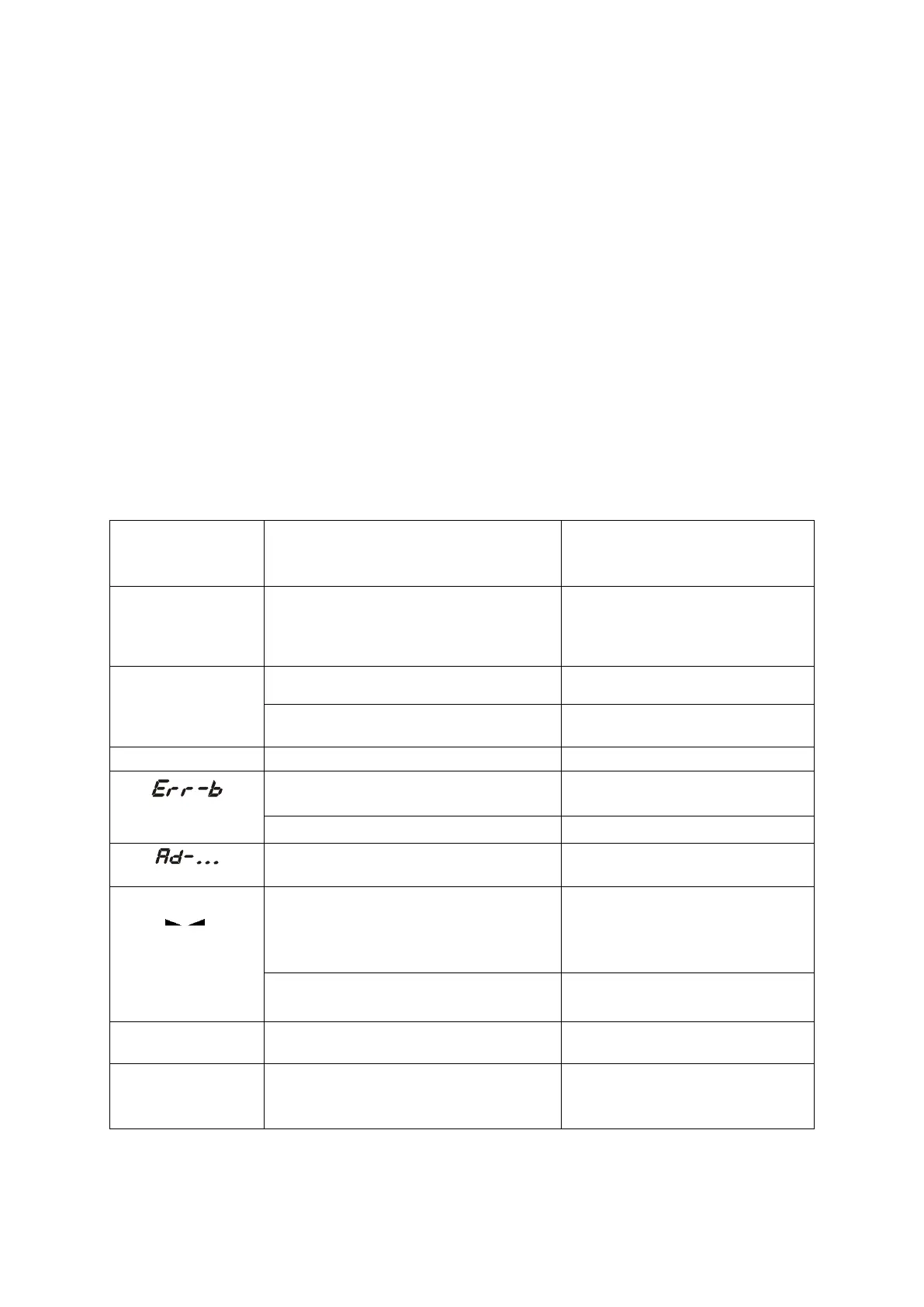
Error communicates:
if displayed more than 1 minute,
contact an authorised service
contact an authorised service
remove the load from the pan
the scale was switched on with
loaded pan
remove a load from the pan
mechanical damage of the load cell
contact an authorised service
unstable weighing indications
press F key,
contact an authorised service
indicator does
not appear
unstable ground
vibrations
air flows
place the scale on a stable
ground not affected by
mechanical vibrations and
airflows
contact an authorised service
Calibration switch is in ON position
or switch is damaged
Change switch position into
OFF or contact authorised
service



 To Next Page