When opening Azeron software, there are 4 options what could show up:
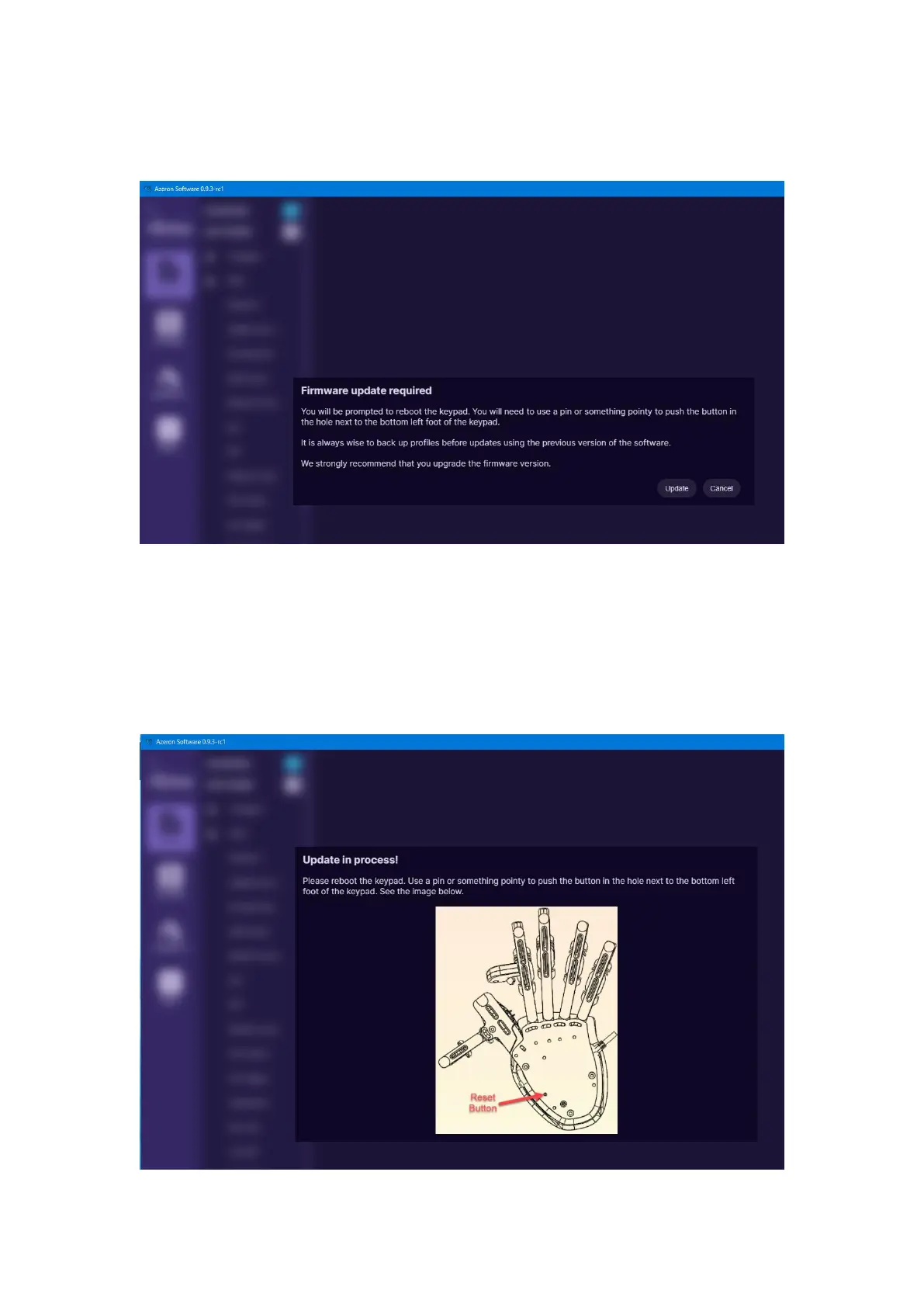
A) When opening software, it may show this screen:
It means that the keypad requires firmware update. Click on “Update” at
the bottom right corner.
There will be a loading animation as it downloads the newest version.
For older keypad versions (those that are using Teensy as their
microcontroller, green color PCB) will need to press the reset button
underneath:



 To Next Page