Lefty layout must be turned on if you are using Azeron device in your right
hand, to flip the button keybind interface.
Hide custom labels will hide the labels for each button you have created,
only keybinds will be visible.
Show keybinds with custom labels (visible only if Hide custom labels is
OFF) will allow to switch between 2 modes – having visible only button
labels or visible labels together with keybinds.
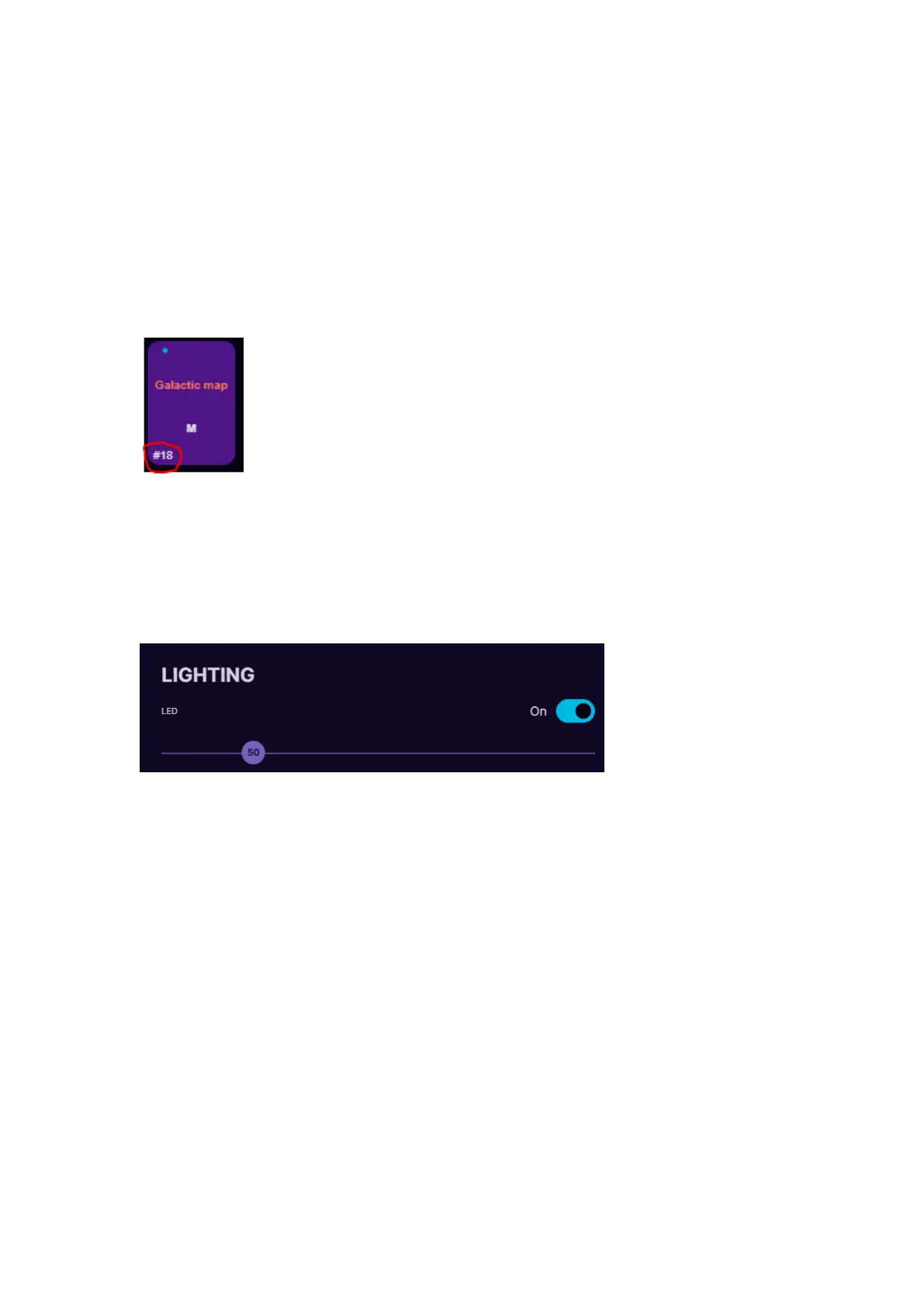
If you wish to hide button numbering (in the button corner
there is number, for example #18), enable Hide button
numbering.
Show key binds together with custom button labels (visible only if Hide
custom button labels is OFF) will allow to switch between 2 modes –
having visible only button labels or visible labels together with keybinds.
Auto Scaling – if turned ON, it checks your applications current window
size and scales the interface automatically
Lighting OFF will completely turn off the Profile LEDs on the side of the
keypad. LED brightness slider adjusts the Profile LEDs. The higher the
value, the brighter the LEDs will glow.



 To Next Page