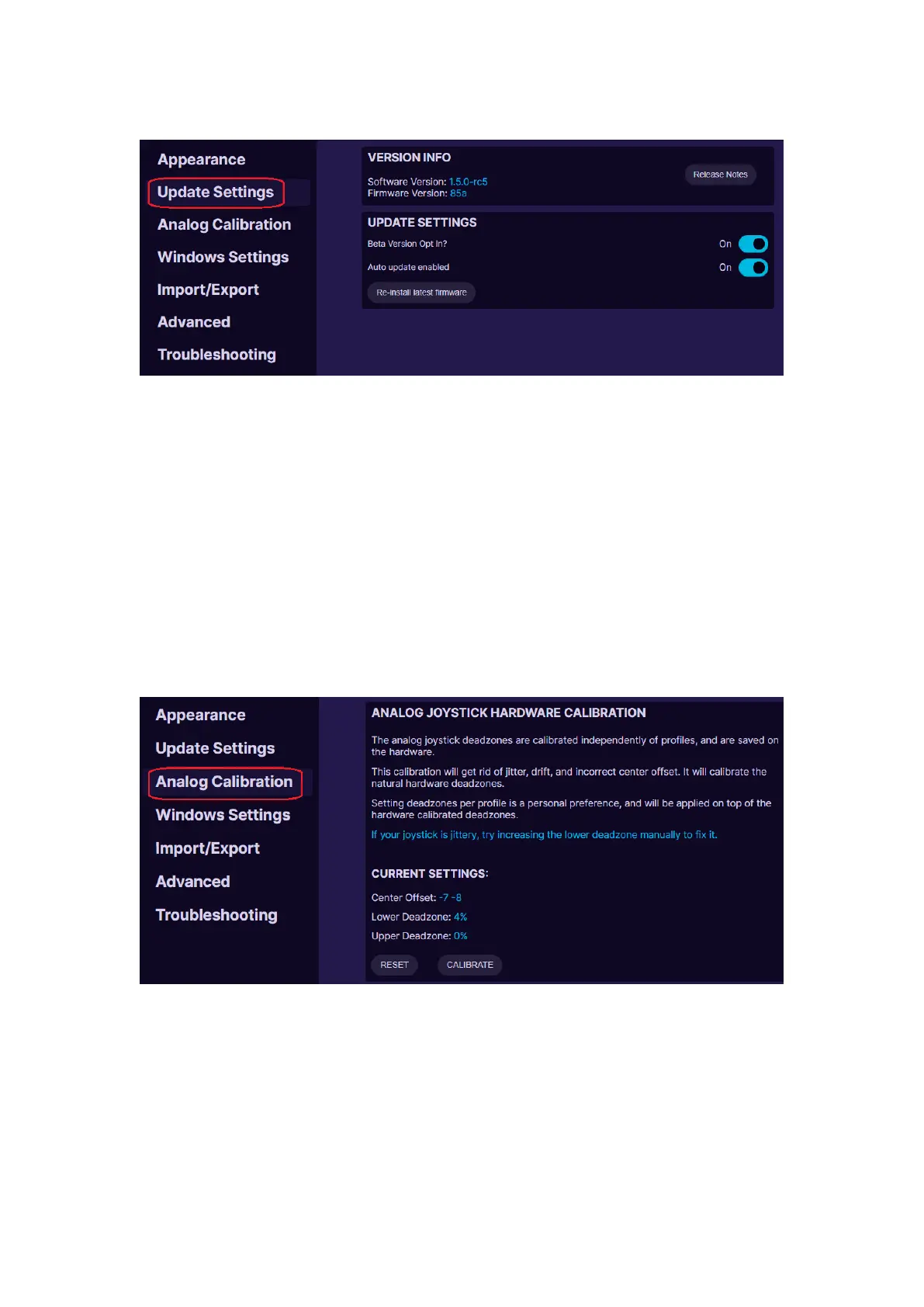
UPDATE SETTINGS
Version information. Here you can see what software and firmware you
are using. And check out what have been changed in Release Notes.
Update settings. By turning On the “Auto update enabled” it will offer to
install the newest software version as soon as it is released. If you are ok
to use beta version of the newest release and test new features before
they are “polished”, you can turn On the “Beta Version Opt in” option. To
reinstall the keypad firmware, press “Re-install latest firmware”.
ANALOG CALIBRATION
Analog joystick hardware calibration. Here you can reset the offset and
deadzones to zero values or Calibrate the thumbstick to optimal settings.
When calibrating, carefully follow the instructions on screen. See more
information at 5.3. CALIBRATING THUMBSTICK



 To Next Page