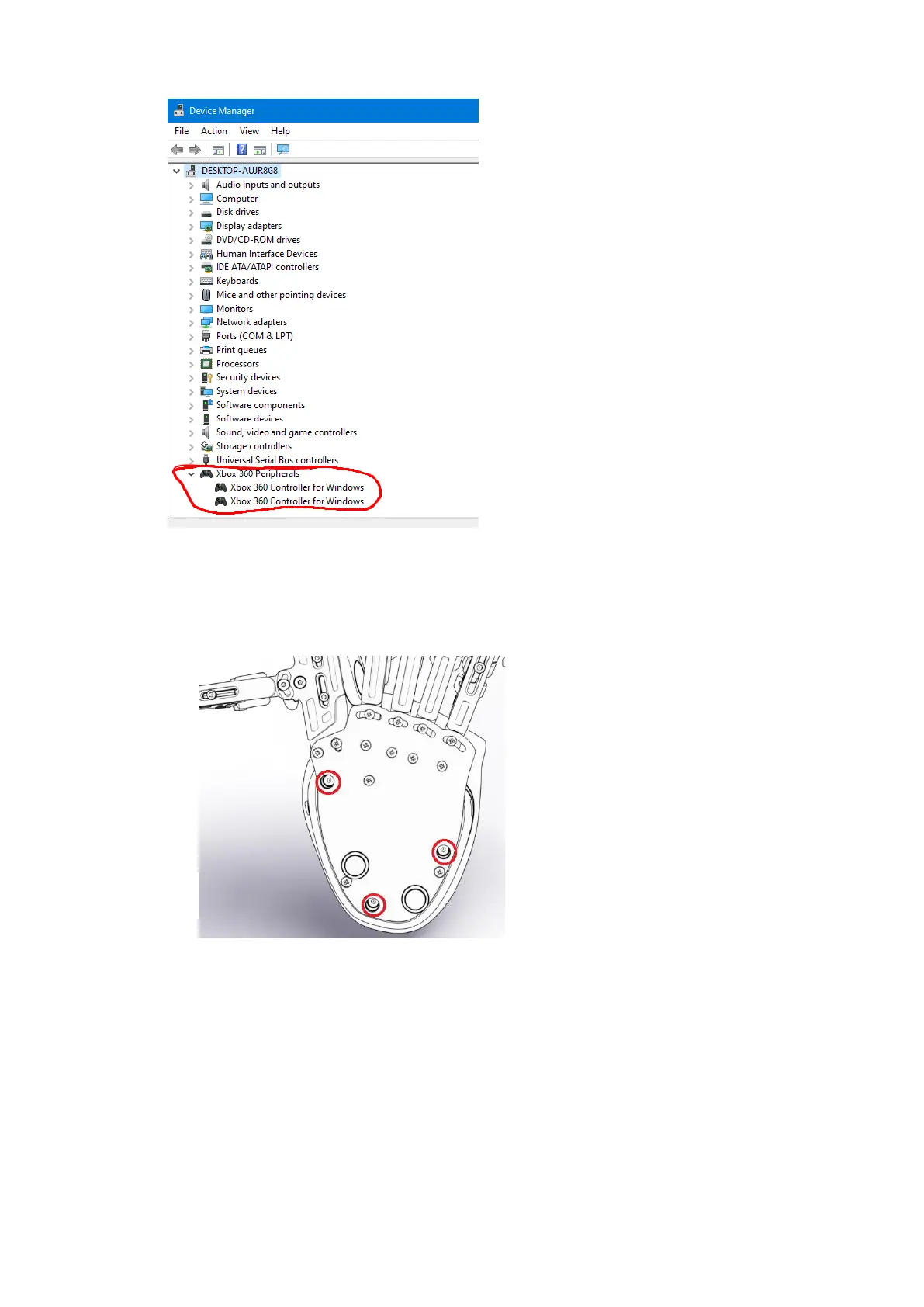
Step 5 – See if the Azeron
keypad is recognized in the
device manager. If there shows
up more than one controller,
unplug Azeron, delete the other
controller. Restart PC and plug
in the Azeron.
If none of the above works, try reinstalling software and firmware. First
you need to remove the palmrest to see which main board your keypad
has:
Unscrew these 3 screws and
then remove the palmrest.
See if the mainboard is in
green or black color.



 To Next Page