22
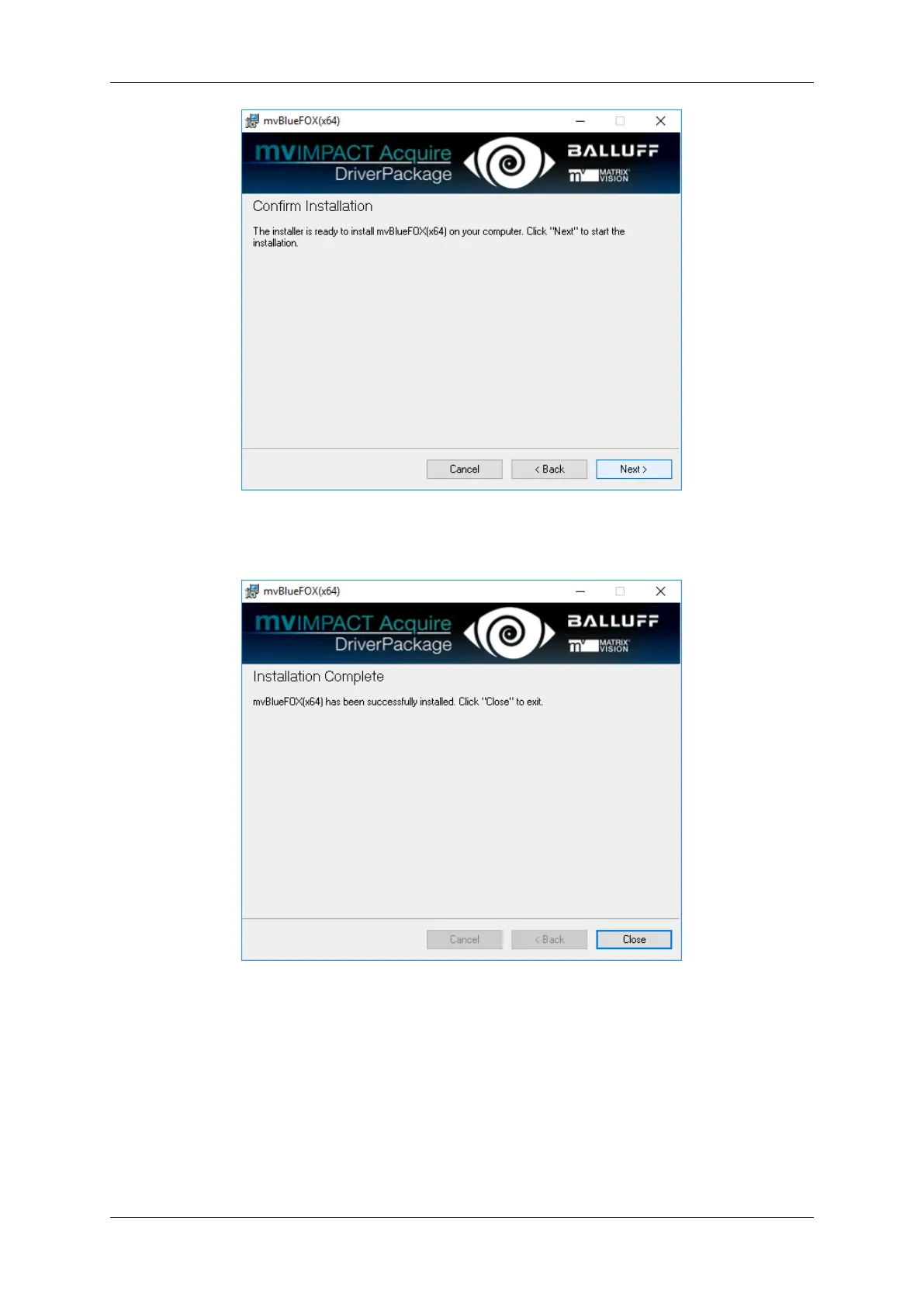
mvBlueFOX installer - Confirm installation
• The installation is finished now you can close the window.
mvBlueFOX installer - Finished installation
You will find all tools like
• wxPropView (p. 68) and
• mvDeviceConfigure (p. 68)
either as shortcuts on the desktop or in the Windows start menu under "MATRIX VISION -> mvIMPACT Acquire".
Afterwards, you can use mvDeviceConfigure (p. 68) to update the firmware if needed. The latest firmware image is
available on the web - please check for updates. The current firmware version can be read out using wxPropView
(p. 68).
MATRIX VISION GmbH



 To Next Page