ImagePRO-II • User’s Guide 87
4. Menu Orientation
Using the System Menu
`Ü~åÖáåÖ=fåéìí=bafa
The ImagePRO-II’s EDID information is stored in non-volatile memory. This file contains
the preferred and allowed resolutions for each EDID-capable input in the ImagePRO-II. An
external device’s graphics card reads this file when the device is connected to an
ImagePRO-II input. The ImagePRO-II does not have to be powered up while the file is
being read.
You can change the preferred resolutions for the DVI-I, HD-15, HDMI, and DisplayPort
input connectors. You cannot change the allowed resolutions for these inputs.
To change the EDID preferred resolution for an input, use the following procedure:
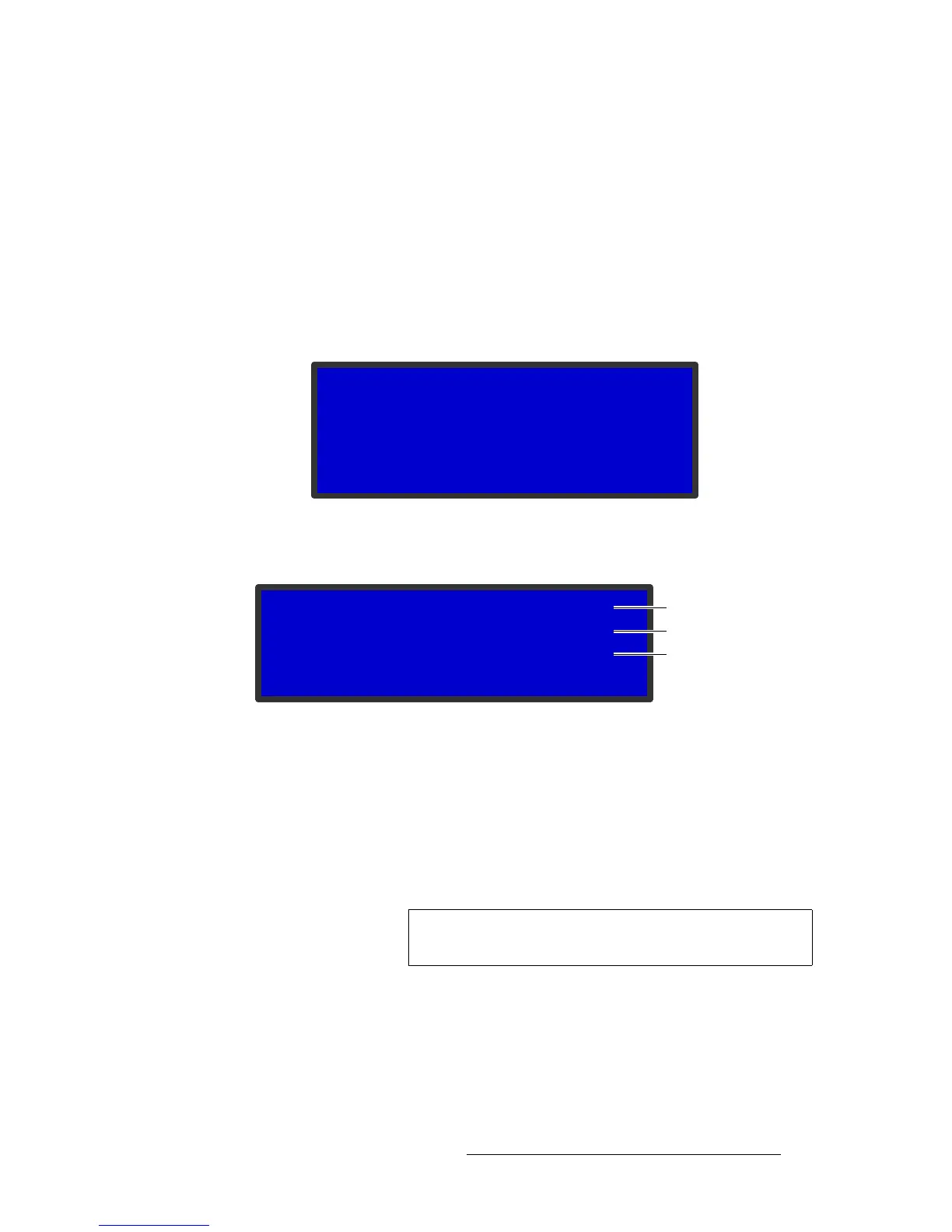
1. On the System Menu, select Input EDID. The Input EDID Submenu appears.
Figure 4-77. Input EDID Submenu
2. Select an input option. The following menu appears:
Figure 4-78. EDID Input Format Submenu
On this submenu, the input you selected is shown in the upper right corner. On the
next line is the current format for this input. On the third line, you can select and
change this format.
3. The third line defaults to the current format. Press SEL and use the ADJUST knob
to scroll through a list of available input formats, and press SEL again.
4. Scroll to Program EDID. This option lets you set your new format as the preferred
resolution for the current input.
5. Press SEL. The following message appears. Press ESC to continue.
INPUT EDID
> Input 1 (DVI) >>
Input 2 (HD15) >>
Input 3 (HDMI) >>
Input 4 (DP) >>
EDID IN FORMAT 4
Cur 1920x1080p @59.94
> 1920x1080p @59.94
Program EDID
Input Number
Current Resolution
Editable Resolution
Note
Unless you use Program EDID, the new resolution will not be
stored as the preferred resolution.



 To Next Page