ImagePRO-II • User’s Guide 11
2. Hardware Orientation
ImagePRO-II Front Panel
fåéìí=_ìííçåë
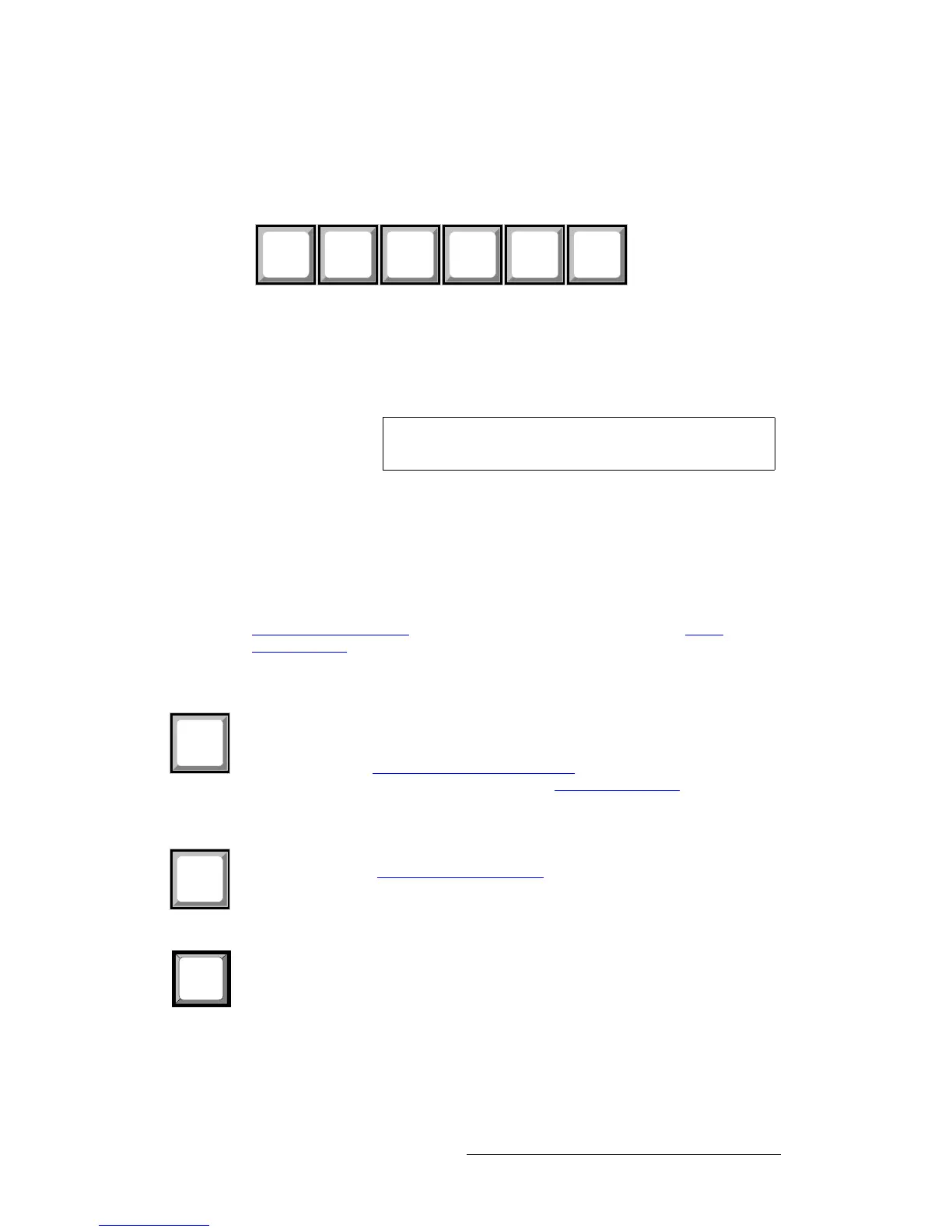
Input buttons 1 through 5 correspond to the five standard input connectors on the rear
panel. These buttons select the source signal that you want to display.
Figure 2-5. ImagePRO-II Input Buttons
The sixth button is reserved for an optional input.
• Press Input Button 1 to select the source on the DVI (digital or universal analog)
connector.
• Press Input Button 2 to select the source on the HD-15 (universal analog)
connector.
• Press Input Button 3 to select the source on the HDMI connector.
• Press Input Button 4 to select the source on the DisplayPort connector.
• Press Input Button 5 to select the source on the SDI-1 connector.
For details about supported resolutions and HDCP compatibility for each input, refer to the
Input Video Connectors section on page 13 of this chapter, or to the Input
Specifications section of Appendix A, on page 132.
qÜÉ=ildl=_ìííçå
The LOGO button beneath the input buttons can serve as an additional image source.
Using LOGO, you can capture, import, and store a still output frame in non-volatile
memory, then transition to and from that still frame. For more information about using
LOGO, refer to the Using a Logo or Internal Black
section of Chapter 4 on page 89. For
more information about transitioning, refer to the Setting Transitions
section on page 76.
qÜÉ=_i^`h=_ìííçå
The BLACK button transitions the display to and from black. For more information about
BLACK, refer to the Displaying Internal Black
section of Chapter 4 on page 93.
qÜÉ=cow=_ìííçå
Pressing the FRZ button temporarily freezes the displayed video. If FRZ is lit, the following
actions turn it off:
• Pressing FRZ again
• Pressing the input button for the displayed image
When you freeze an image, the PAN/ZOOM button is not operational, and the Input Setup
and Views menus are not accessible.
6
SDI-2
2
3
HDMI
5
SDI-1
1
DVI-I
4
DP
2
HD-15
Note A customer-supplied DVI to HD-15 adapter is required to
connect analog video to the DVI connector.



 To Next Page