30 ImagePRO-II • User’s Guide
4. Menu Orientation
Quick Function Reference
nìáÅâ=cìåÅíáçå=oÉÑÉêÉåÅÉ
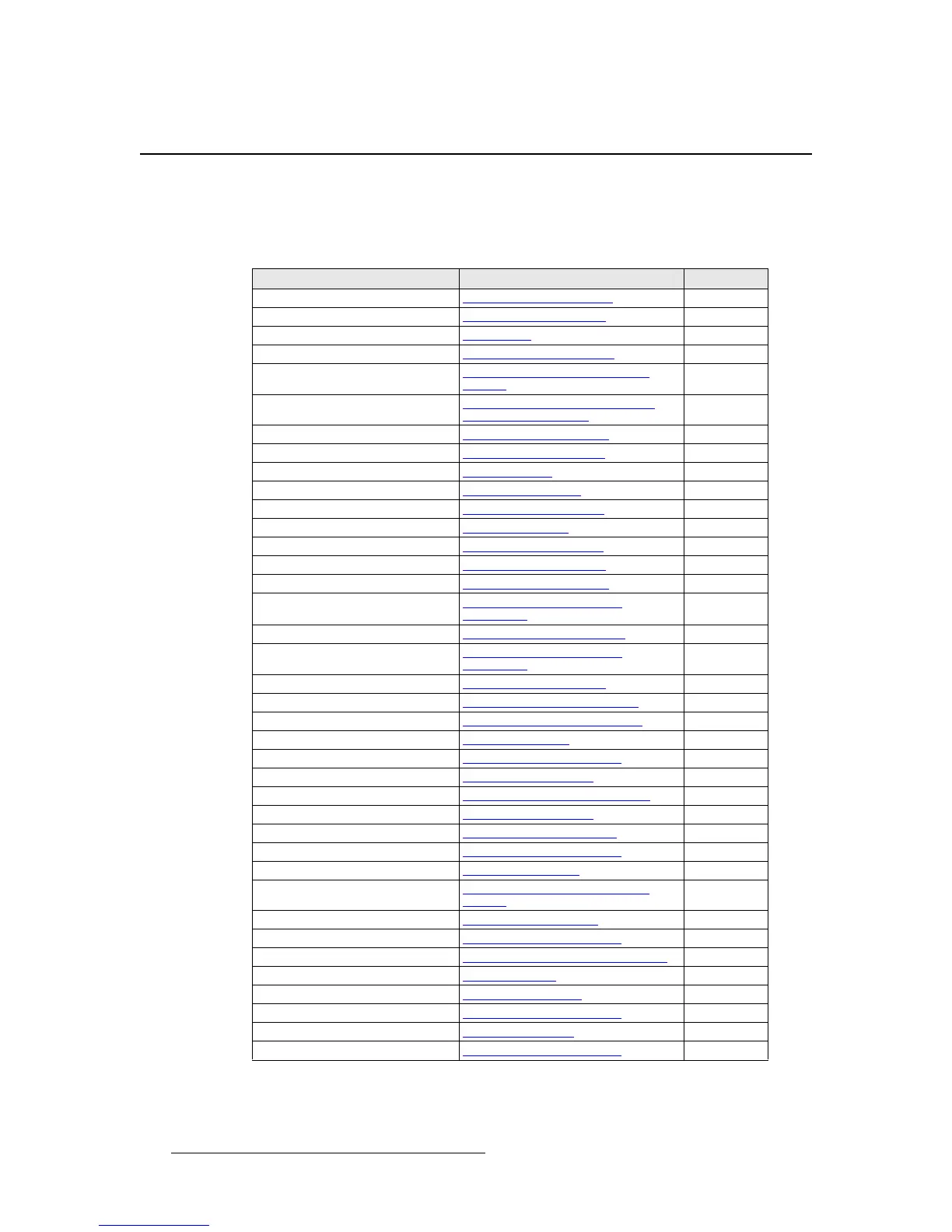
Use the following table to quickly access information by clicking the hyperlinks to section
names or page numbers.
Table 4-1. ImagePRO-II Quick Function Reference Table
To Learn About Refer to Section Page
Acquiring a signal Acquiring an Input Signal page 64
Adjusting aspect ratio
Setting the Aspect Ratio page 36
Code upgrades
Appendix C page 167
Custom input and output formats
Creating Custom Formats page 66
Deinterlacing
Processing Interlaced and Film
Signals
page 43
Detecting a logo
Detecting and Capturing a Logo
Using the Logo Menu
page 90
DHCP server queries
Setting Ethernet Options page 83
EDID settings
Using EDID Auto Config page 50
Erasing a logo
Erasing a Logo page 93
Flash drive usage
Using a USB Device page 80
Front panel lock
Locking the Front Panel page 88
Gamma settings
Adjusting Gamma page 43
Genlock
About Genlock Settings page 62
HDCP settings
Setting HDCP Capability page 79
ImagePRO-II IP address
Setting Ethernet Options page 83
Input brightness
Setting Input Contrast and
Brightness
page 42
Input color balance
Setting Input Color Balance page 43
Input contrast
Setting Input Contrast and
Brightness
page 42
Input formats
Setting the Input Format page 34
Input timing
Adjusting Timing Parameters page 55
Logos
Using a Logo or Internal Black page 89
Masks
Masking an Image page 39
Output active area
Setting the Area of Interest page 52
Output brightness
Setting Output Effects page 58
Output configurations
Saving an Output Configuration page 63
Output contrast
Setting Output Effects page 58
Output formats
Setting the Output Format page 50
Pan and Zoom Settings
Creating and Saving Views page 71
Preset masks
Using Mask Presets page 39
Pulldown compensation
Processing Interlaced and Film
Signals
page 43
Quick Image Positioning
Setting up an LED Wall page 94
Raster boxes
Working with Test Patterns page 63
Restoring factory defaults
Restoring Factory Default Settings page 96
Sizing an image
Sizing an Image page 36
Sync settings
Setting Output Sync page 56
Test patterns
Working with Test Patterns page 63
Transition timing
Setting Transitions page 76
Views
Creating and Saving Views page 71



 To Next Page